Page 56 Using the eSYNC Application
5. Tap
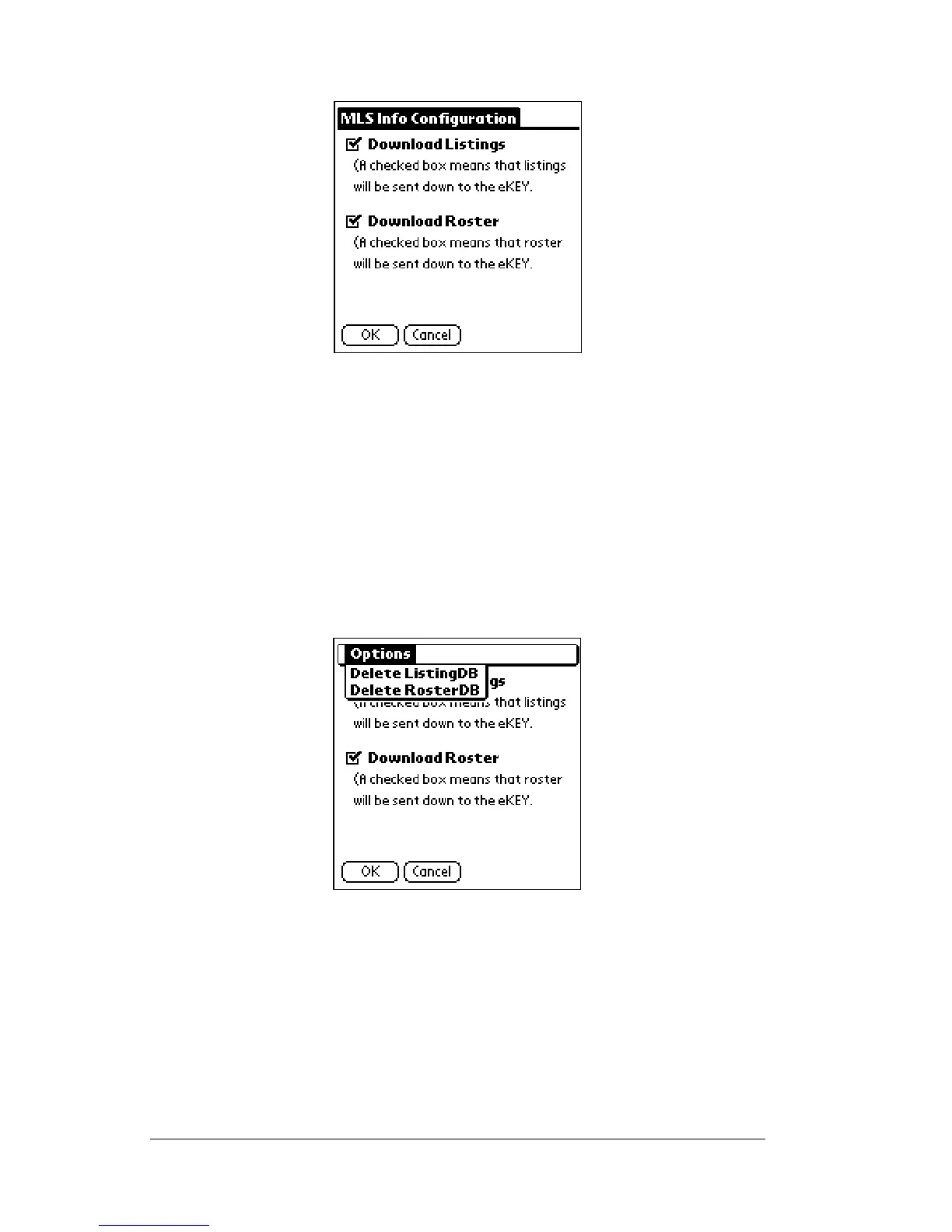
MLS Info
.The
MLS Info Configuration
screen is displayed.
6. Tap the check box next to
Download Listings
to indicate whether
you want listings sent to your eKEY during each eSYNC.
7. Tap the check box next to
Download Roster
to indicate whether you
want listings sent to your eKEY during each eSYNC.
8. Tap
OK
.
Delete Listing or Roster Database
If you are not using the listings or roster feature and want to save
space on your SUPRA handheld computer you can delete the current
listings or roster database.



 To Next Page