Chapter 6 Page 119
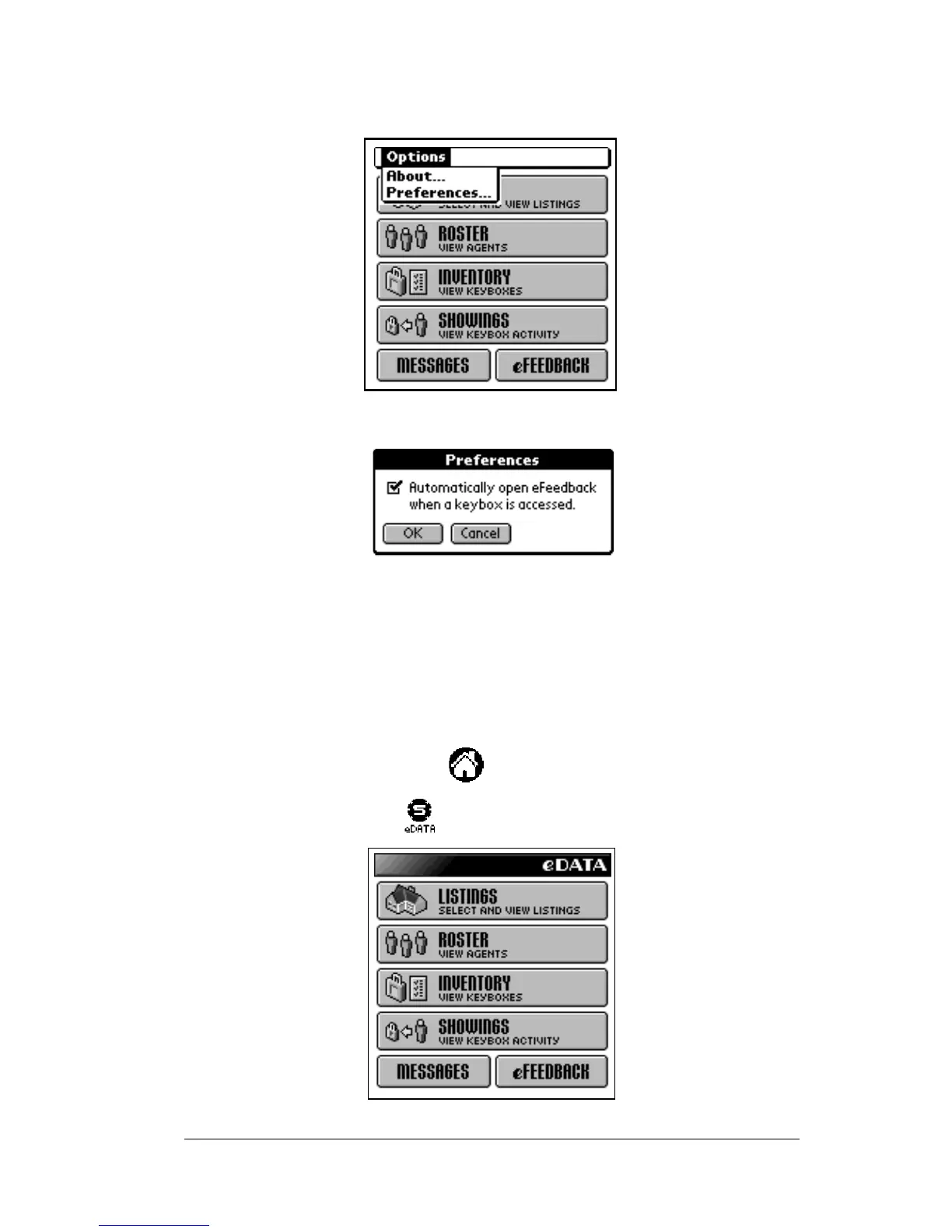
Turning the feedback alert on or off
1. From the main eDATA screen, tap Menu.
2. From the
Options
menu select
Preferences
.
3. Check the box to activate the eFeedback option. Un-check the box
to turn off the eFeedback option.
Viewing feedback from a showing agent
1. Open the eKEY shell.
2. Turn on the SUPRA handheld computer.
3. Tap the Applications icon .
4. Tap the eDATA icon to start the application.



 To Next Page