Chapter 5 Page 81
receive a list of the CBS codes for your KeyBoxes.
Your eKEY stores only one CBS code at a time. Once you enter a
different CBS code into your eKEY, the first code is no longer available
in your eKEY.
Entering a CBS code in your eKEY does not affect how your eKEY
works with other KeyBoxes. You can continue to access KeyBoxes not
programmed for CBS.
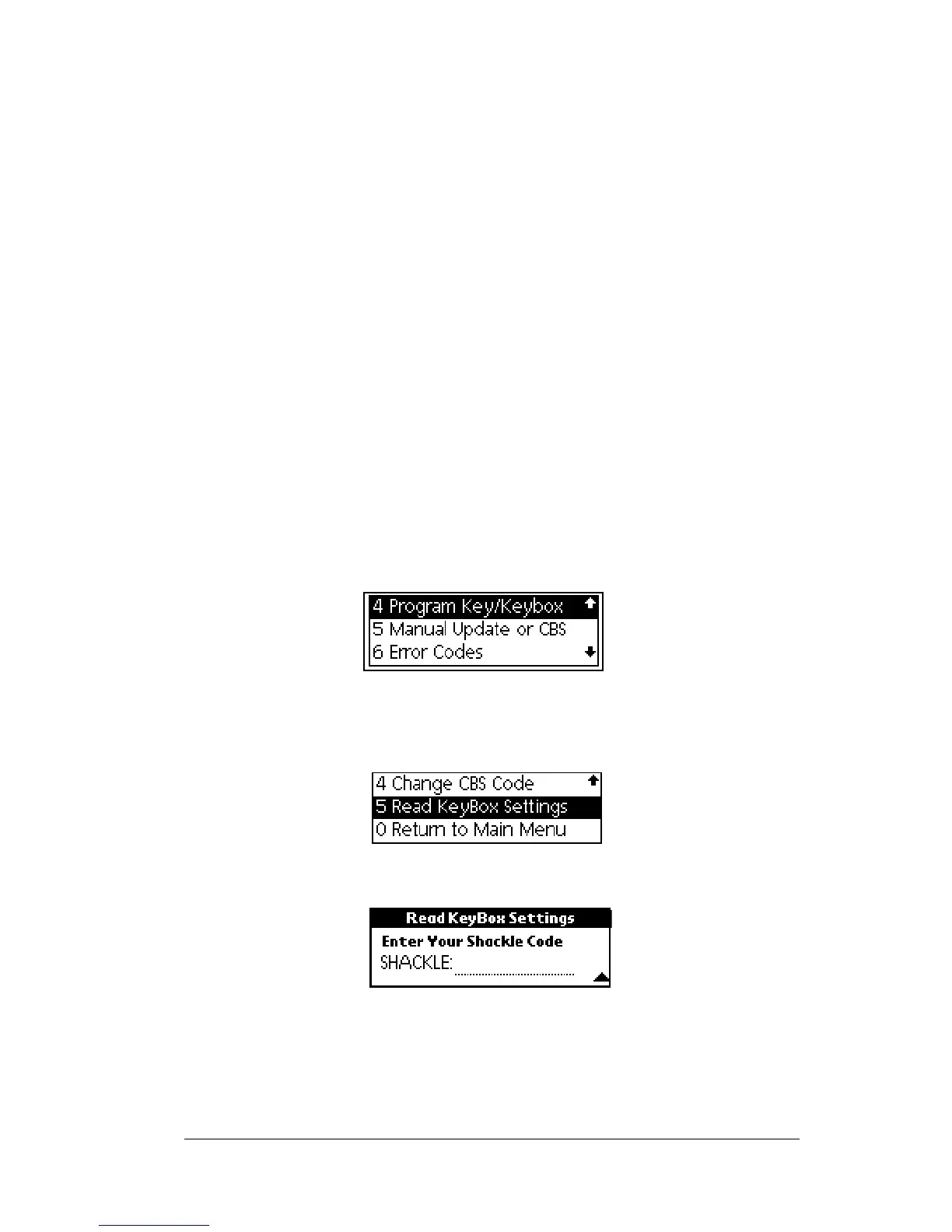
Reading a KeyBox’s settings
The
Read KeyBox
option allows you to read a KeyBox and view the
settings on the KeyBox. The screendisplays the KeyBox serialnumber,
the shackle code, the CBS code, whether CBS is on or off in the
KeyBox, whether timed access is on or off in the KeyBox, and the
KeyBox access starting and ending times. You must know the shackle
code in order to read a KeyBox’s settings.
1. Close your eKEY shell.
2. Press the
on
button.
3. Highlight the
Program Key/Keybox
option.
4. Press
enter
.
5. Highlight the
Read KeyBox Settings.
6. Press
enter
.
7. Entertheshacklecodewhenprompted.TheKeyBoxSettings



 To Next Page