Page 80 Using the eKEY Application
recorded in KIMnet.
Obtaining a CBS code for another agent's KeyBox
When you show a property that has a KeyBox with CBS activated, you
must call the listing agent to request the CBS code for the particular
KeyBox. Once the CBS code is entered into your eKEY,you may access
the KeyBox as you would access a KeyBox that does not have CBS
activated. The CBS code is unique to each KeyBox. This code does not
allow you access to any other KeyBox programmed for CBS.
Entering a CBS code into your eKEY
Once you have obtained a CBS code for a KeyBox, you must enter the
code into your eKEY.
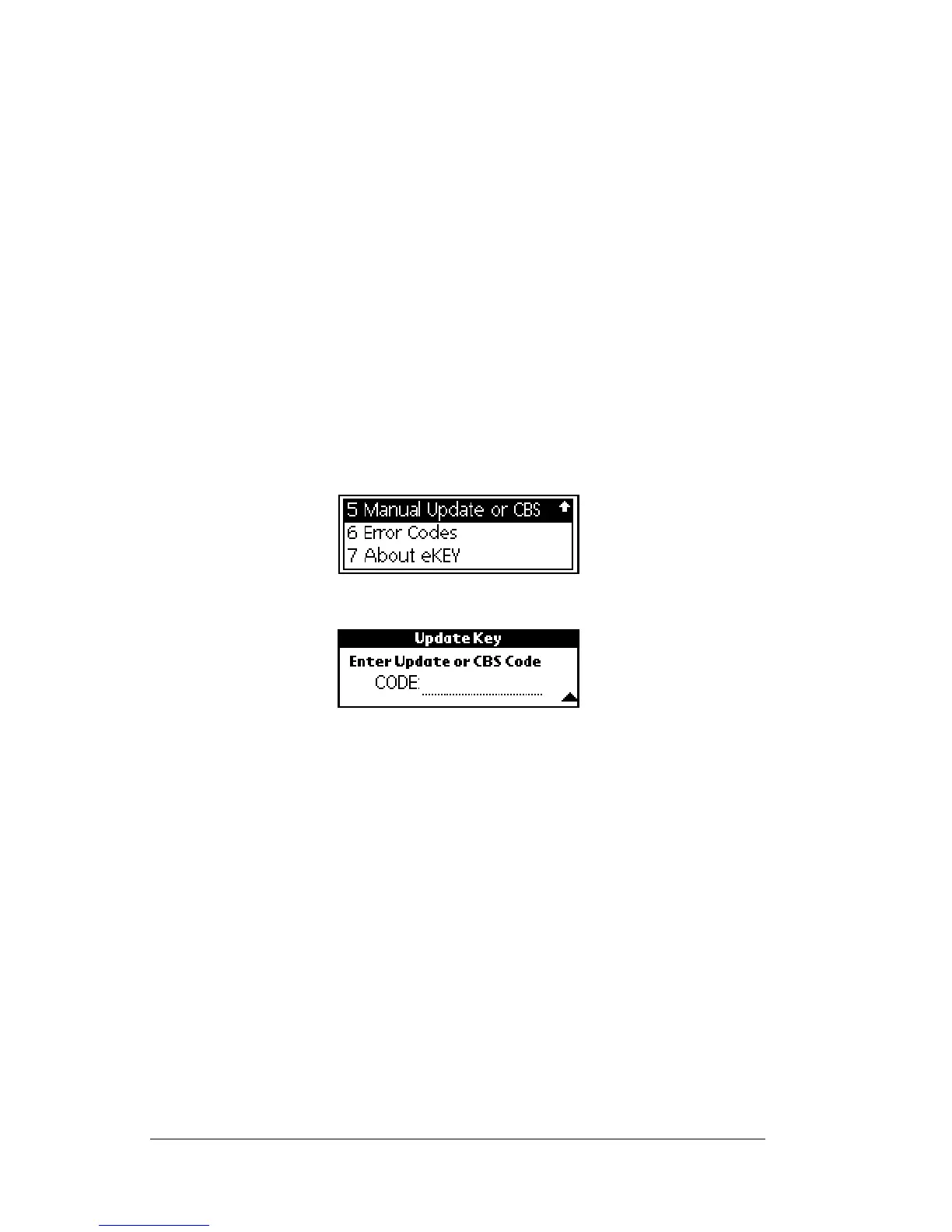
1. Close your eKEY shell.
2. Press the
on
button.
3. Highlight the
Manual Update or CBS
option.
4. Press
enter
.The
Update Key
screen appears.
5. Enter the CBS code for the KeyBox in the
CODE
field on the
Update Key
screen. Press
enter
.
Note: If you entered the CBS code correctly, the
Operation Successful
message appears. If you receive an error message see Appendix
A: Error Codes for help in determining how to correct the error.
Accessing a KeyBox Activated with CBS
Once your eKEY is activated with the CBS code for a particular
KeyBox, release the key container as you would for any other KeyBox.
You can access this KeyBox until the listing agent changes the CBS
code or until you enter a CBS code for a different KeyBox.
Additional CBS Information
As a listing agent you receive the CBS codes when you receive your
KeyBoxes. You can also call KIMvoice or log onto the agent website to



 To Next Page