Page 84 Using the eKEY Application
Viewing Error Codes
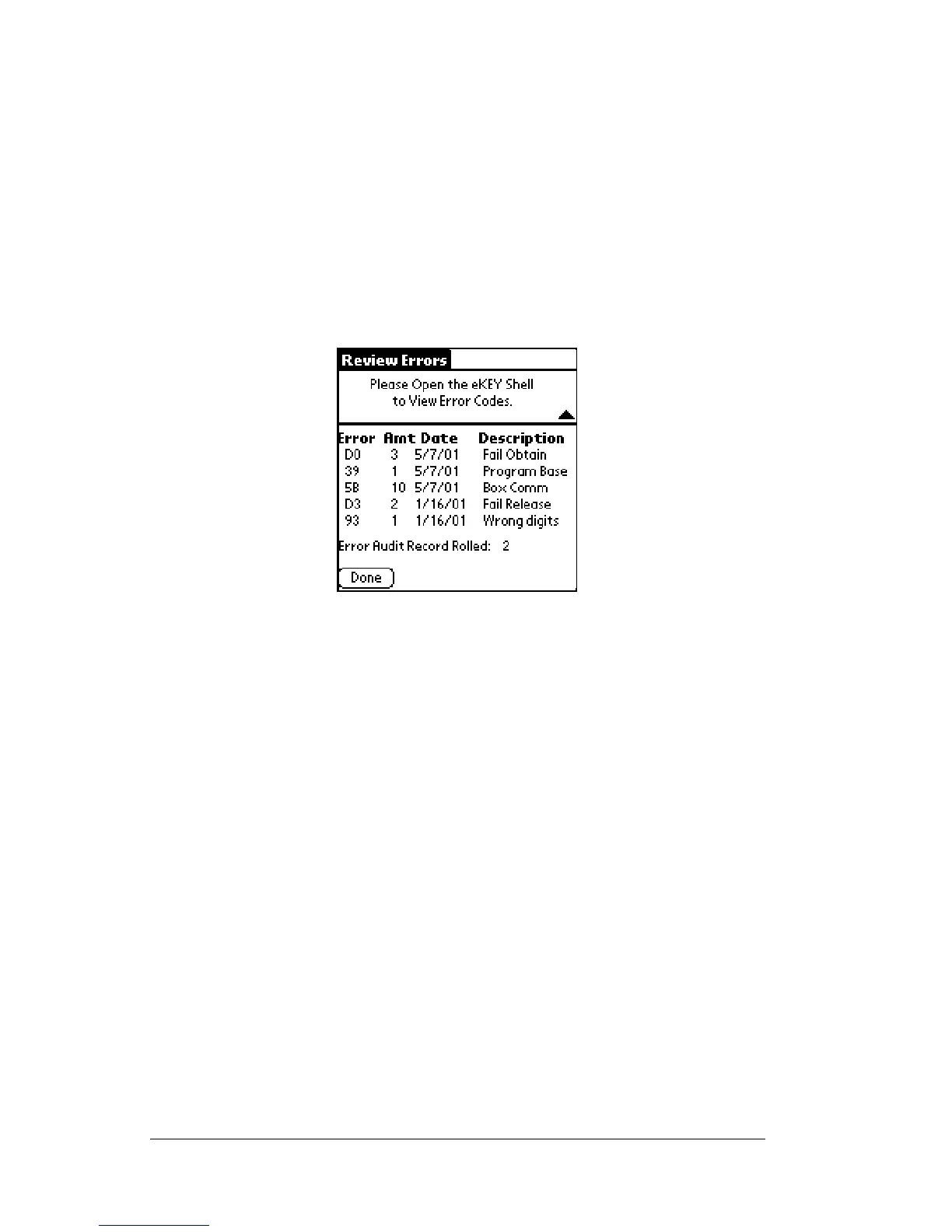
The eKEY stores the five most recent errors that have occurred in your
Key. View error codes using the Error Codes function.
1. Close your eKEY shell.
2. Press the
on
button.
3. Highlight the
Error Codes
option. Press
enter
.The
Review Errors
screen appears.
4. Open your eKEY shell to view the entire screen.
5. Tape
Done
to return to the eKEY functions screen.
Note: For more information on error codes See Appendix A: Error
Codes.



 To Next Page