Page 54 Using the eSYNC Application
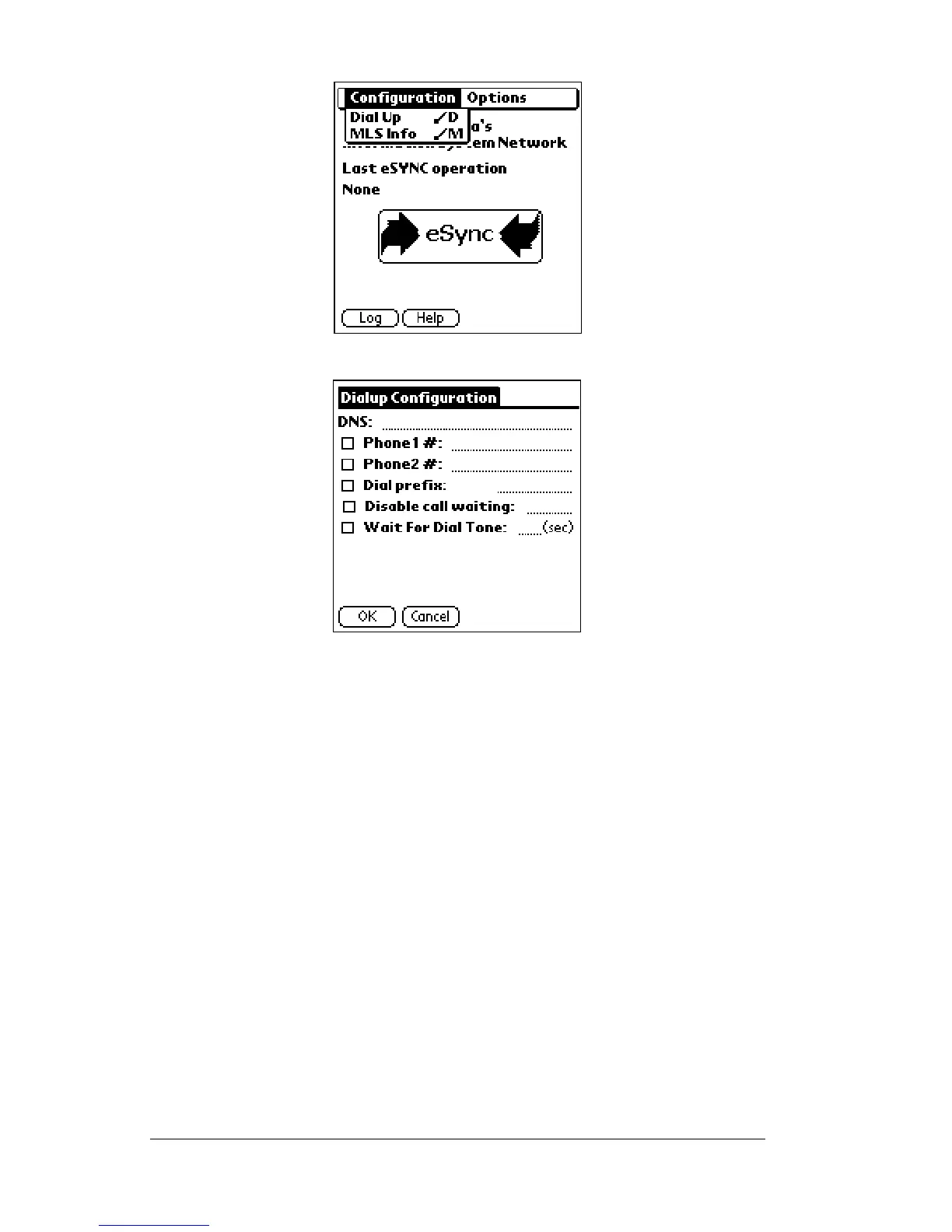
5. Tap
Dial Up
. A list of fields with preset options appears.
The following fields appear on the screen:
DNS This field is pre-programmed with information. Do
notmakechangestothisfieldunlessinstructedtodosoby
SUPRA Field Support staff.
Phone
numbers
Two phone number entries are availablefor eSYNC to
dial KIMnet. The phone number that is checked is the
phone number for dialing KIMnet during an eSYNC.
You can enter phone numbers for dialing both from
home and from the office. These numbers can also be
changed if you travel outside the local dialing area
and must enter another phone number to access
KIMnet.
Dial prefix Check this box to enable a dialing prefix and enter the
necessary dialing prefix. The dialing prefix is dialed
prior to the eSYNC phone number. This could be a 8
or 9 where needed to access an outside line or a 1 to
place a long distance call.



 To Next Page