Page 36 Entering Data in Your SUPRA Handheld Computer
Tip: Whenyoupressanapplicationbuttononthefrontpanel,you
have instant access to the selected application. It isn't
necessarytoturnonyourhandheldfirst.
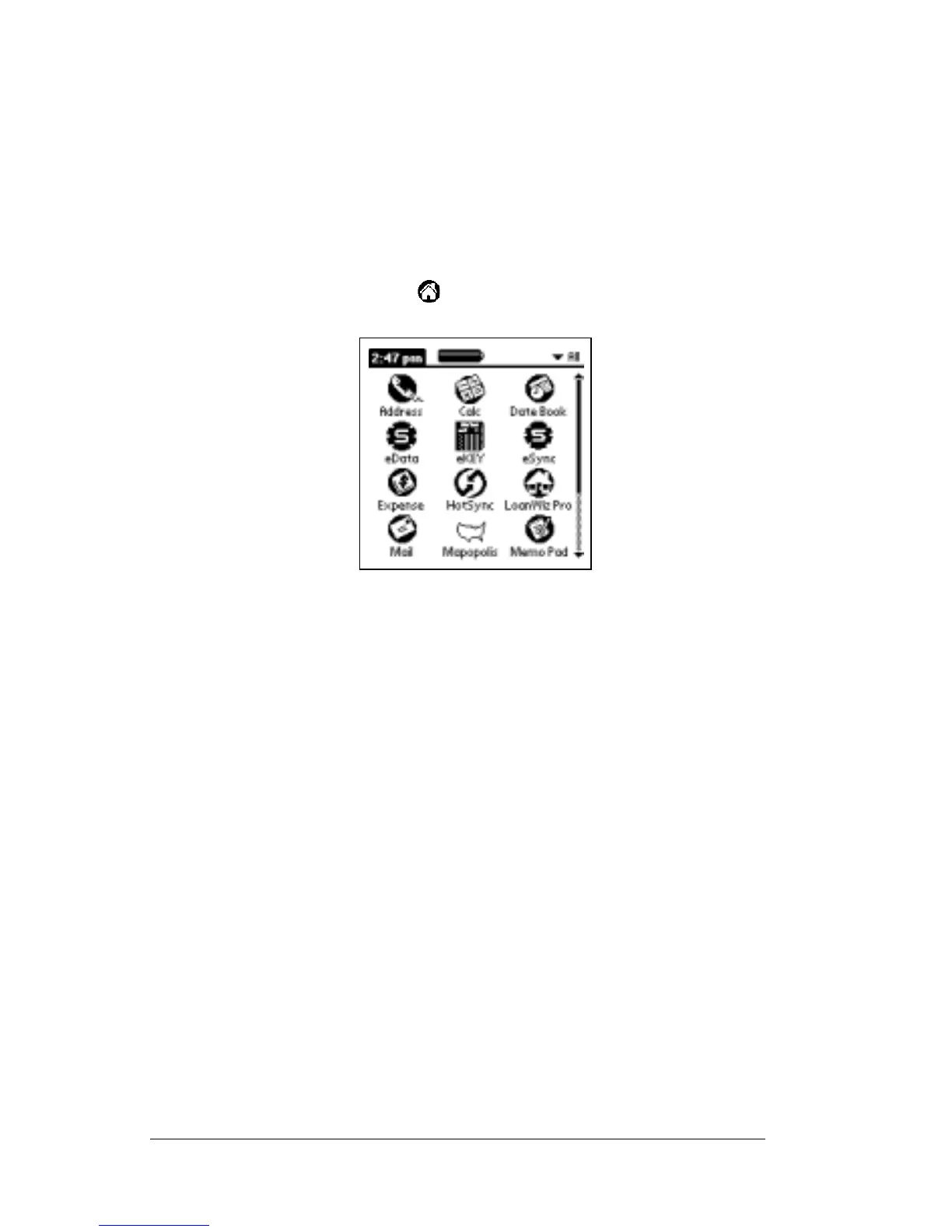
In addition to providing a way for you to open applications, the
Applications Launcher displays the current time, battery level, and
application category.
To open an application:
1. Tap the Applications icon .
2. Tap the icon of the application that you want to open. If you have
many applications installed on your handheld, tap the scroll bar to
see all of your applications.
Tip: To find an application quickly, you can write the Graffiti
character for the first letter of its name. The Applications
Launcher scrolls to the first application with a name that
begins with that letter.



 To Next Page