Chapter 5 Page 69
5. Highlight the
Review Last Box Read
sub-option.
6. Press
enter
to view KeyBox entries that have already been read into
your eKEY. The information from the most recent KeyBox read
appears on the Key's display screen.
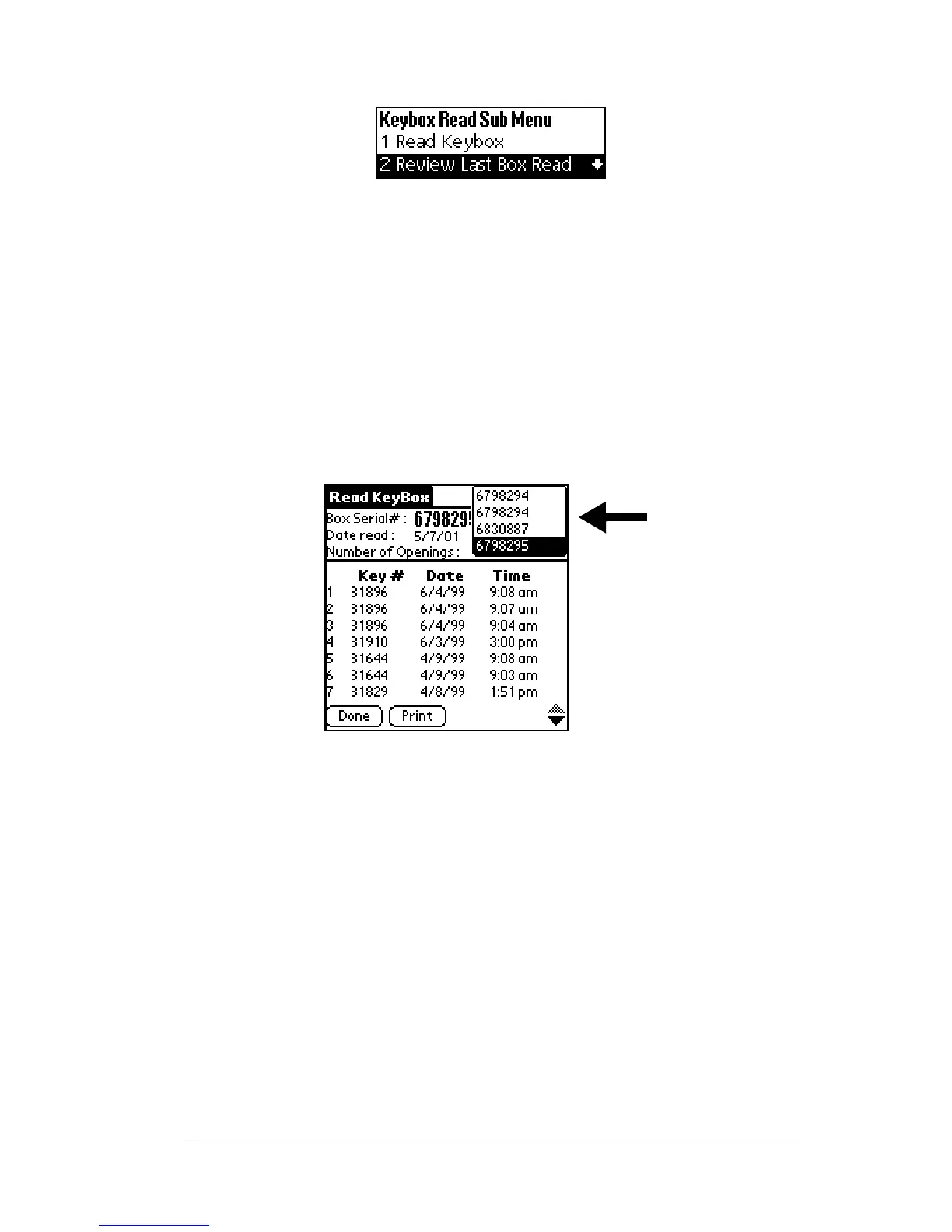
7. Open the eKEYshelltoviewtheinformation.Iftherearemorethan
sevenshowingstapthedownarrowinthebottomrightcornerof
the screen to display additional showing information. Up to 43
entries are displayed.
8. To view information from previous KeyBox reads, tap the down
arrow in the upper right corner of the screen and select the KeyBox
serial number you want to view.
9. Press
Done
to return to the
Read Keybox
sub-options screen.
10. Highlight the
Return to Main Menu
option and press
enter
.



 To Next Page