Page 10 Introducing the SUPRA
System Components
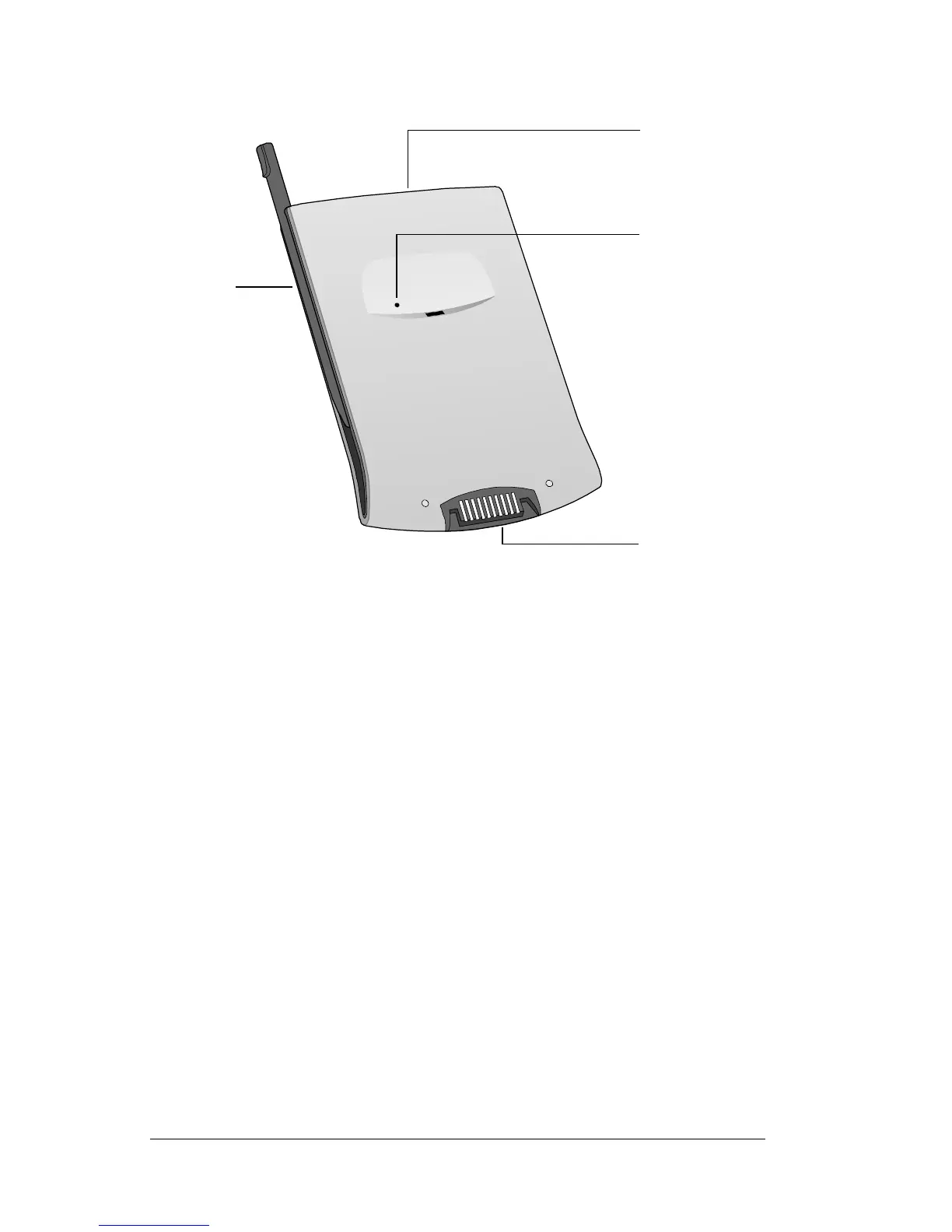
Locating back panel components
Side channels Hold the stylus which slides in and out of either
side channel and clicks into place. To use the
stylus, remove it from the side channel and hold
it as you would a pen or pencil.
IR port Uses infrared technology to transmit and receive
data from other Palm Computing
®
platform
handhelds. See Beaming applications in Chapter 9
for more information.
Reset button See Resetting your handheld computer in Chapter 9
for information about when and how to use the
reset button.
Reset
button
Serial
connector
Side
channel
for stylus
or cover
IR port



 To Next Page