Page 28 Getting Started
3. When the Palm Desktop Installer Menu appears, click the
Install
button to begin the installation procedure.
4. Follow the onscreen instructions to complete the installation.
During installation you are prompted to insert your SUPRA
handheld computer into the Cradle.
5. Perform a HotSync to determine that the application has been
successfully installed and is fully functional.
To perform a local HotSync operation:
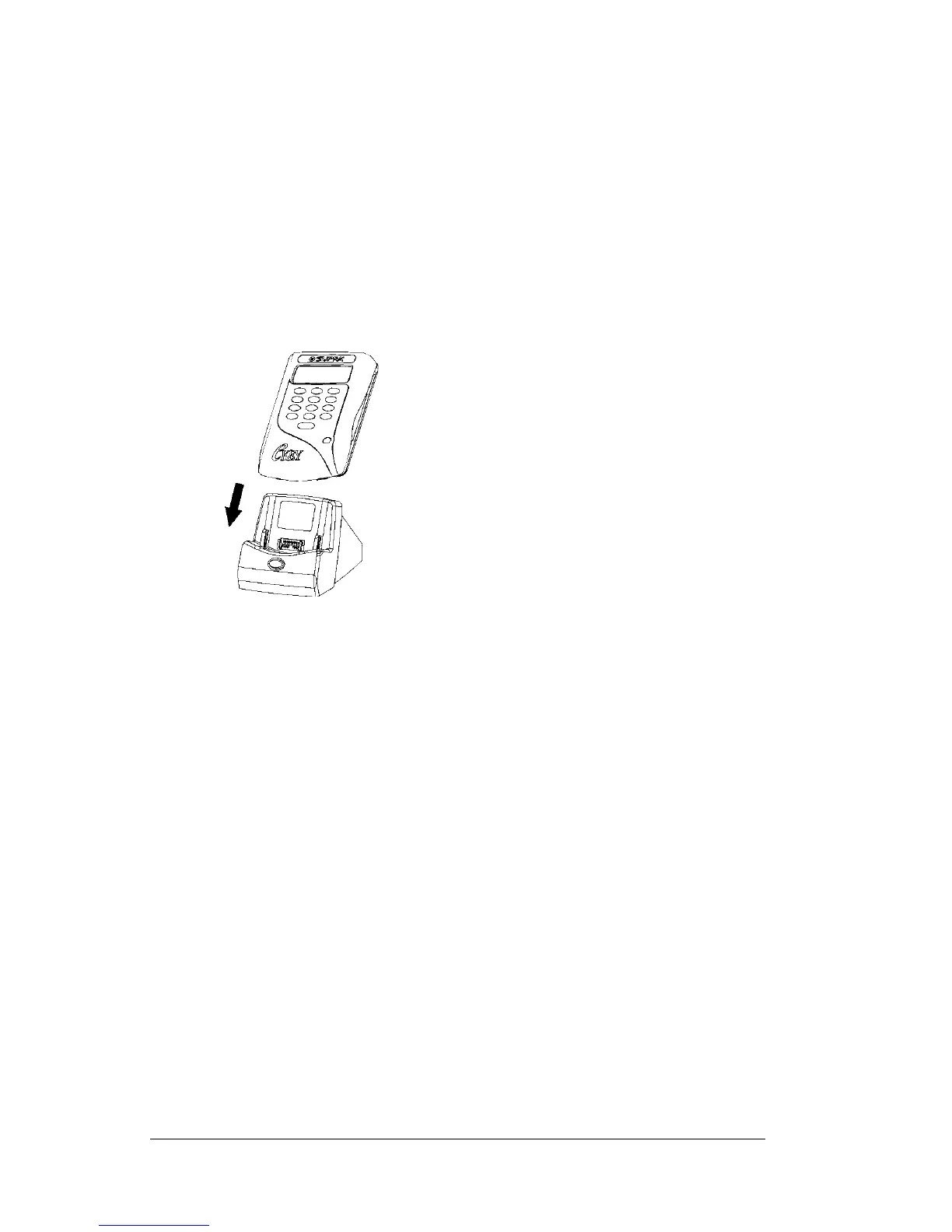
1. Insert your eKEY into the cradle.
Tip: ThebottomedgeoftheeKEY should align smoothly with
the Cradle when it is inserted properly.
2. Start HotSync Manager if it is not running: On the Windows
desktop, click Start, and then choose Programs. Navigate to the
Palm Desktop software program group and choose HotSync
Manager. You can also start the Palm Desktop software which
automatically opens the HotSync Manager.
3. Press the HotSync button on the cradle.
Important: The first time you perform a HotSync operation, you
must enter a user name in the New User dialog box and
click OK. Every handheld should have a unique name. To
prevent loss of a user's records, never try to synchronize
more than one handheld to the same user name.
The HotSync Progress dialog box appears and synchronization
begins.



 To Next Page