Chapter 3 Page 41
To write Graffiti letters:
1. Tap the screen where you want your text to go.
Note: Tap above the Graffiti writing area. You must see a
blinking cursor before you write the text.
2. Use the tables on the following pages to find the stroke shape for
the letter you want to create. For example, the stroke shown below
creates the letter n.
Note: There are two different strokes available for some letters.
For these letters, choose the one that's easiest for you.
Asyou'llseelater,youusethesameshapetocreateboththe
uppercase and lowercase version of a letter.
3. Position the stylus in the left-hand side of the Graffiti writing area.
4. Start your stroke at the heavy dot and draw the stroke shape as it
appears in the tables.
5. Lift the stylus from the screen at the end of the stroke shape.
When you lift the stylus from the screen, your handheld recognizes
your stroke immediately and prints the letter at the insertion point on
the screen.
Onceyouliftthestylusfromthescreen,beginthestrokeforthenext
character you want to write.
Important: Begin the character strokes in the Graffiti writing area or
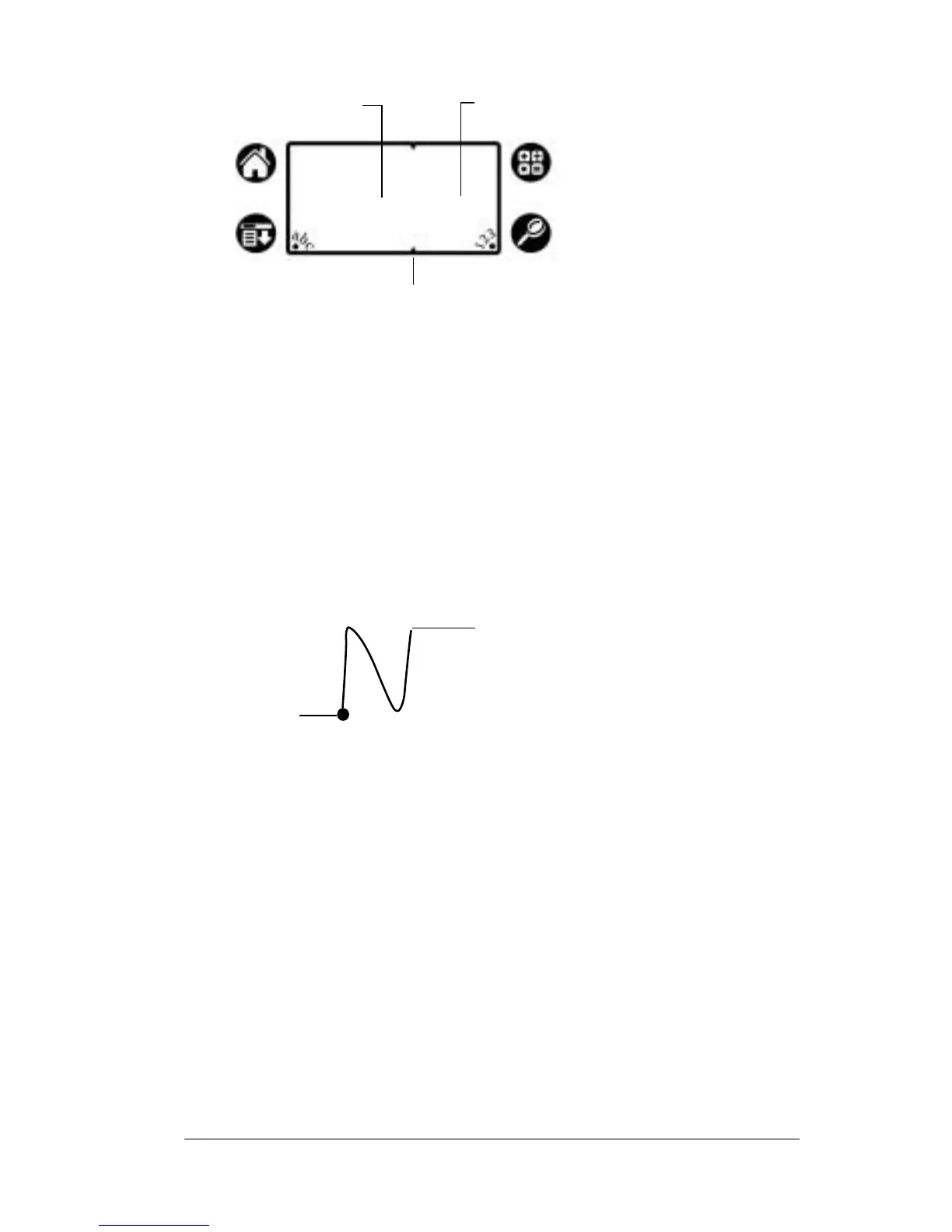
Write letters here Write numbers here
Division marks
Start stroke
at heavy dot
Lift stylus
here



 To Next Page