Using SETUP menu
Using SETUP menu
101
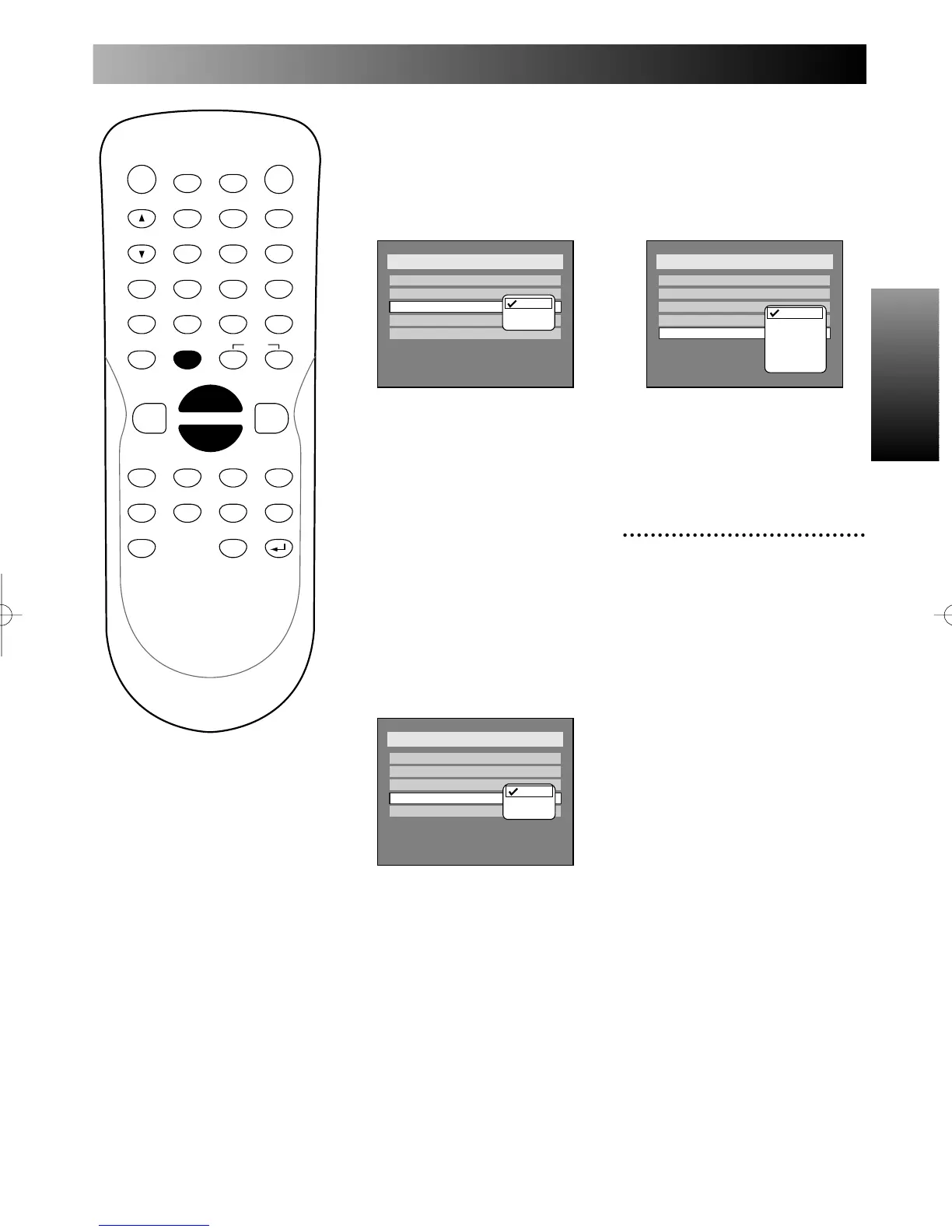
OSD Language:
English, French, and Spanish are
available for the OSD language.
You can choose the language as
your convenience.
Default: English
1.
Select a desired language,
then press ENTER button.
Your setting will be activated.
FL Dimmer:
The brightness of front display
can be changed as you prefer.
“Auto,” “Bright,” and “Dark” are
available. With “Auto” selected,
the front display is dimmed
brightly for approx. 15 secondes
when the DVD recorder is oper-
ating, otherwise dimmed dark.
Default: Auto
1.
Select a desired option, then
press ENTER button.
Your setting will be activated.
PROG.
Screen Saver:
You can set the screen saver to
on or off. Then you can select
the time to work the screen
saver function on the screen.
Default: OFF
1.
Select a desired option, then
press ENTER button.
Your setting will be activated.
5
Press SETUP button to exit
SETUP menu.



 To Next Page