PROG.
Other settings:
Parental Lock
Some DVD-Video discs feature a
Parental Lock level. If the DVD
recorder is set to a lower level
than the disc, it will require you
to enter a password before the
disc will play. This gives you some
control about what your children
watch on the DVD recorder.
Note:
This feature may not be available
to some discs.
Setting a parental lock
level
When you first change the
parental lock level or after reset-
ting the DVD recorder, there is
no password set. When the pass-
word setting menu appears, enter
a 4-digit number as your own
password.
“All” has been selected as the
default.
Note:
You will find 2 kinds of icon in
Parental Lock.
: A password has been set
already.
: A password has not been
set yet.
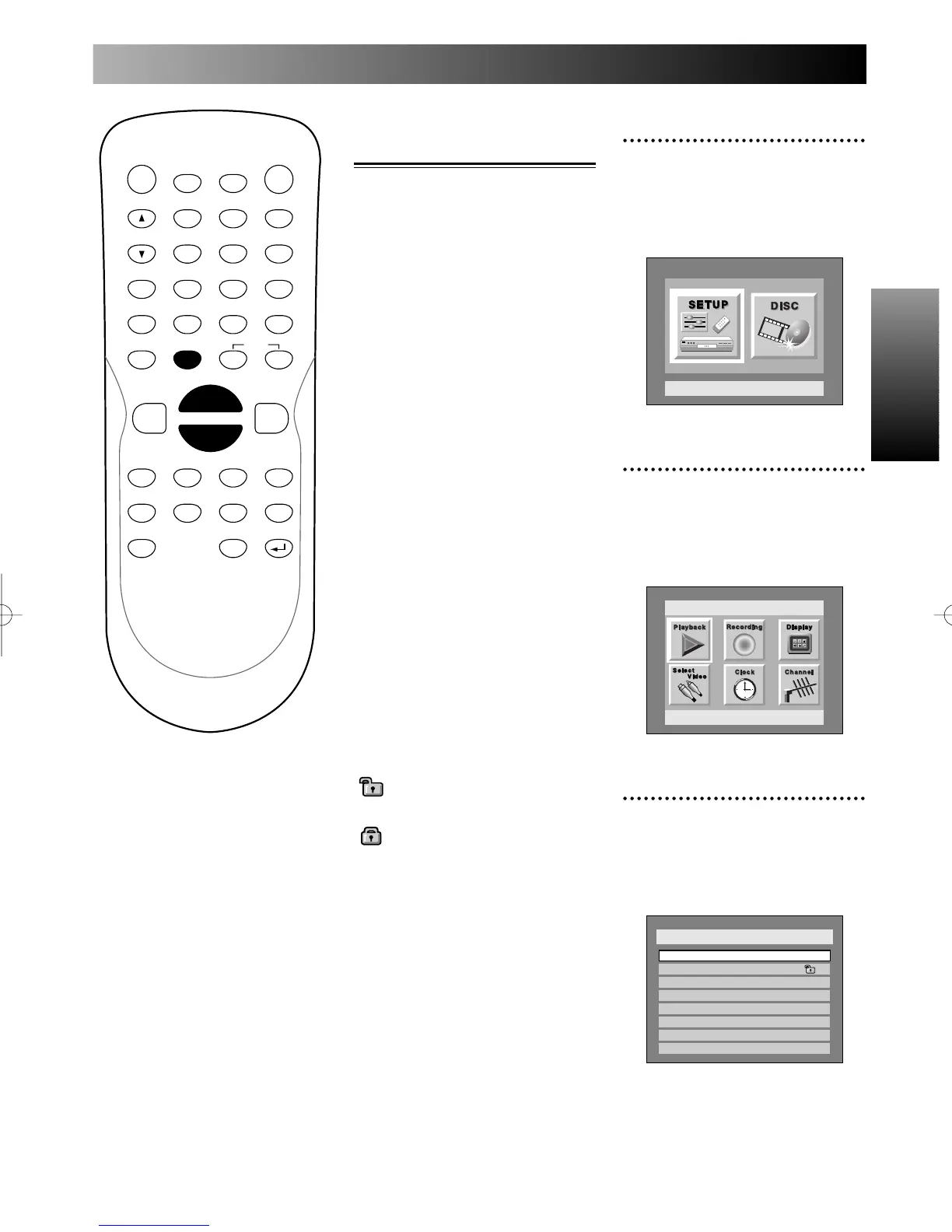
1
Press SETUP button to dis-
play SETUP/DISC menu.
SETUP/DISC menu will appear.
Screen:
2
Select SETUP using { / B
buttons, then press ENTER
button.
SETUP menu will appear.
3
Select “PlayBack” using K /
L / { / B buttons, then press
ENTER button.
Play Back menu will appear.



 To Next Page