Recording
34
5
Select “Video” or “VR” using
K / L buttons, then press
ENTER button.
The recording mode will be set.
6
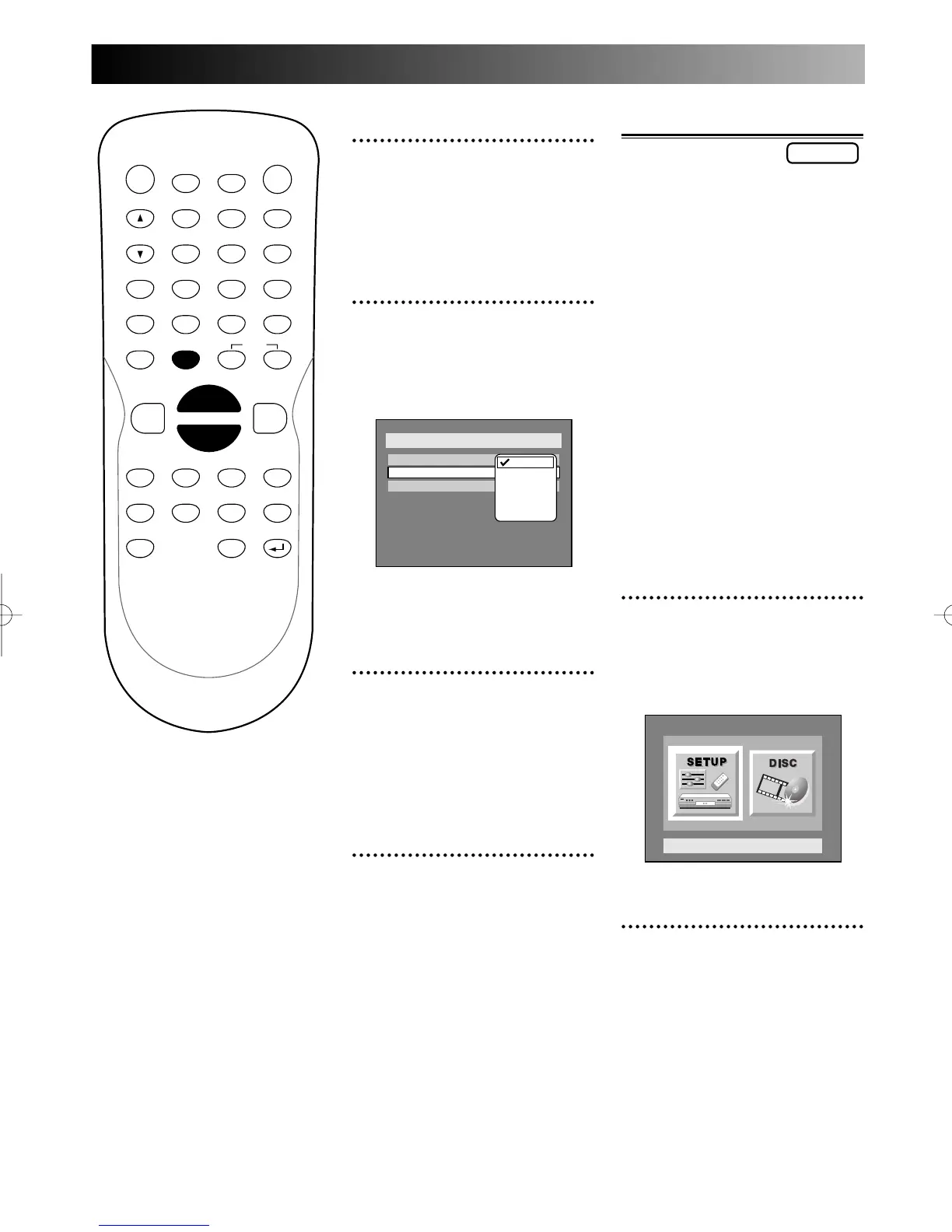
Select “Auto Chapter” using
K / L buttons, then press
ENTER button.
Option window will appear.
“OFF” has been selected as the
default.
7
Select a desired time option
using K / L buttons, then
press ENTER button.
Chapter marks will put as you
specified.
8
Press SETUP button to exit
SETUP menu.
PROG.
Formatting a disc
If you are recording on a DVD-R
disc, the recording mode will
always be Video mode.
If you are using a DVD-RW disc,
by default it will be Video mode.
You can change this to VR mode
from SETUP menu.
Note1:
When reformatting, the contents
of the disc will be erased.
Note2:
Be sure to select a recording for-
mat in SETUP menu for a DVD-
RW disc before you attempt to
format.
Refer to page xx “Settings for
recording to a blank disc.”
1
Press SETUP button to dis-
play SETUP/DISC menu.
SETUP/DISC menu will appear.
Screen:
2
Select “DISC” using { / B
buttons, then press ENTER
button.
DISC menu will appear.



 To Next Page