PROG.
Other settings:
Display
1
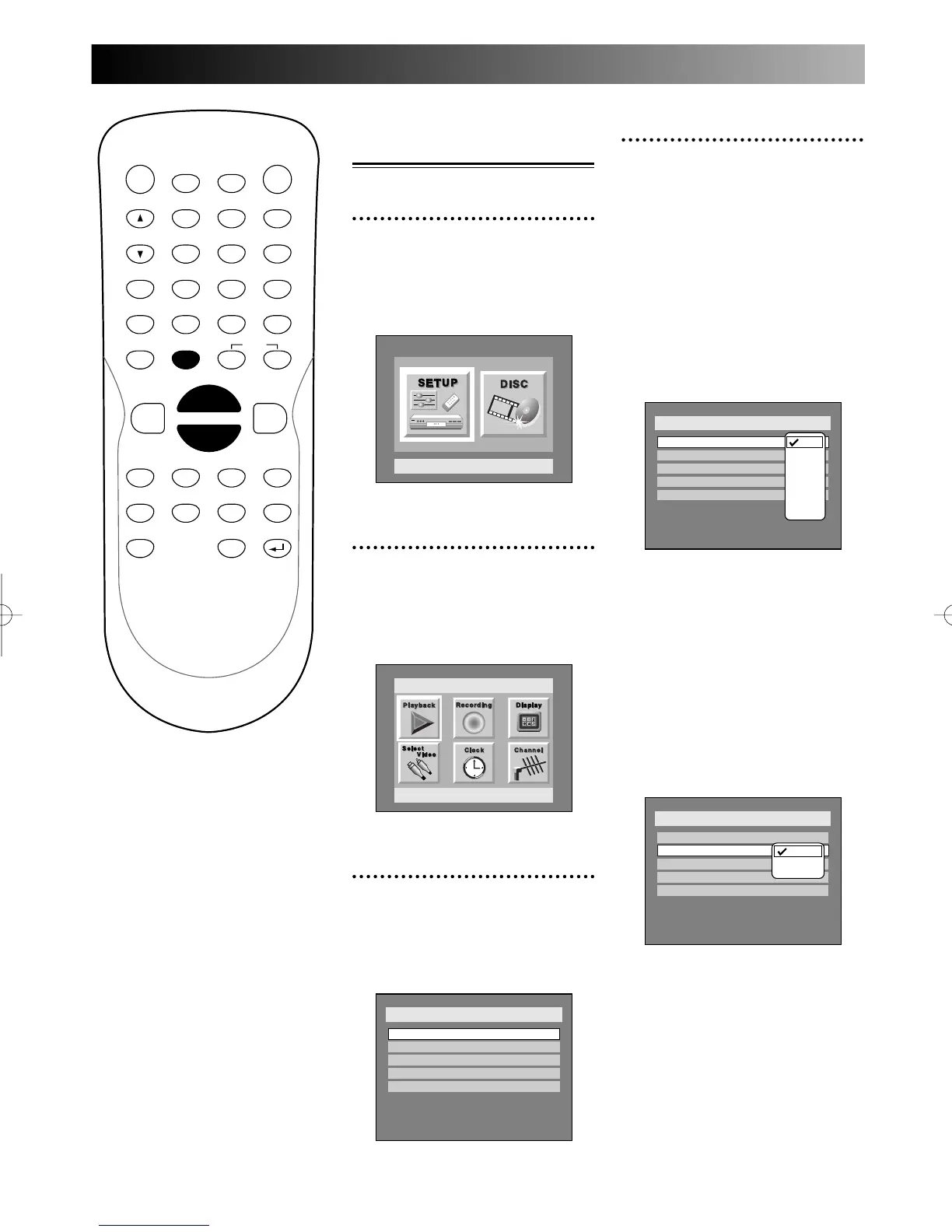
Press SETUP button to dis-
play SETUP/DISC menu.
SETUP/DISC menu will appear.
Screen:
2
Select SETUP using { / B
buttons, then press ENTER
button.
SETUP menu will appear.
3
Select “Display” using K / L /
{ / B buttons, then press
ENTER button.
Display menu will appear.
4
Select the below item using
K / L buttons, then press
ENTER button.
OSD Background
Transparency:
You can setup the background
transparency of OSD screen with
your preference. Choose one
among 0% through 100%.
Default: 100%
1.
Select a desired transparency,
then press ENTER button.
Your setting will be activated.
OSD Background Color:
You can setup the OSD screen
with your color preference.
Choose one among 1 (Green), 2
(Blue), and 3 (Red).
Default: 1 (Green)
1.
Select a desired option(1:
Green, 2: Blue, 3: Red), then
press ENTER button.
Your setting will be activated.



 To Next Page