Getting started
Getting started
29
Initial setting:
Selecting the TV
aspect ratio
You can select the TV aspect
ratio to match the formats of
what you are playing with the
DVD recorder and your TV
screen (4:3 standard or 16:9
widescreen TV).
“4:3 Letter Box” has been select-
ed as the default.
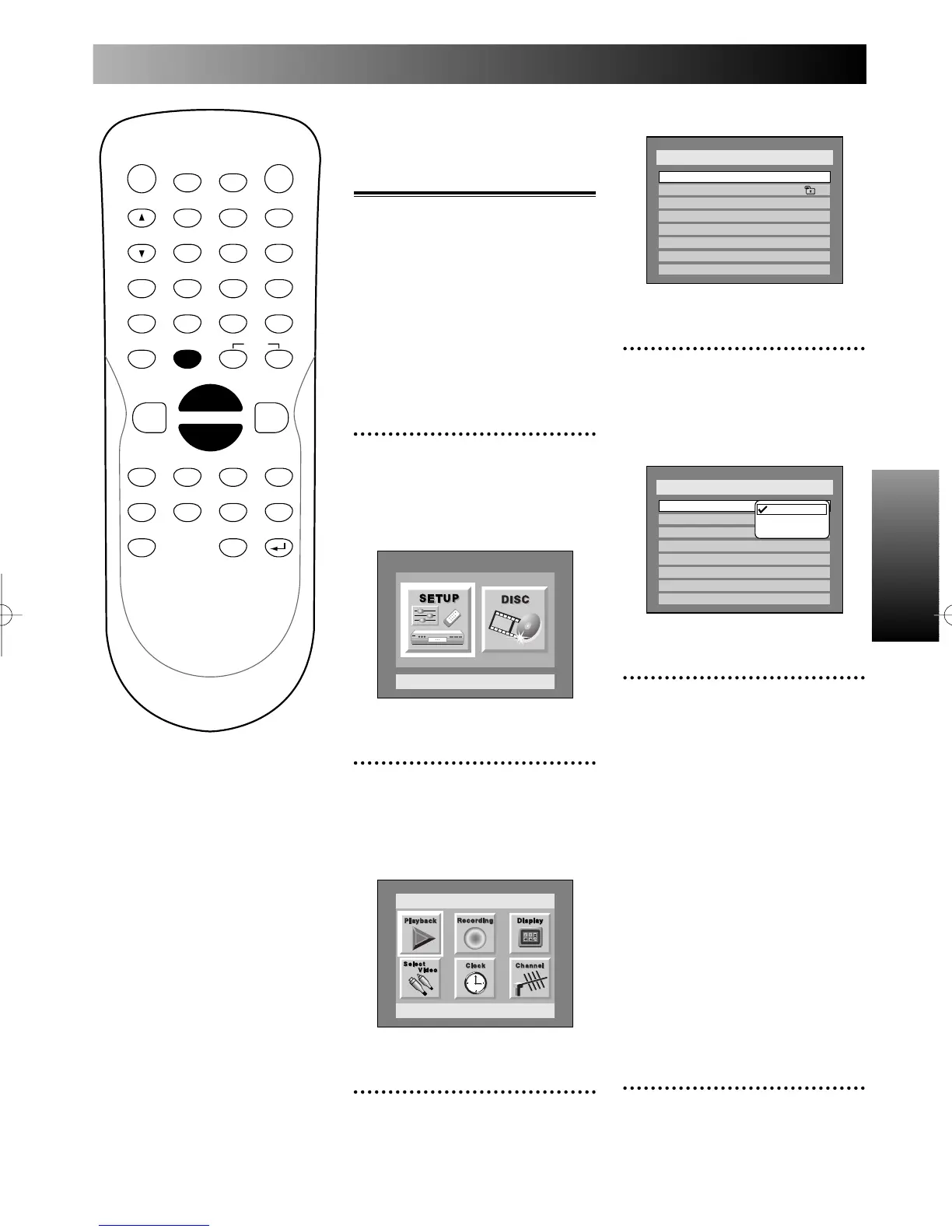
1
Press SETUP button to dis-
play SETUP/DISC menu.
SETUP/DISC menu will appear.
Screen:
2
Select SETUP using { / B
buttons, then press ENTER
button.
SETUP menu will appear.
3
Select “Playback” using K / L
/ { / B buttons, then press
ENTER button.
Setup
Playback Setting
Setup Menu
Play Back menu will appear.
4
Select “TV Aspect” using K /
L buttons, then press ENTER
button.
Option window will appear.
5
Select a desired option using
K / L buttons, then press
ENTER button.
16:9 Wide:
Choose when you have a
widescreen TV.
4:3 Letter Box, 4:3 Pan &
Scan:
Choose one depending on which
you will prefer to watch when
you have a standard TV.
Note:
Refer to page xx for more infor-
mation.
6
Press SETUP button to exit
SETUP menu.
Setup > Play Back
TV Aspect
Parental Lock
Disc Menu Language
Audio Language
Subtitle Language
Digital Out
Dynamic Range Control
Fast Forward with Audio
16:9 Wide
8
English
Original
OFF
ON
OFF
4:3 Letter Box
4:3 Pan & Scan
16:9 Wide
Setup > Play Back
TV Aspect
Parental Lock
Disc Menu Language
Audio Language
Subtitle Language
Digital Out
Dynamic Range Control
Fast Forward with Audio
4:3 Letter Box
All
English
Original
OFF
ON
OFF
POWER
DISPLAY
CH
REC MODE CLEAR
SKIP
REC
PAUSE
SETUP
REPEAT
ZOOM
ENTER
RETURN
REC
MONITOR
OPEN/CLOSE
TIMER
PROG.
1
2
3
4
5
6
7
8
9
0
k
A
K
{ B
L
FWD
g
STOP
C
PLAY
B
h
HG
CM SKIP
REV
MENU
PLAY LIST
TOP MENU/
ORIGINAL
E6500UD.QX 03.12.8 19:06 Page 29



 To Next Page