Playing discs
Playing discs
59
Selecting the format
of audio and video
You can select a audio and video
format as you prefer dipending
on the contents of the disc you
are playing.
Switching audio sound-
track
When playing a DVD-Video disc
recorded with two or more
soundtracks (these are often in
different languages), you can
switch between them anytime
during playback.
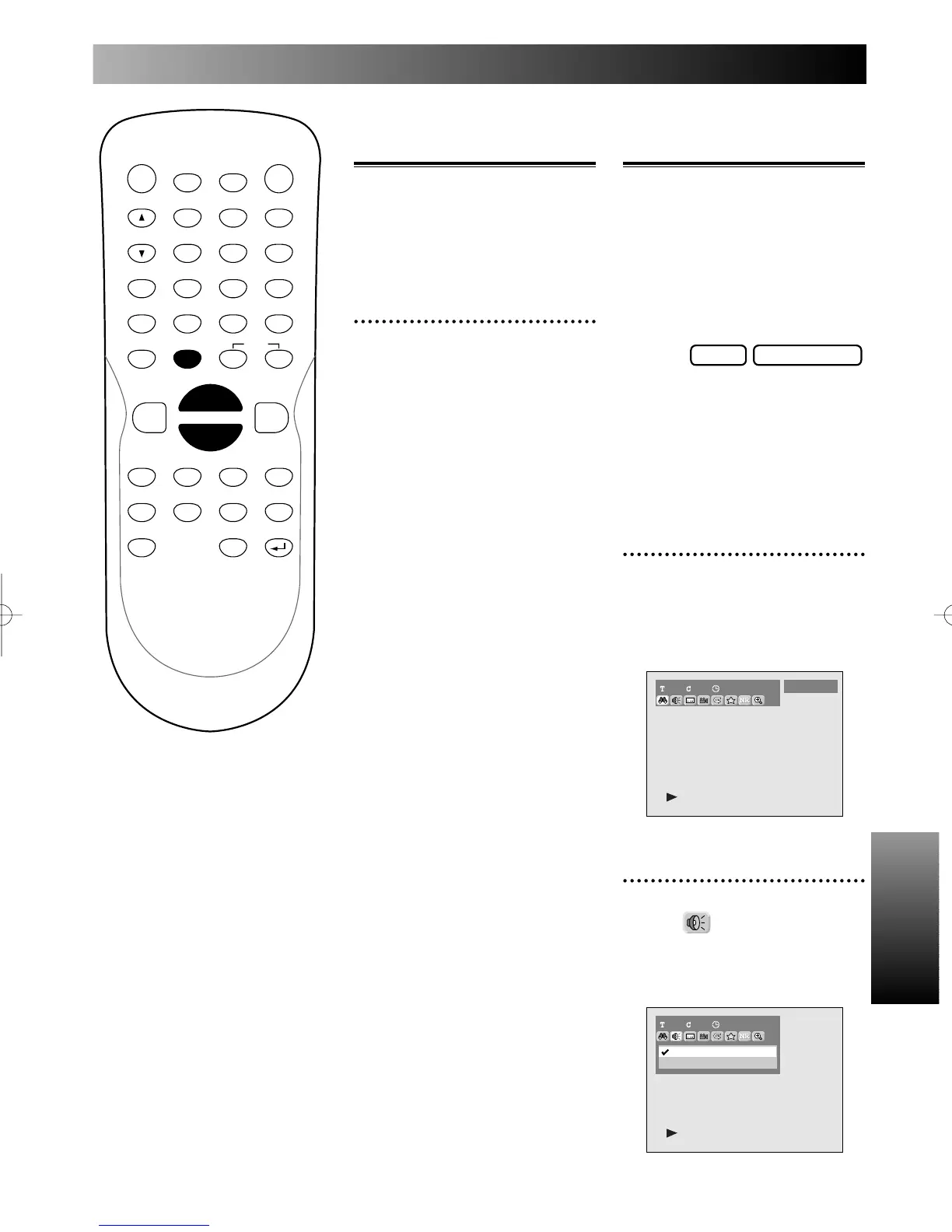
1
During play, press DISPLAY
button.
The display menu will appear.
Screen:
2
Select icon using { / B
button, then press ENTER
button.
Audio menu will appear.
1 1 00:00:00
1 Dolby Digital 5.1ch English
2 Dolby Digital 2ch Japanese
1101:23:45
DVD-Video
DVD-RW VideoDVD-V
POWER
DISPLAY
CH
REC MODE CLEAR
SKIP
REC
PAUSE
SETUP
REPEAT
ZOOM
ENTER
RETURN
REC
MONITOR
OPEN/CLOSE
TIMER
PROG.
1
2
3
4
5
6
7
8
9
0
k
A
K
{ B
L
FWD
g
STOP
C
PLAY
B
h
HG
CM SKIP
REV
MENU
PLAY LIST
TOP MENU/
ORIGINAL
Skipping TV com-
mercials during play
You can skip TV commercials by
pressing CM SKIP button, so that
you can enjoy the recorded pro-
grams without interrupting.
1
During play, press CM SKIP
button.
Normal play will start at 30 sec-
onds ahead from the point you
press CM SKIP button.
Every time you press CM SKIP
button, searching point will be
extended by 30 second.
You can press up to 6 times (180
seconds).
E6500UD.QX 03.12.8 19:07 Page 59



 To Next Page