EasyManua.ls Logo

Sylvania DVR90DE - Timer Recording

Sylvania DVR90DE
108 pages
Print Icon
To Next Page IconTo Next Page
To Previous Page IconTo Previous Page
Loading...
Recording
Recording
41
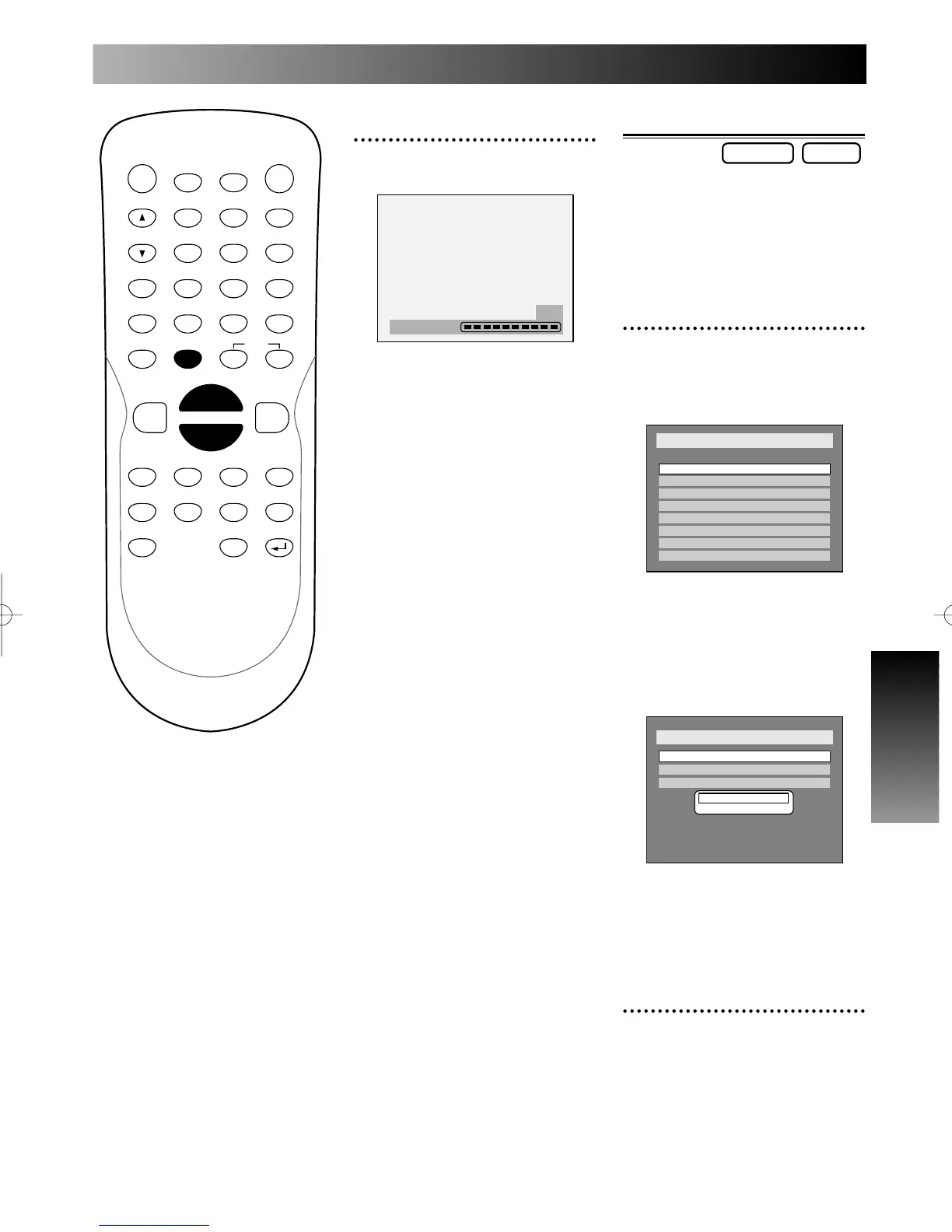
Timer recording
You can program the unit to
record up to 8 programs, up to a
year in advance. Daily or weekly
program recordings are also avail-
able.
1
Press TIMER PROG. button.
Timer Programming list will
appear.
If you have not made the
clock setting yet:
A clock setting window will
appear after pressing TIMER
PROG. button.
Be sure to set the clock following
step 4 through step 10 in Initial
setting: Clock on page 25 and 26
before making a timer program.
2
Enter the necessary informa-
tion for timer programming
using K / L / { / B buttons,
then press ENTER button.
Setup > Clock
Clock Setting
Auto Clock Setting
Daylight Saving Time
OFF
- - - / - - / - - - - ( - - - )
- - : - -
ON
Setup > Recording > Timer Programing
Date Start End CH Speed
1.
2.
3.
4.
5.
6.
7.
8.
- - -
- - -
- - -
- - -
- - -
- - -
- - -
- - -
DVD-RDVD-RW
POWER
DISPLAY
CH
REC MODE CLEAR
SKIP
REC
PAUSE
SETUP
REPEAT
ZOOM
ENTER
RETURN
REC
MONITOR
OPEN/CLOSE
TIMER
PROG.
1
2
3
4
5
6
7
8
9
0
k
A
K
{ B
L
FWD
g
STOP
C
PLAY
B
h
HG
CM SKIP
REV
MENU
PLAY LIST
TOP MENU/
ORIGINAL
5
Finalizing is complete.
Press SETUP button to exit
DISC menu.
Finalizing
100%
E6500UD.QX 03.12.8 19:06 Page 41

Table of Contents

Related product manuals