Playing discs
62
Note:
Some discs will only allow you to
change the subtitle from the disc
menu. Press TOP MENU/ button
ORIGINAL or MENU button
PLAYLIST button to display the
disc menu.
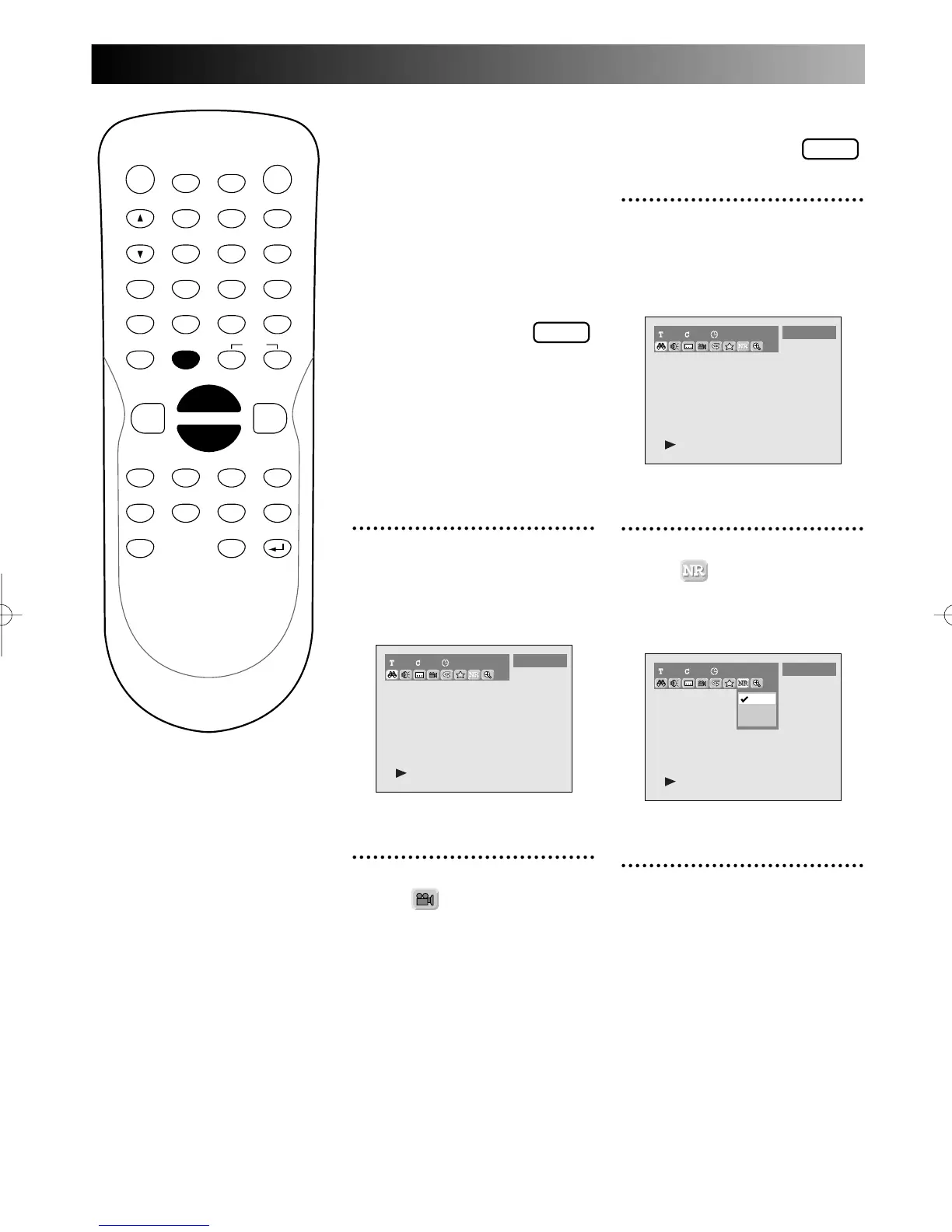
Switching camera angles
Some DVD Video discs feature
scenes shot from two or more
angles–check the disc box for
details: it should be marked with
a angle icon if it contains multi-
angle scenes.
1
During play, press DISPLAY
button.
The display menu will appear.
Screen:
2
Select icon using { / B
button, then press ENTER
button.
Angle will switch.
PROG.
Reducing block noise
1
During play, press DISPLAY
button.
The display menu will appear.
Screen:
2
Select icon using { / B
button, then press ENTER
button.
NR menu will appear.
3
Select a desired option using
K / L buttons, then press
ENTER button.
Your setting will be activated.



 To Next Page