Playing discs
52
Playing discs using
the title menu
Some DVDs have a title menu,
which lists the titles available on
them. It helps you to start play at
a specific title.
1
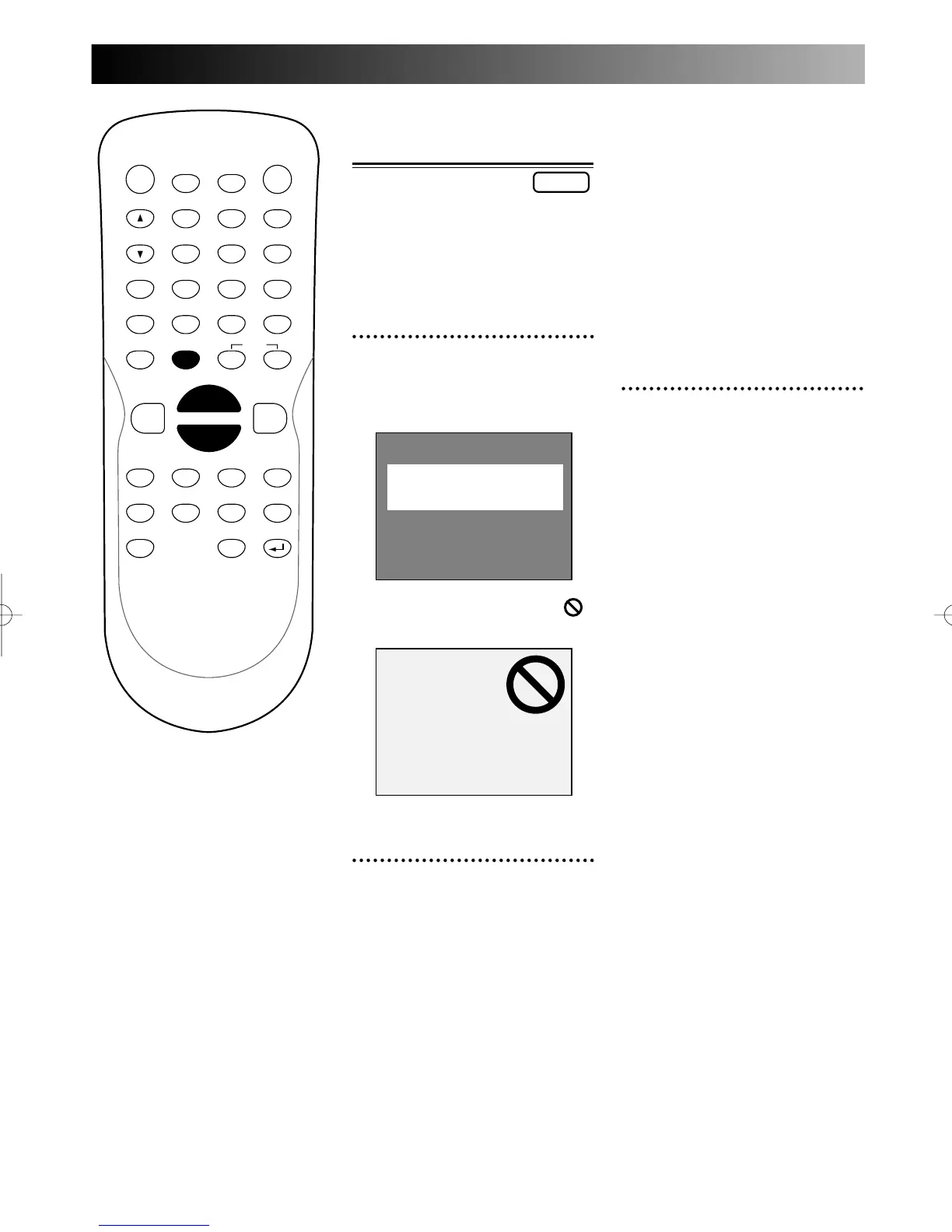
Press TOP MENU button.
The title menu will appear.
Screen:
If the feature is not available,
may appear on the TV screen.
2
Select a title to play using
the K / L / { / B buttons,
then press ENTER button.
Play will begin at the title you
selected.
TOP MENU button:
Displays the ‘Top menu’ of a
DVD disc – this varies with the
disc.
RETURN button:
Returns to the previously dis-
played menu screen.
K / L / { / B buttons:
Moves the cursor around screen.
Enter button:
Selects the currently highlighted
menu option.
Number buttons:
Selects a numbered menu option
(some discs only). (Press ENTER
after).
3
Press TOP MENU button to
exit the title menu.
Note:
The TOP MENU button will not
always active with all DVDs.
TOP Menu
PROG.



 To Next Page