Playing discs
Playing discs
61
Switching subtitles
Many DVD Video discs have sub-
titles in one or more languages –
the disc box will usually tell you
which subtitle languages are avail-
able. You can switch subtitle lan-
guages anytime during playback.
1
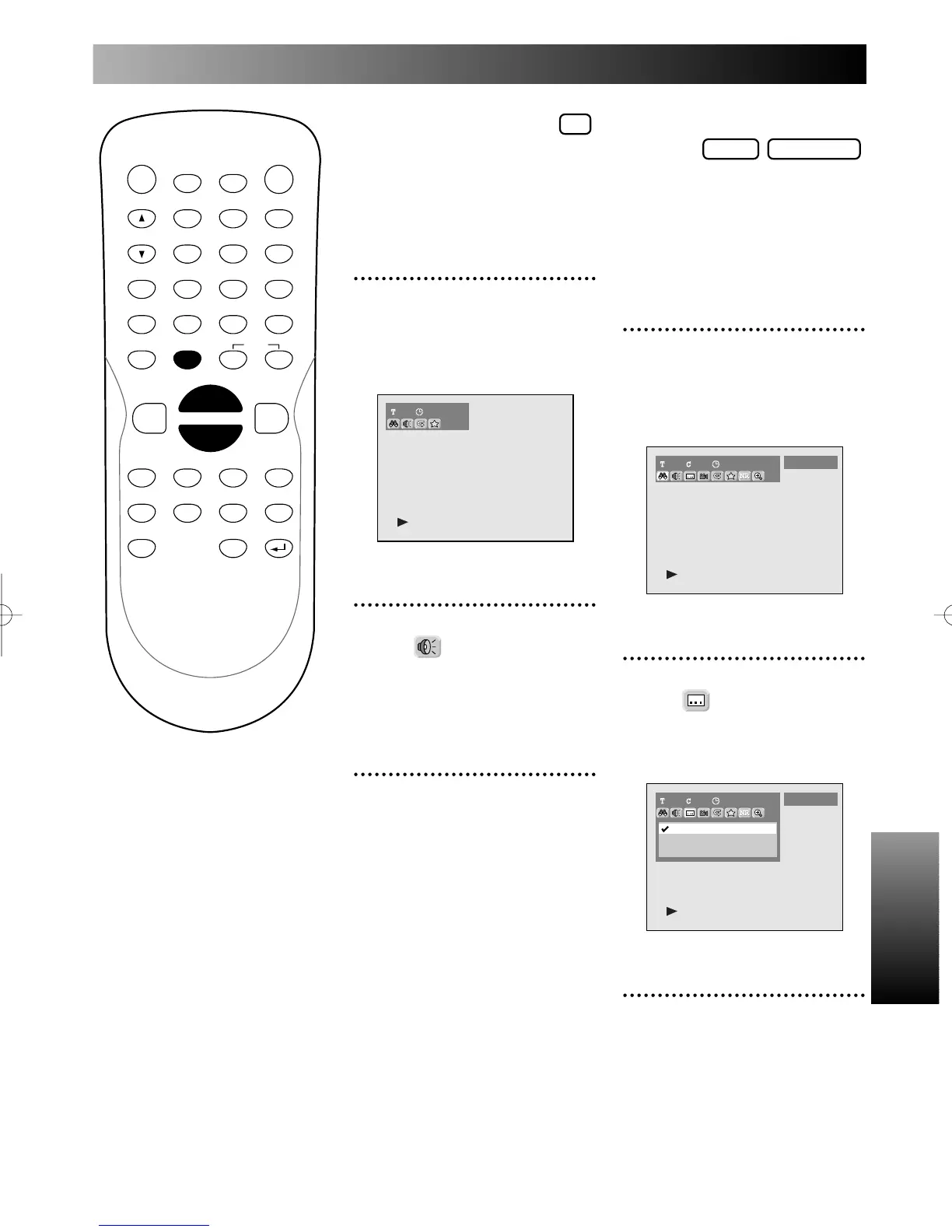
During play, press DISPLAY
button.
The display menu will appear.
Screen:
2
Select icon using { / B
button, then press ENTER
button.
Subtitle menu will appear.
3
Select a desired subtitle lan-
guage using K / L buttons,
then press ENTER button.
Subtitle will be displayed in the
selected language.
When selecting “OFF,” subtitle
will be disappeared.
When playing Audio CDs you
can switch between stereo, just
the left channel or just the right
channel.
1
During play, press DISPLAY
button.
The display menu will appear.
Screen:
2
Select icon using { / B
button, then press ENTER
button.
Audio menu will appear.
3
Select a desired audio chan-
nel using K / L buttons, then
press ENTER button.
Audio channel will switch.
PROG.



 To Next Page