Getting started
Getting started
23
4
Select “Auto Preset” using K
/ L buttons, then press
ENTER button.
The DVD recorder will start get-
ting channels available in your
area.
To cancel the auto presetting
during scanning:
Press RETURN button or SETUP
button to cancel.
Note:
• If the auto presetting is can-
celled during presetting, some
channels not yet preset may not
be received.
• The selection will depend on
how you receive the TV chan-
nels.
5
Press SETUP button to exit
SETUP menu.
PROG.
Getting channels auto-
matically
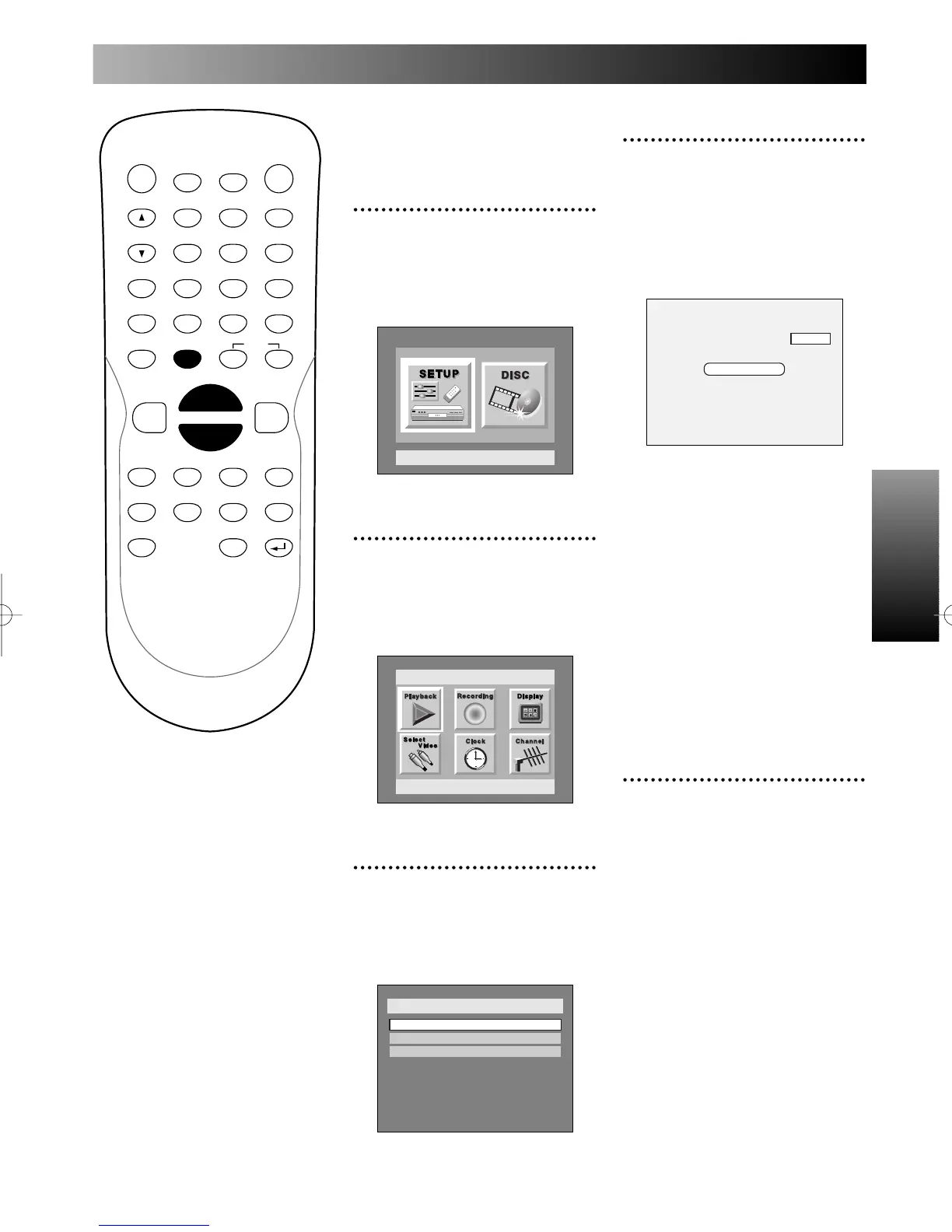
1
Press SETUP button to dis-
play SETUP/DISC menu.
SETUP/DISC menu will appear.
Screen:
2
Select SETUP using { / B
buttons, then press ENTER
button.
SETUP menu will appear.
3
Select “Channel” using K / L
/ { / B buttons, then press
ENTER button.
Channel Preset menu will appear.



 To Next Page