Playing discs
Playing discs
55
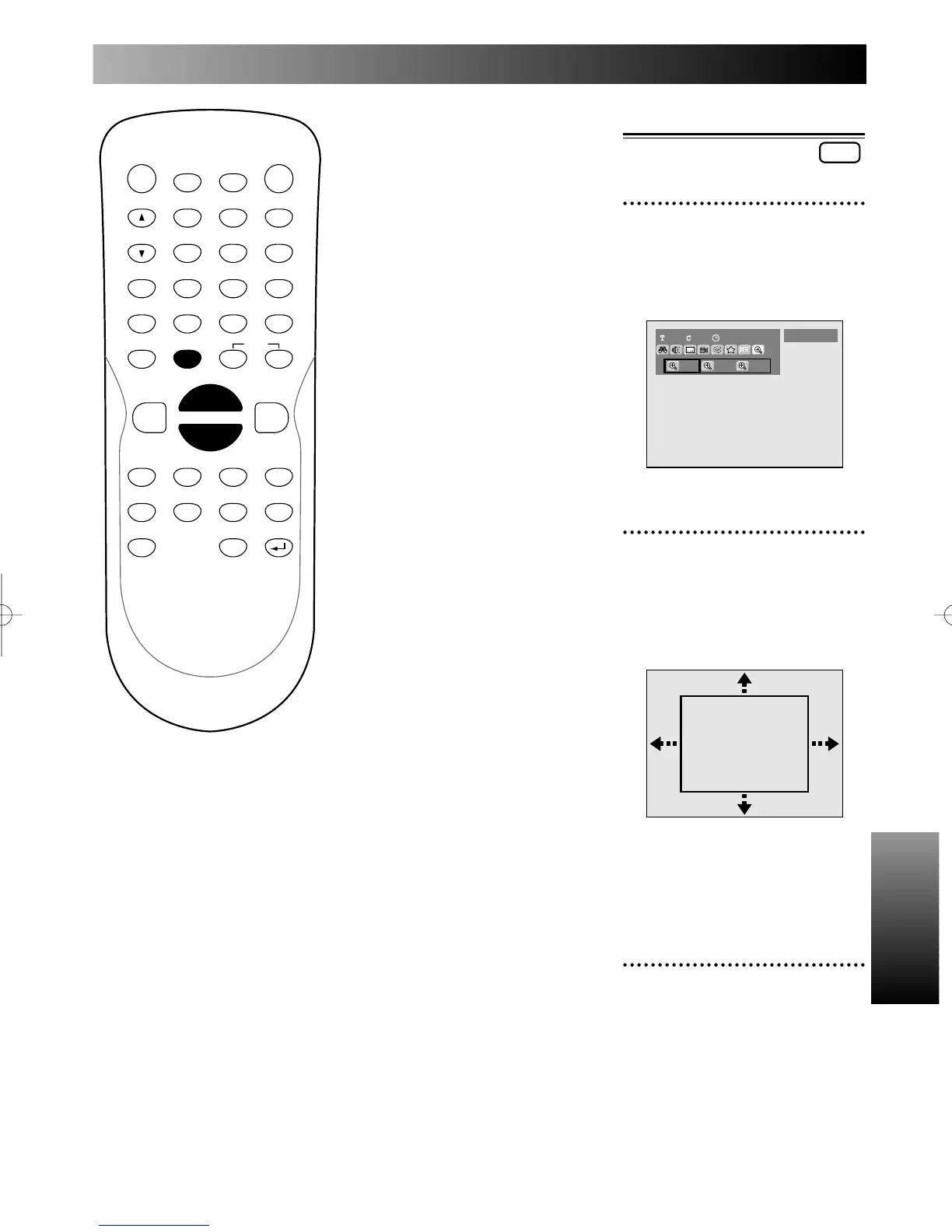
Zoom
1
During play, press ZOOM
button.
Zoom menu will appear.
Screen:
2
Select a desired zoom factor
to zoom using { / B but-
tons, then press ENTER but-
ton.
The zoom area will be displayed.
Note:
When selecting a smaller factor
than the current,the zoom area
will not be displayed.
3
Select a desired zoom posi-
tion using K / L / { / B but-
tons, then press ENTER but-
ton.
The zoom play will start.
PROG.
A-B:
When pressing ENTER button
while A-B is highlighted, the start-
ing point (A) will be decided.
Press ENTER button to select the
ending point (B).
The A-B point will be played
repeatedly.
Track:
The current track will be played
repeatedly. (CD only)



 To Next Page