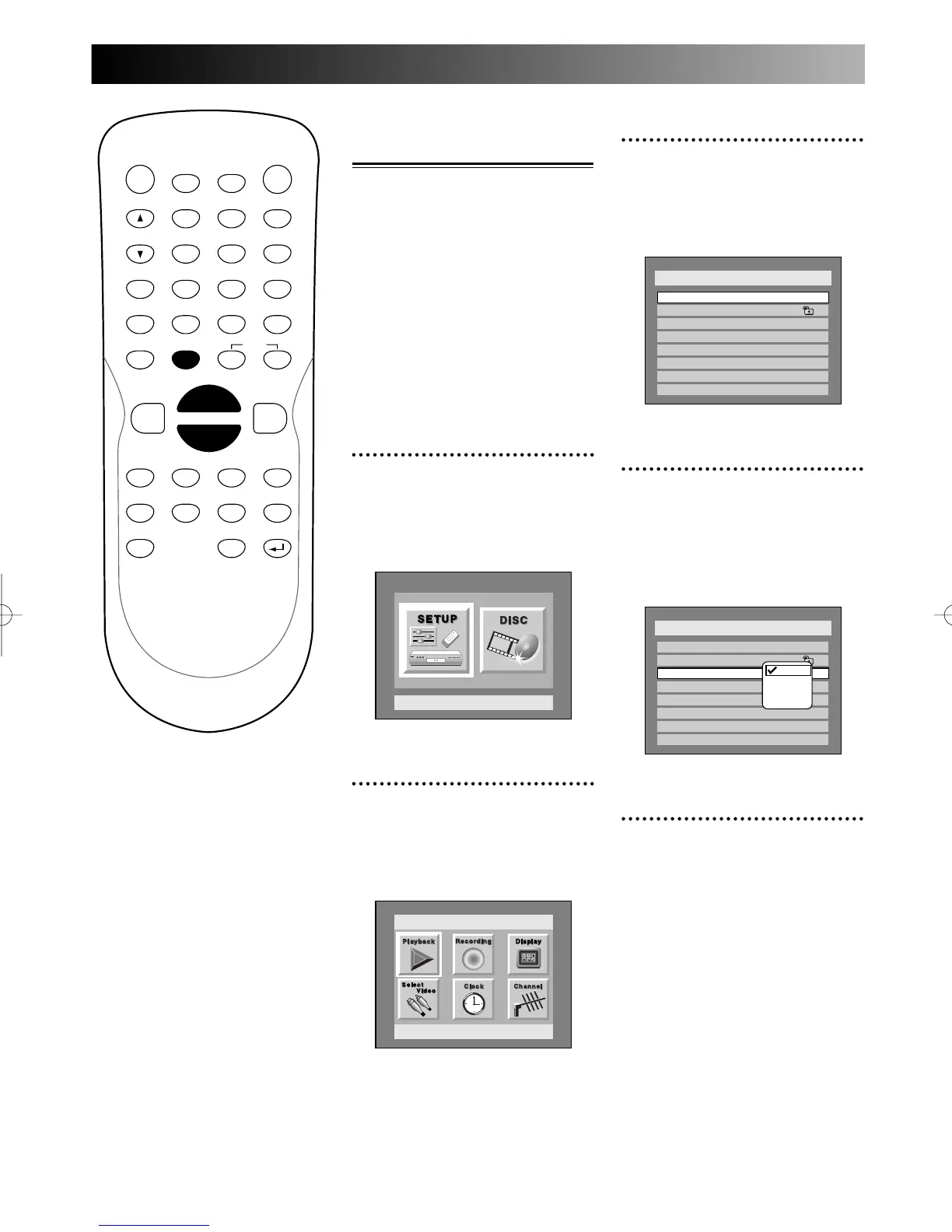
Using SETUP menu
92
Other settings:
Language settings
Various languages may be avail-
able for the discs you play. You
can choose the language you pre-
fer for each. English has been
selected as the default.
All language settings are not
always available with all discs.
Choosing the menu lan-
guage
1
Press SETUP button to dis-
play SETUP/DISC menu.
SETUP/DISC menu will appear.
Screen:
2
Select SETUP using { / B
navigation buttons, then
press ENTER button.
SETUP menu will appear.
3
Select “Playback” using K / L
/ { / B buttons, then press
ENTER button.
Play Back menu will appear.
4
Select “Disc Menu
Language” using K / L but-
tons, then press ENTER but-
ton.
Option window will appear.
5
Select a desired language
using K / L buttons, then
press ENTER button.
When you want a language
other than English, French,
and Spanish:
1.
Choose “Other,” then press
ENTER button.
The code input option will
appear, so that you can select a
language you want by entering
the 4-digit code number using
number buttons.
Refer to the language code table
on page xx.
PROG.



 To Next Page