Using SETUP menu
Using SETUP menu
93
6
Press SETUP button to exit
SETUP menu.
Choosing the audio lan-
guage
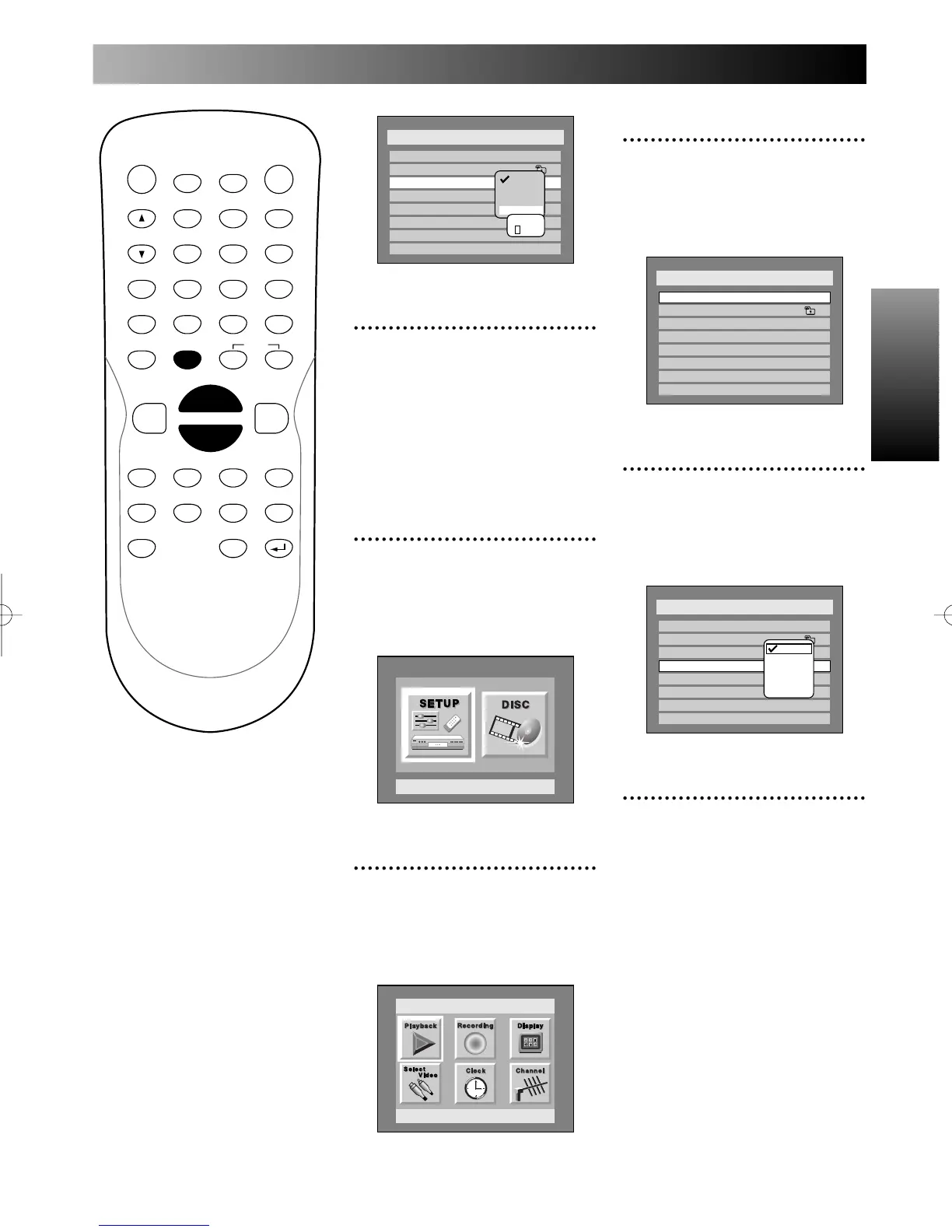
1
Press SETUP button to dis-
play SETUP/DISC menu.
SETUP/DISC menu will appear.
Screen:
2
Select SETUP using { / B
buttons, then press ENTER
button.
SETUP menu will appear.
3
Select “Playback” using K / L
/ { / B buttons, then press
ENTER button.
Play Back menu will appear.
4
Select “Audio Language”
using K / L buttons, then
press ENTER button.
Option window will appear.
5
Select a desired language
using K / L buttons, then
press ENTER button.
When the language you have
selected is included in the disc
you are playing, the DVD
recorder will play the disc in the
specified language in this menu.
Note:
This feature may not be available
to some discs.
PROG.



 To Next Page