Playing discs
58
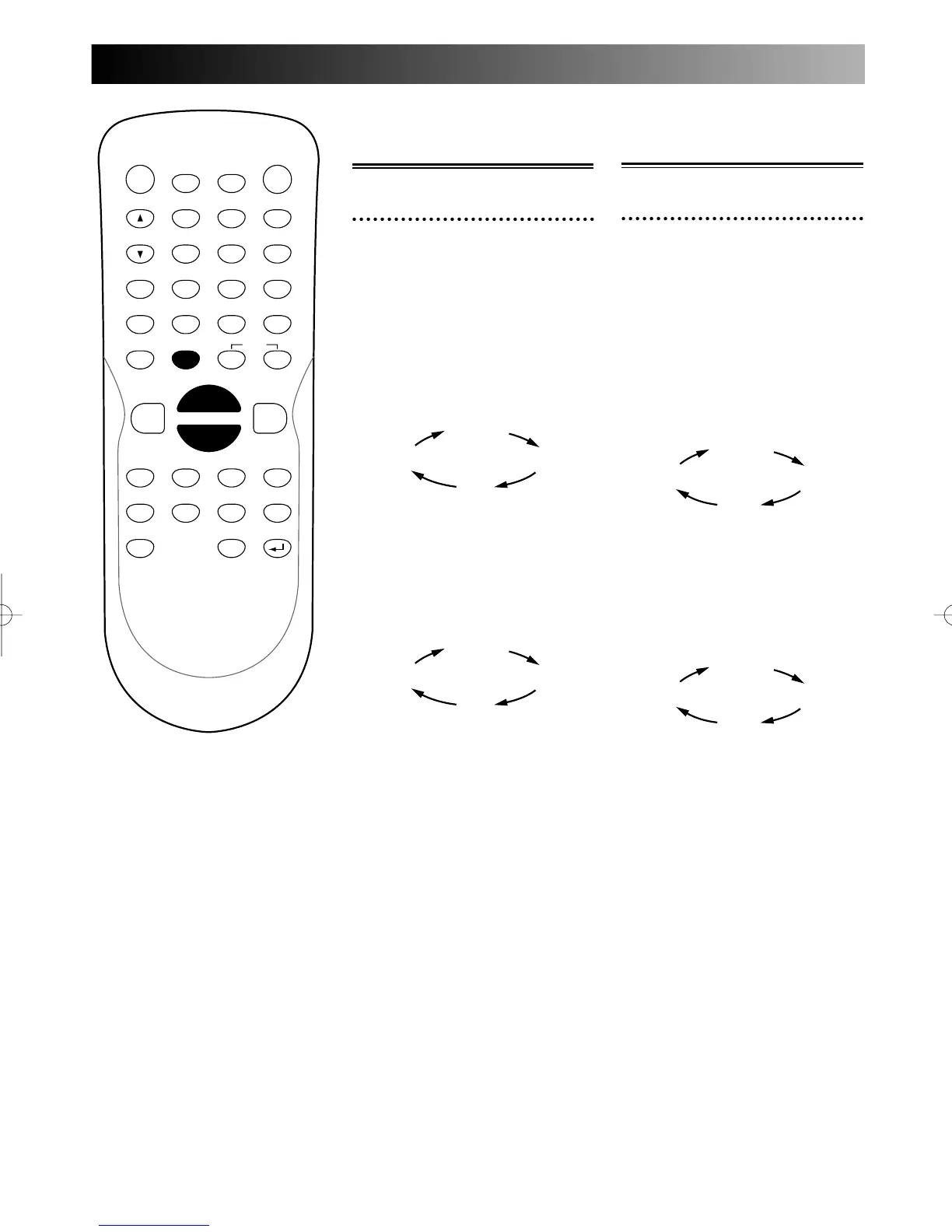
Fast forward / Fast
reverse search
1
During play, press FWD D
button to search in fast for-
ward.
To change the speed, press FWD
D button repeatedly.
Every time you press FWD D
button, search speed will be
changed as follows.
To search in fast reverse,
press REV E button.
Every time you press REV E
button, search speed will be
changed as follows.
To return to the normal play,
press PLAY B button.
Normal
speed
x40
x20
x5
Normal
speed
x40
x20
x2
POWER
DISPLAY
CH
REC MODE CLEAR
SKIP
REC
PAUSE
SETUP
REPEAT
ZOOM
ENTER
RETURN
REC
MONITOR
OPEN/CLOSE
TIMER
PROG.
1
2
3
4
5
6
7
8
9
0
k
A
K
{ B
L
FWD
g
STOP
C
PLAY
B
h
HG
CM SKIP
REV
MENU
PLAY LIST
TOP MENU/
ORIGINAL
Slow forward / Slow
reverse play
1
During play, press PAUSE k
button, then press FWD D
button.
Play in slow forward will start.
To change the speed, press FWD
D button repeatedly.
Every time you press FWD D
button, search speed will be
changed as follows.
To play in slow reverse, press
REV E.
Every time you press REV E
button, search speed will be
changed as follows.
To return to the normal play,
press PLAY B button.
Pause
x1/4
x1/8
x1/16
Pause
x1/2
x1/8
x1/16
E6500UD.QX 03.12.8 19:07 Page 58



 To Next Page