Getting started
24
4
Select “Manual Preset” using
K / L buttons, then press
ENTER button.
Manual Preset menu will appear.
5
Select the channel number to
add or delete.
Press { button to move to a
lower channel number.
Press B button to move to a
higher channel number.
6
Select “Add” or “Delete”
using K / L buttons, then
press ENTER button.
The channel number will be
added or deleted from a channel
memory. Then a next channel
number will appear so that you
can continue adding or deleting
channels.
7
Press SETUP button to exit
SETUP menu.
Adding/deleting chan-
nels
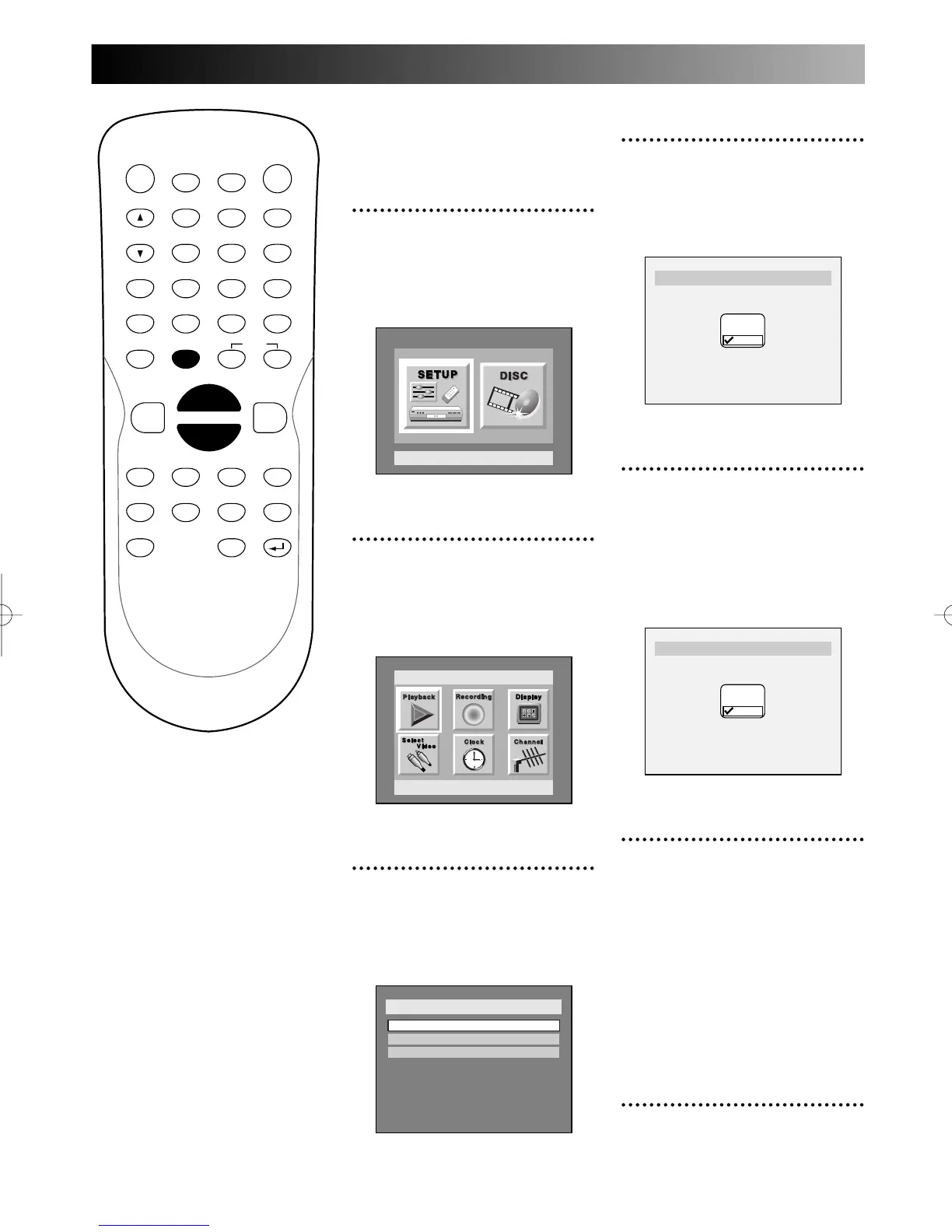
1
Press SETUP button to dis-
play SETUP/DISC menu.
SETUP/DISC menu will appear.
Screen:
2
Select SETUP using { / B
buttons, then press ENTER
button.
SETUP menu will appear.
3
Select “Channel” using K / L
/ { / B buttons, then press
ENTER button.
Channel Preset menu will appear.
PROG.



 To Next Page