Playing discs
54
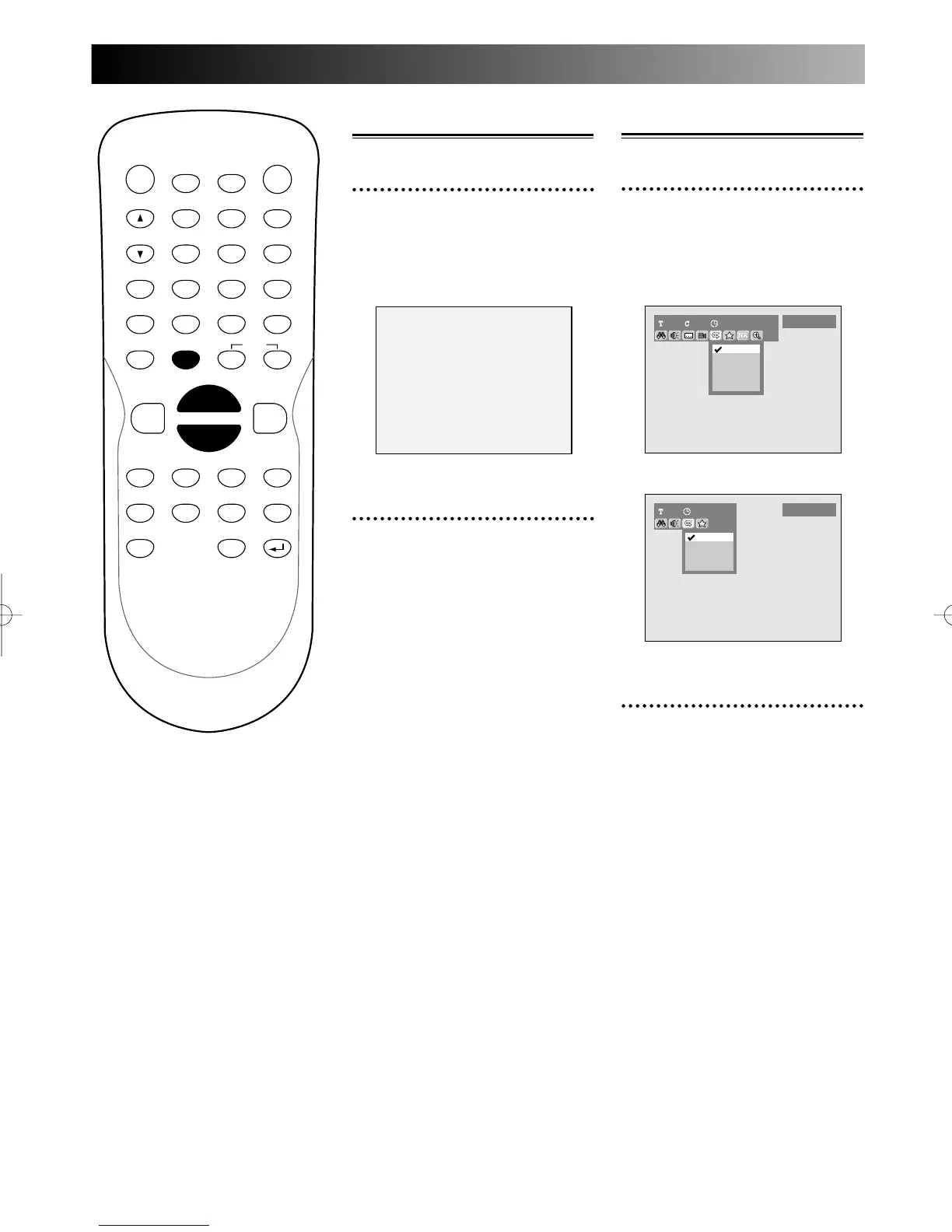
Repeat play
1
During play, press REPEAT
button.
Repeat menu will appear.
Screen for DVD:
Screen for CD:
2
Select a desired option to
repeat using K / L buttons,
then press ENTER button.
The selected repeat play will
start.
Title:
The current title will be played
repeatedly. (DVD only)
Chapter:
The current chapter will be
played repeatedly. (DVD only)
All:
The current disc will be played
repeatedly. (except DVD Video)
Pause
1
During play, press PAUSE F
button.
Play will pause and sound will be
muted.
2
Press PLAY B button to
resume play.
PROG.



 To Next Page