Using SETUP menu
96
Other settings:
Audio settings
Setting digital audio out-
put
When you are connecting the
DVD recorder to an
amplifier/decoder, which is com-
patible with digital audio output,
you will need to make the set-
tings to enjoy the full surround
sound.
Dolby Digital has been selected as
the default.
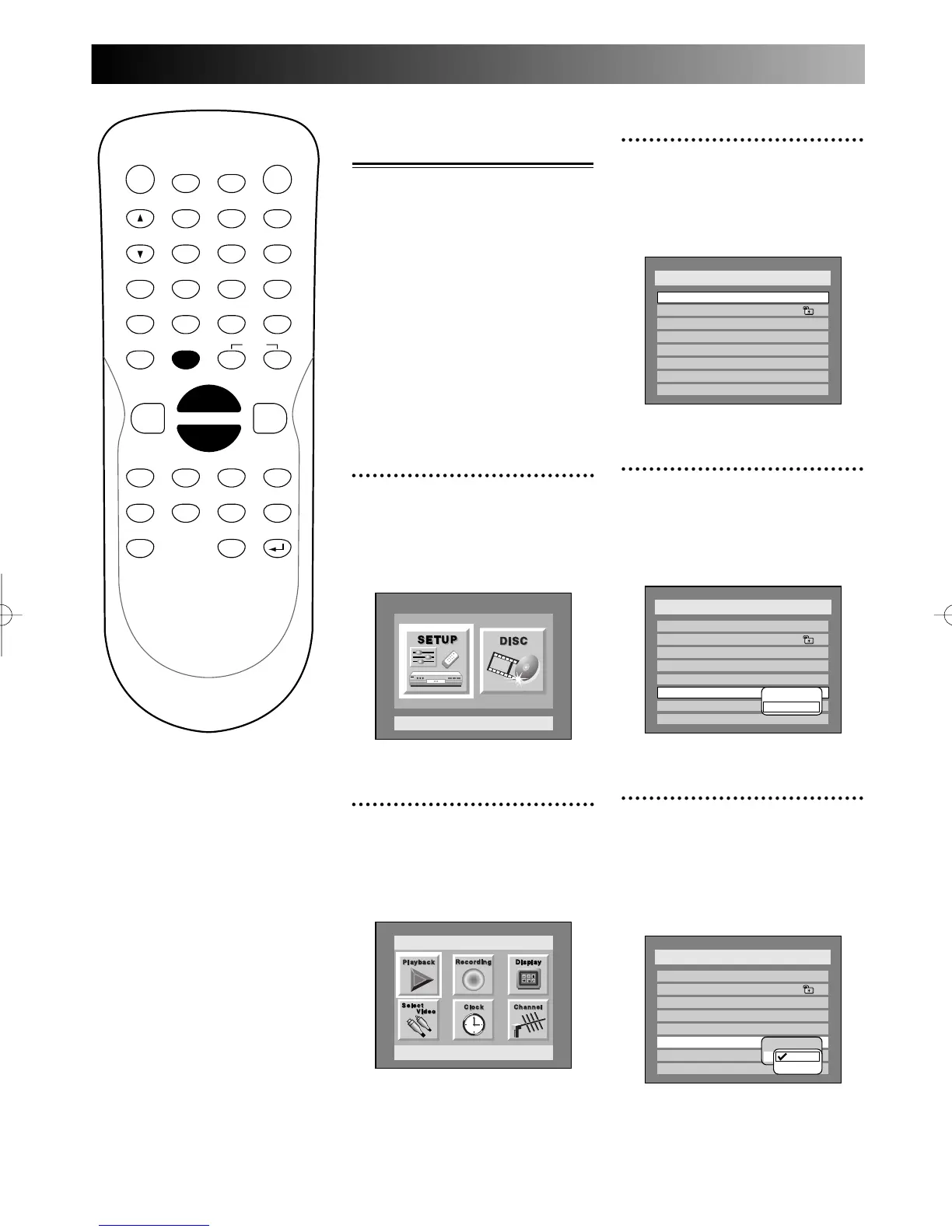
1
Press SETUP button to dis-
play SETUP/DISC menu.
SETUP/DISC menu will appear.
Screen:
2
Select SETUP using { / B
buttons, then press ENTER
button.
SETUP menu will appear.
3
Select “Playback” using K / L
/ { / B buttons, then press
ENTER button.
Play Back menu will appear.
4
Select “Digital Out” using K
/ L buttons, then press
ENTER button.
Option window will appear.
5
Select desired options using
K / L buttons, then press
ENTER button.
Dolby Digital:
PROG.



 To Next Page