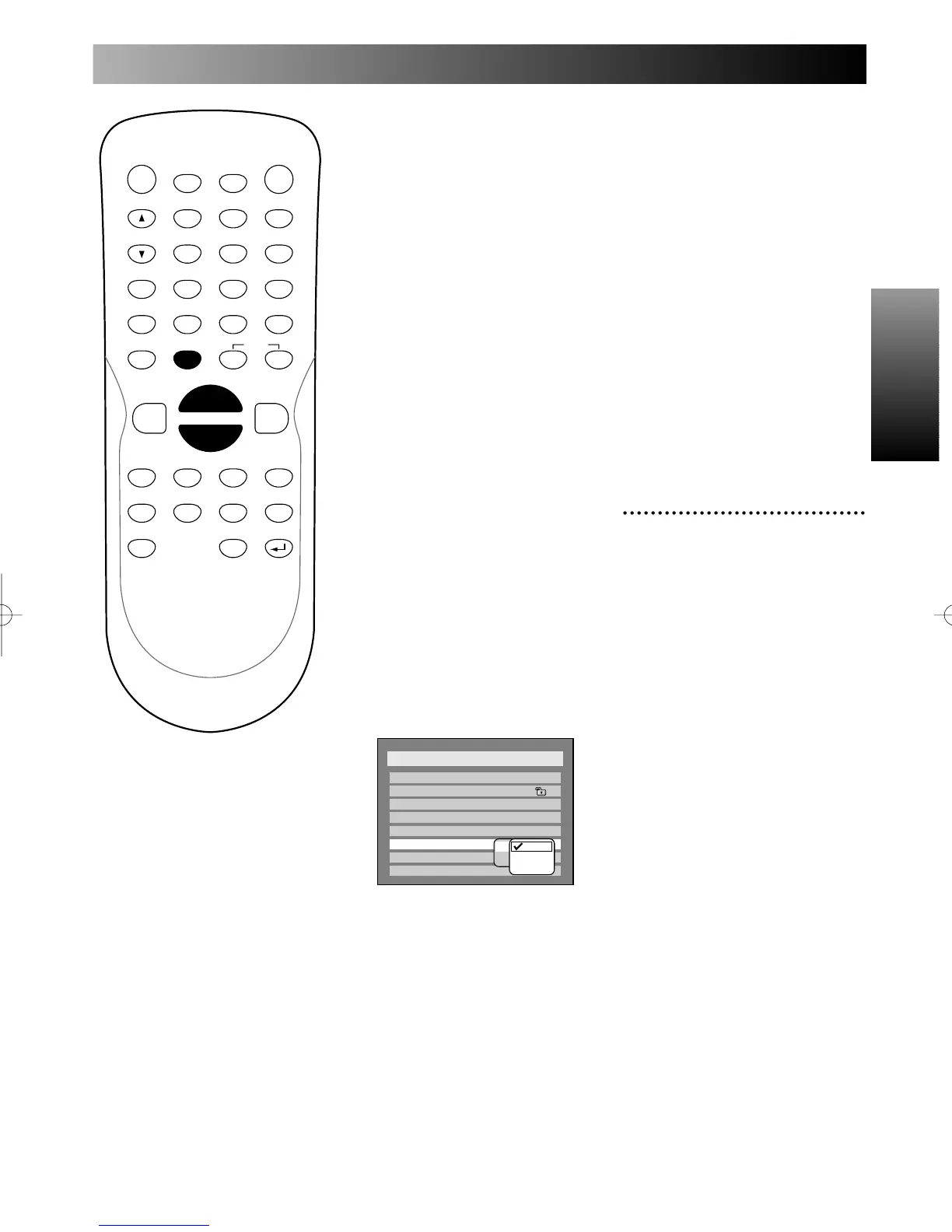
Using SETUP menu
Using SETUP menu
97
When your amplifier/decoder
is compatible with Dolby
Digital:
1.
Select “Dolby Digital” using
K / L buttons, then press
ENTER button.
2.
Select “Stream” using K / L
buttons, then press ENTER
button.
Dolby Digital sound will be out-
put.
When your amplifier/decoder
is NOT compatible with
Dolby Digital:
1.
Select “PCM” using K / L
buttons, then press ENTER
button.
PCM sound will be output.
Note:
PCM sound will be output
depending on your PCM setting.
PCM:
When your amplifier/decoder
is compatible with 96kHz
PCM:
1.
Select one among all options
using K / L buttons, then
press ENTER button.
Auto:
96kHz sound will be output when
a DVD copy guard function is off.
96kHz sound will be output in
48kHz when Copyguard function
is on.
96kHz:
96kHz sound will be output,
however no digital sound will be
output when Copyguard function
is on.
48kHz:
Every sound will be output in
48kHz.
When your amplifier/decoder
is NOT compatible with
96kHz PCM:
1.
Select “48kHz” using K / L
buttons, then press ENTER
button.
6
Press SETUP button to exit
SETUP menu.
PROG.



 To Next Page