EasyManua.ls Logo

Sylvania DVR90DE - Checking Timer Programming During Recording

Sylvania DVR90DE
108 pages
Print Icon
To Next Page IconTo Next Page
To Previous Page IconTo Previous Page
Loading...
Recording
Recording
43
POWER
DISPLAY
CH
REC MODE CLEAR
SKIP
REC
PAUSE
SETUP
REPEAT
ZOOM
ENTER
RETURN
REC
MONITOR
OPEN/CLOSE
TIMER
PROG.
1
2
3
4
5
6
7
8
9
0
k
A
K
{ B
L
FWD
g
STOP
C
PLAY
B
h
HG
CM SKIP
REV
MENU
PLAY LIST
TOP MENU/
ORIGINAL
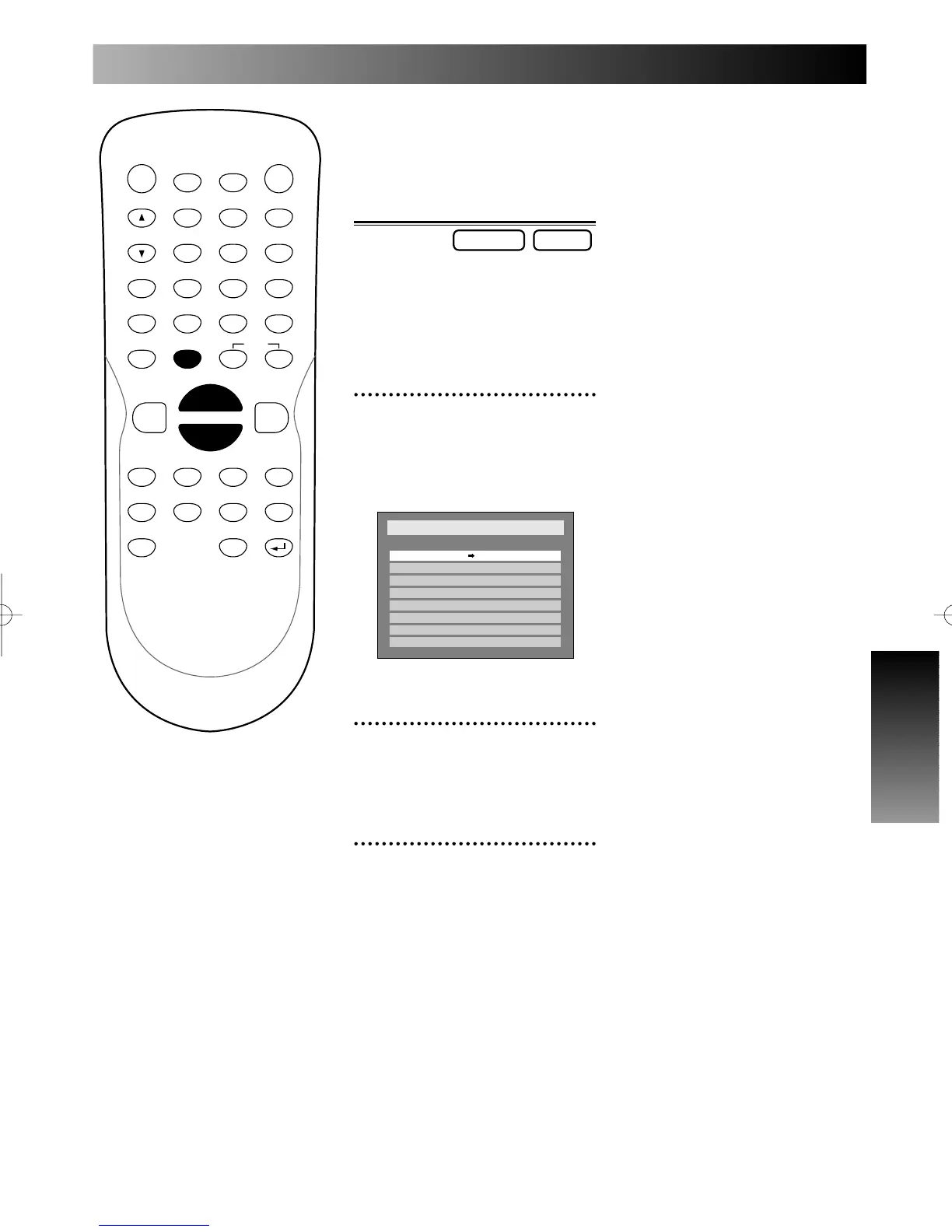
Checking the imfor-
mation on the timer
programming during
the timer recording
You are allowed to know the
imformation on the timer pro-
gramming during the timer
recording.
1
During the timer recording,
press TIMER PROG. button.
Timer Programming list will
appear.
2
Check the end time on the
list.
3
To exit the timer program-
ming list, press TIMER
PROG. button again after
you check the imformation.
Setup
> Recording > Timer Programming
Date Start End CH Speed
1.
XP
2. - - -
- - -
- - -
- - -
- - -
- - -
- - -
3.
4.
5.
6.
7.
8.
CH810:30PM10:00PMJAN/12
DVD-RDVD-RW
E6500UD.QX 03.12.8 19:06 Page 43

Table of Contents

Related product manuals