POWER
DISPLAY
CH
REC MODE CLEAR
SKIP
REC
PAUSE
SETUP
REPEAT
ZOOM
ENTER
RETURN
REC
MONITOR
OPEN/CLOSE
TIMER
PROG.
1
2
3
4
5
6
7
8
9
0
k
A
K
{ B
L
FWD
g
STOP
C
PLAY
B
h
HG
CM SKIP
REV
MENU
PLAY LIST
TOP MENU/
ORIGINAL
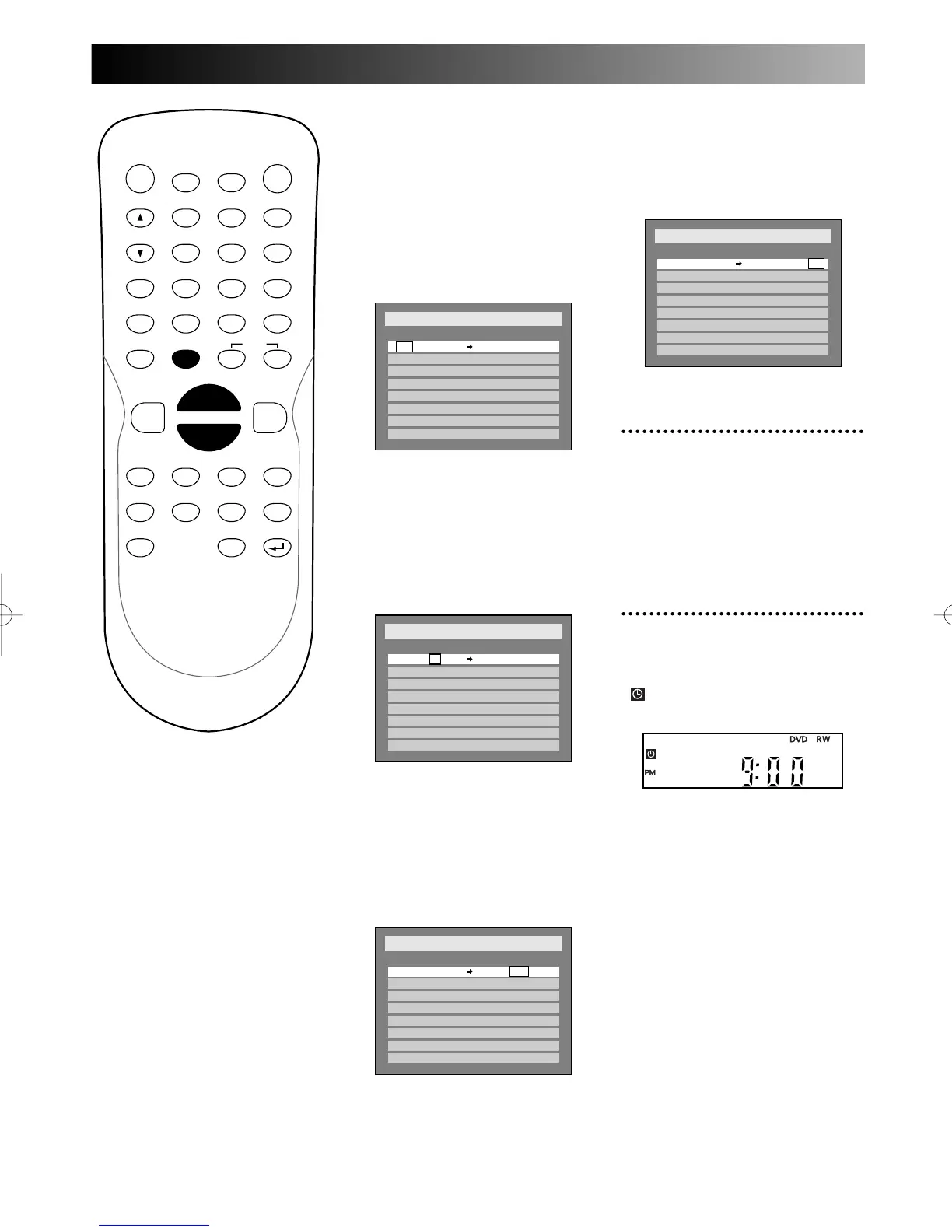
K / L buttons:
change the setting at the current
cursor position.
{ / B buttons:
move the cursor to the left and
the right.
Date:
Enter the date.
When entering “Date”, you can
select a daily or weekly program-
ming.
Start / End:
Enter the time to start and to
end.
CH:
Select the channel to record.
You can select a channel among
those stored in the DVD
recorder with the channel preset-
ting, L1, and L2 (Video IN).
Setup
> Recording > Timer Programming
Date Start End CH Speed
1.
2. - - -
- - -
- - -
- - -
- - -
- - -
- - -
3.
4.
5.
6.
7.
8.
CH810:30PM10:00PMJAN/12
Setup
> Recording > Timer Programming
Date Start End CH
1.
2.
3.
4.
5.
6.
7.
8.
- - -
- - -
- - -
- - -
- - -
- - -
- - -
- - : - -AM
Speed
CH810 :00PMJAN/12
Setup
> Recording > Timer Programming
Date Start End CH Speed
1.
2.
3.
4.
5.
6.
7.
8.
- - -
JAN / 1
- - -
- - -
- - -
- - -
- - -
- - -
- - : - -AM- - : - -AM CH8
Speed:
Select a recording speed among
XP, SP, LP, EP, SLP, and SEP.
Refer to page XX “Recording
speed.”
3
Press ENTER button when all
information required is
entered.
Your program setting will be
stored.
4
Press POWER button to turn
the DVD recorder off.
(Timer icon) will appear on
the front display.
The DVD recorder will be turned
on automatically 2 minutes in
advance of the recording time to
start and waits to start.
Then the recording will start at
the recording time you set.
Note:
To stop the timer recording in
proceed, press STOP C button
on the front panel. STOP C but-
ton on the remote control is not
effective.
Neither POWER button nor
OPEN/CLOSE button is effective.
Setup
> Recording > Timer Programming
Date Start End CH Speed
1.
XP
2. - - -
- - -
- - -
- - -
- - -
- - -
- - -
3.
4.
5.
6.
7.
8.
CH810:30PM10:00PMJAN/12
E6500UD.QX 03.12.8 19:06 Page 42



 To Next Page