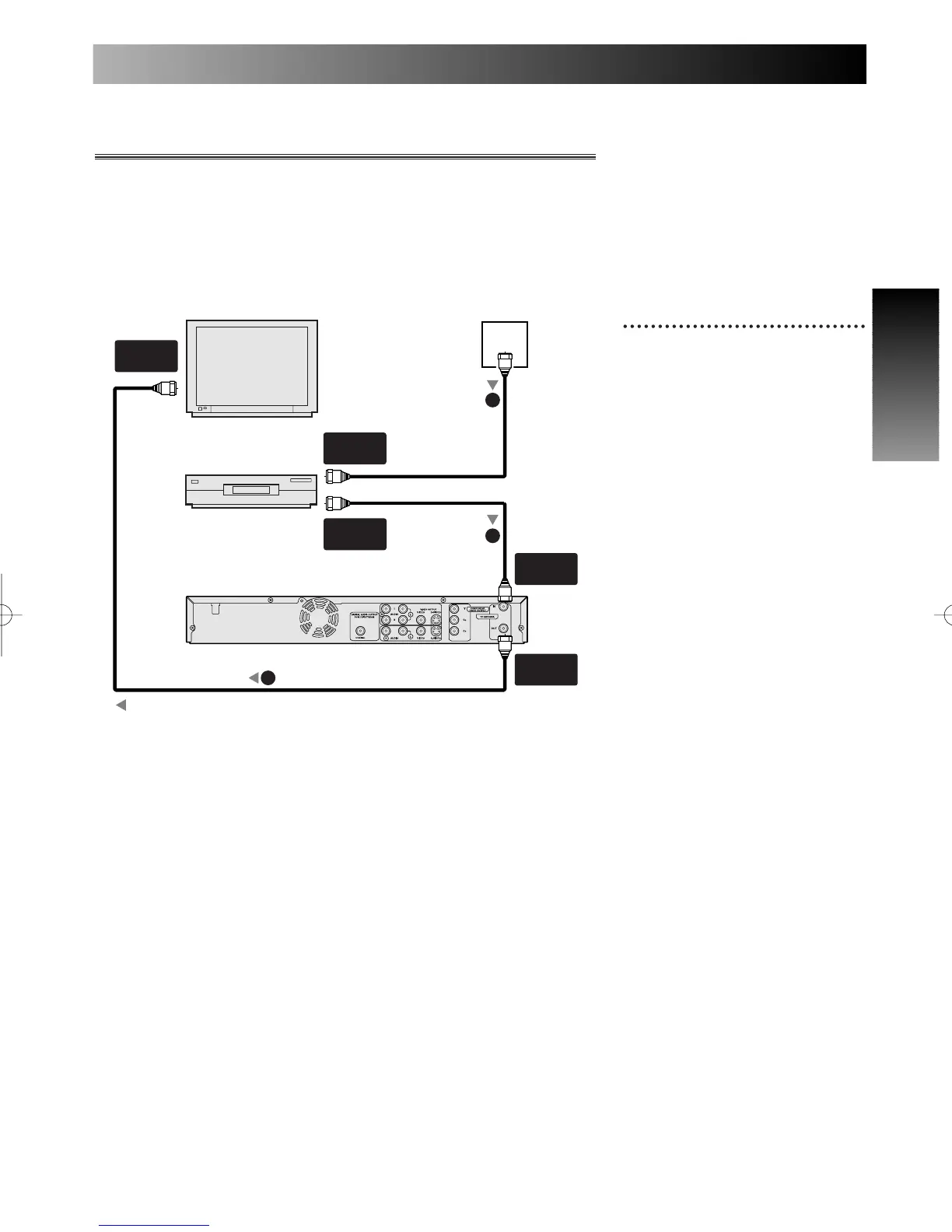
With this setup:
• You can record any unscram-
bled channel by selecting the
channel on the cable box. Be
sure that the cable box is
turned on.
• You cannot record one channel
while watching another channel.
1
Use a standard antenna cable
as shown.
When connecting to a cable box with many scram-
bled channels
If many or all the channels you receive by cable or satellite are scram-
bled, we recommend using this setup.
Note:
Antenna and antenna cable are not included.
A piece of RF cable is included.
ANT.
ANT.



 To Next Page