Using SETUP menu
Using SETUP menu
91
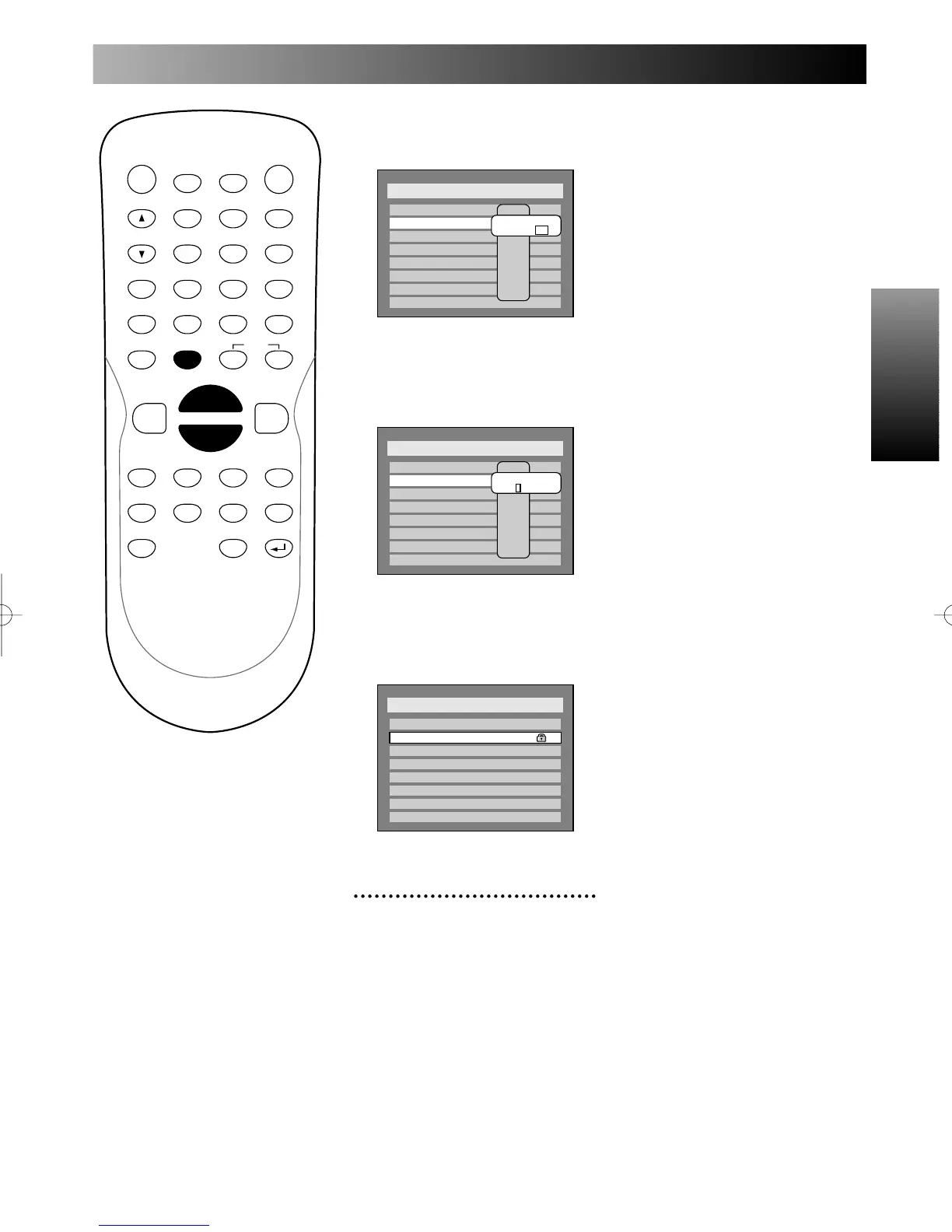
3.
Press ENTER button.
Option window will appear.
4.
Select “Yes,” then enter a
new password.
When selecting “No,” the cur-
rent password is still effective.
5.
Press ENTER button.
Your own password has been
changed and your setting will be
activated.
5
Press SETUP button to exit
SETUP menu.
Note:
Clearing Parental Lock set-
ting
When you forget the password
or you want to clear all setting in
Parental Lock, entering 4, 7, 3,
and 7 as an alternate will be
effective.
PROG.



 To Next Page