Getting started
22
Initial setting:
Channel setting
All channel is stored in the DVD
recorder when purchased. We
recommend that you get available
channels in your area stored using
“Auto Preset” in Setup menu.
If there are any channels you will
not need, you will be able to
remove the channels using
“Manual Preset” in the menu.
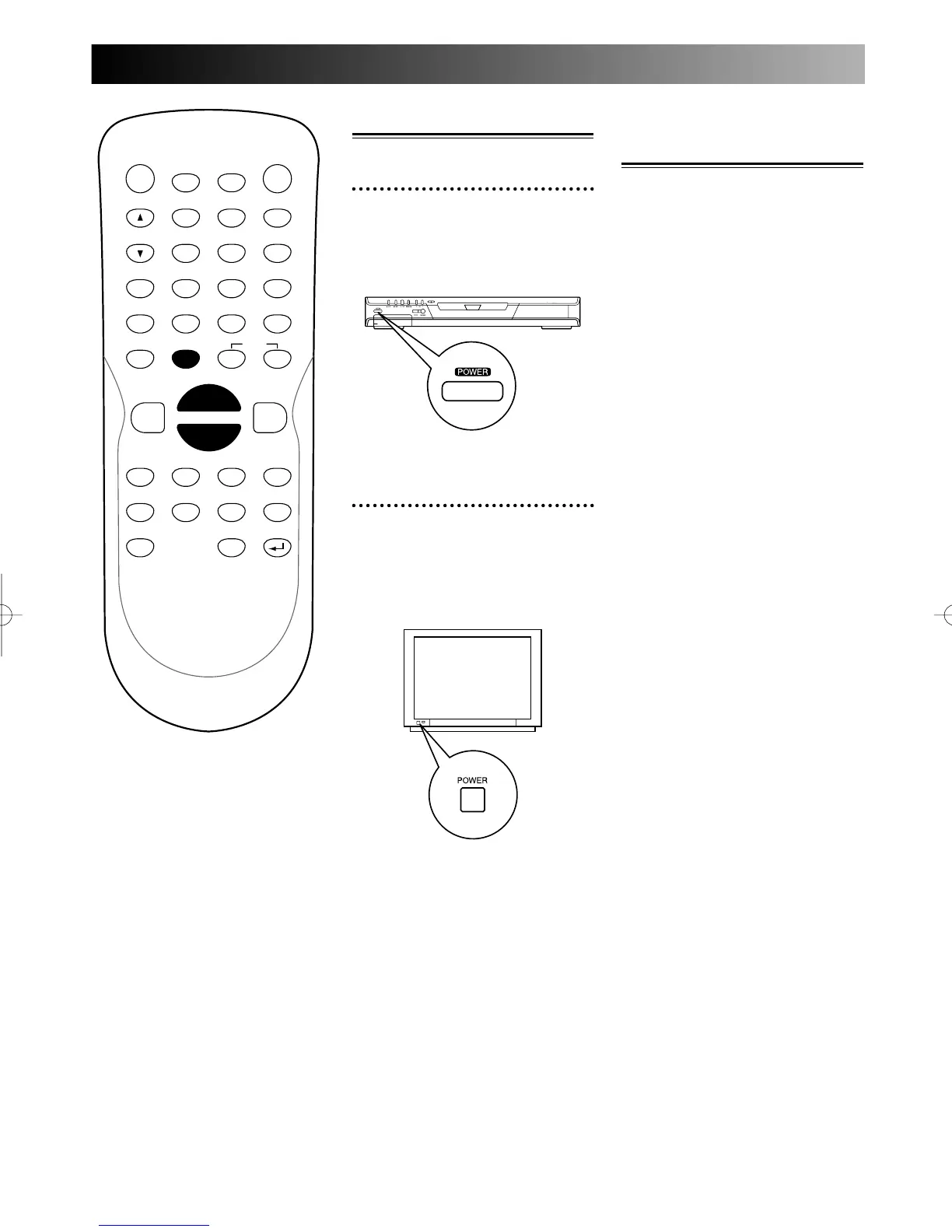
Switching on
1
Press POWER button on the
remote control or the front
panel of the DVD recorder.
2
Turn the TV on and be sure
to select the input to which
the DVD recorder is connect-
ed.
PROG.



 To Next Page