Using SETUP menu
Using SETUP menu
95
4
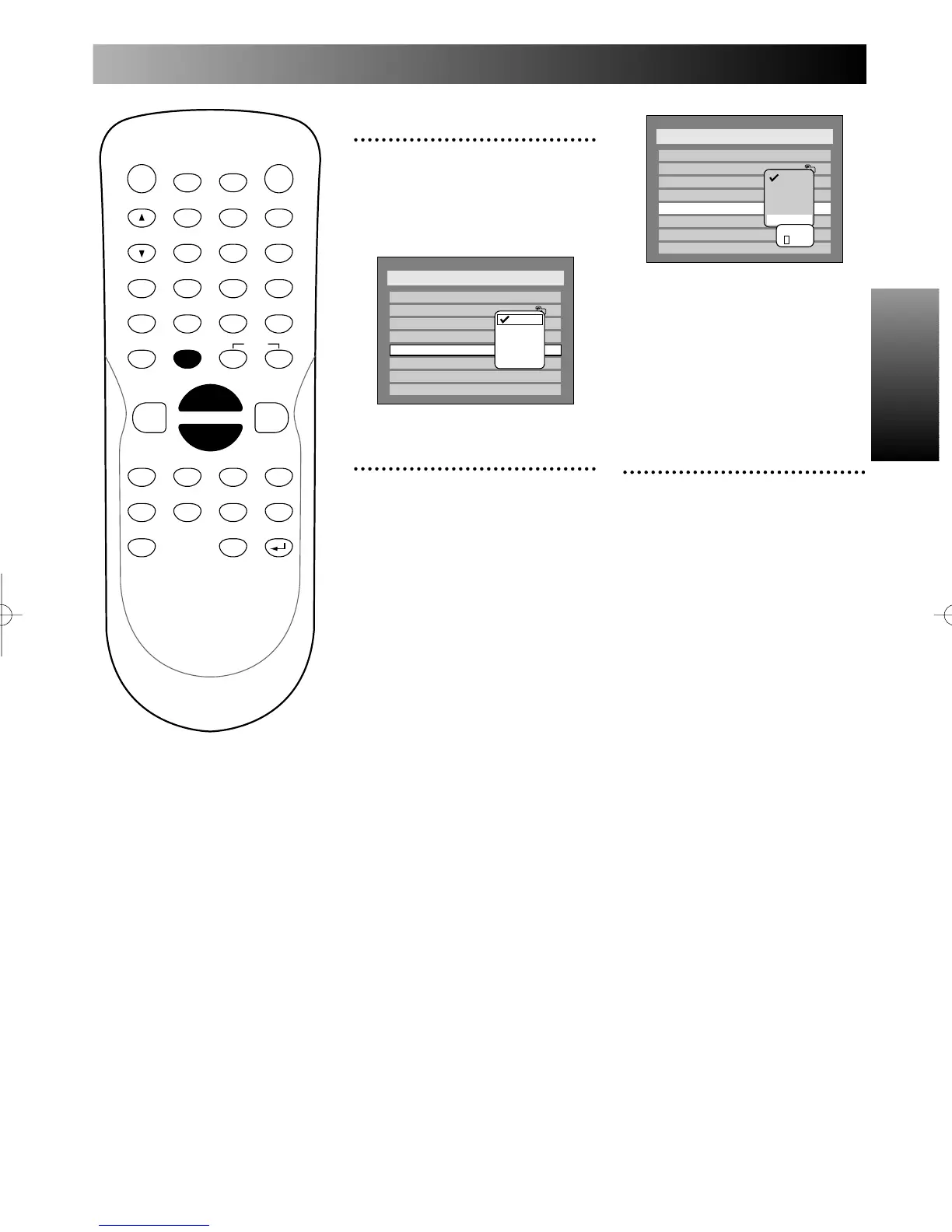
Select “Subtitle Language”
using K / L buttons, then
press ENTER button.
Option window will appear.
5
Select a desired language
using K / L buttons, then
press ENTER button.
When the language you have
selected is included in the disc
you are playing, the DVD
recorder will play the disc in the
specified language in this menu.
Note:
This feature may not be available
to some discs.
When you want a language
other than those in the
option:
1.
Choose “Other,” then press
ENTER button.
The code input option will
appear, so that you can select a
language you want by entering the
4-digit code number using num-
ber buttons.
Refer to the language code table
on page xx.
Select “OFF” to switch subtitles
off the screen.
Note:
You can change or switch off the
subtitles on a DVD disc also from
the disc menu if it is available.
6
Press SETUP button to exit
SETUP menu.
PROG.



 To Next Page