EasyManua.ls Logo

Sylvania DVR90DE - Page 26

Sylvania DVR90DE
108 pages
Print Icon
To Next Page IconTo Next Page
To Previous Page IconTo Previous Page
Loading...
Getting started
26
6
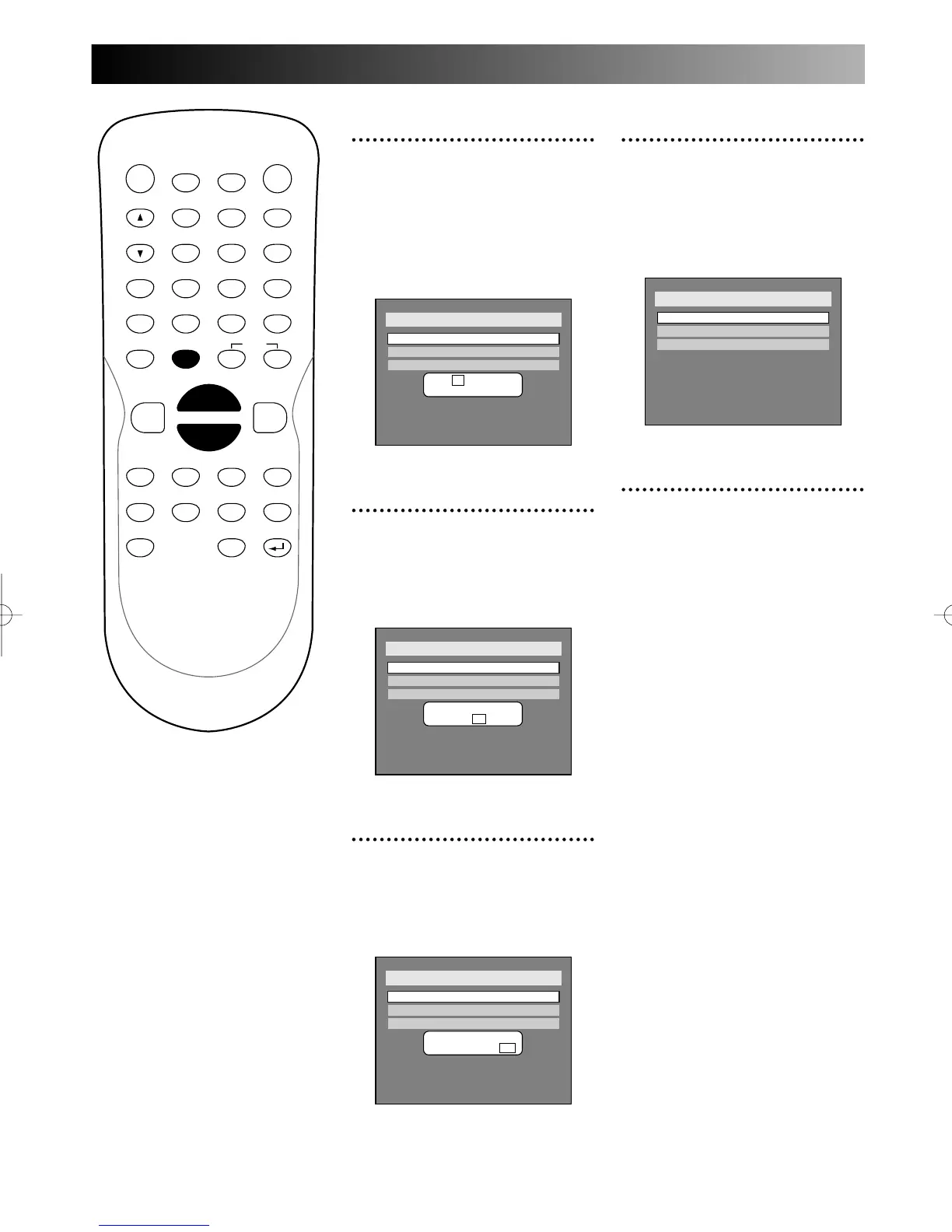
Enter the date (month / day /
year) using K / L buttons,
then press ENTER button.
Every time you enter a number,
press { / B button to move the
cursor.
7
Select the time using K / L
buttons, then press ENTER
button.
A cursor will move on hour.
8
Enter the time (hour /
minute) using K / L buttons,
then press { / B button.
A cursor will move on AM or PM.
Setup > Clock
Clock Setting
Auto Clock Setting
Daylight Saving Time
OFF
JAN / 12 / 2004 (MON)
09 : 24 AM
ON
Setup > Clock
Clock Setting
Auto Clock Setting
Daylight Saving Time
OFF
JAN / 12 / 2004 (MON)
09 : - - AM
ON
Setup > Clock
Clock Setting
Auto Clock Setting
OFF
Daylight Saving Time
JAN / 12 / - - - - ( - - - )
- - : - -
ON
POWER
DISPLAY
CH
REC MODE CLEAR
SKIP
REC
PAUSE
SETUP
REPEAT
ZOOM
ENTER
RETURN
REC
MONITOR
OPEN/CLOSE
TIMER
PROG.
1
2
3
4
5
6
7
8
9
0
k
A
K
{ B
L
FWD
g
STOP
C
PLAY
B
h
HG
CM SKIP
REV
MENU
PLAY LIST
TOP MENU/
ORIGINAL
9
Press K / L buttons to select
AM or PM, then press
ENTER button.
Clock menu will appear, then the
settings will be activated.
10
Press SETUP button to exit
SETUP menu.

Setup > Clock
Clock Setting
Auto Clock Setting
Daylight Saving Time
OFF
ON
E6500UD.QX 03.12.8 19:06 Page 26

Table of Contents

Related product manuals