Recording
Recording
39
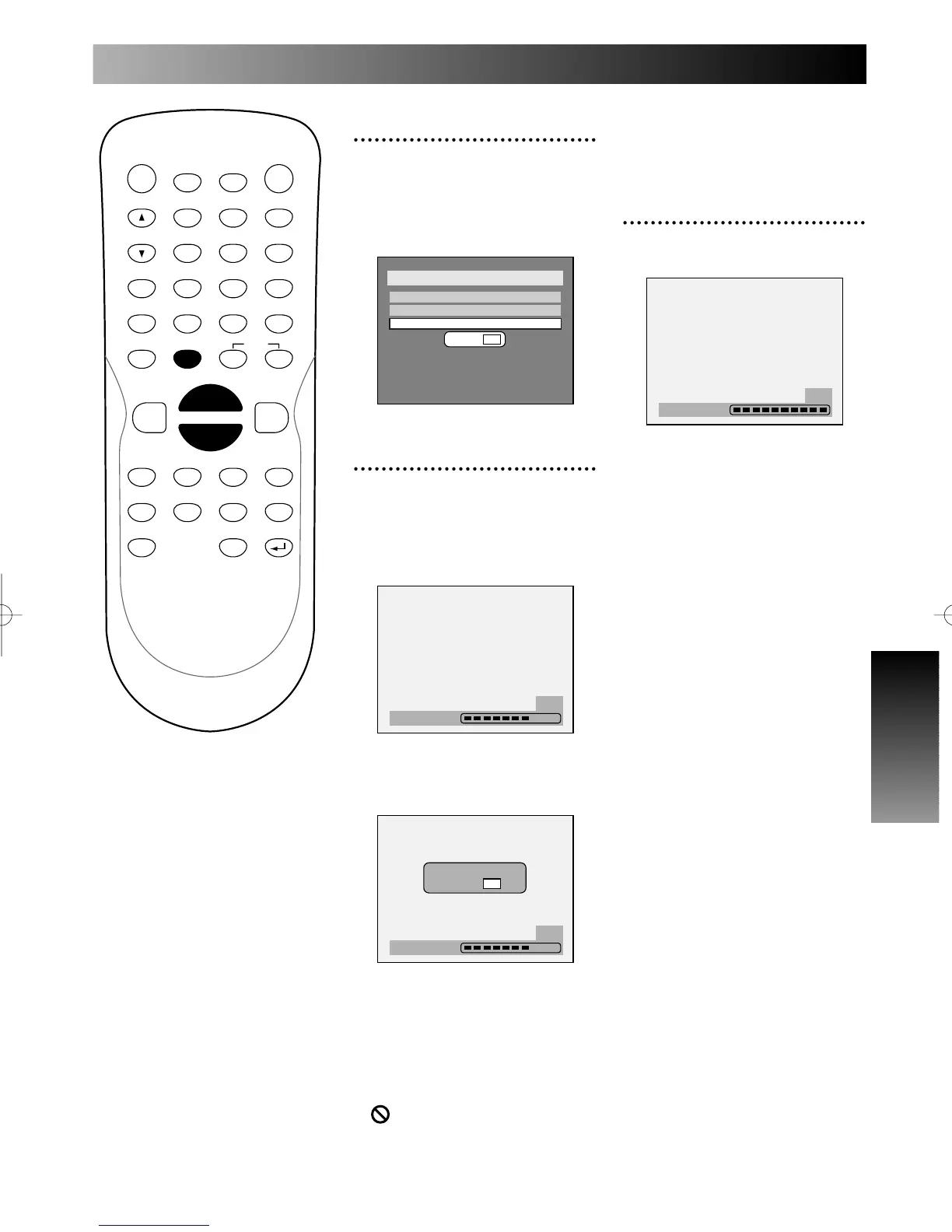
When selecting “No” and press
ENTER or RETURN button, final-
izing will be continued.
5
Finalizing is complete.
Press SETUP button to exit
DISC menu.
PROG.
3
Select “Finalize” using K / L
buttons, then press ENTER
button.
Option window will appear.
4
Select “Yes” using { / B
buttons, then press ENTER
button.
Finalizing will start.
To cancel finalizing, press STOP
C button.
Select “Yes,” then press
ENTER button.
Finalizing is cancelled, then the
DVD recorder will be in stop
mode.
Note:
If appear when pressing
STOP button, you can not cancel
finalizing because the finalizing has
been in certain progress.



 To Next Page