Playing discs
50
1
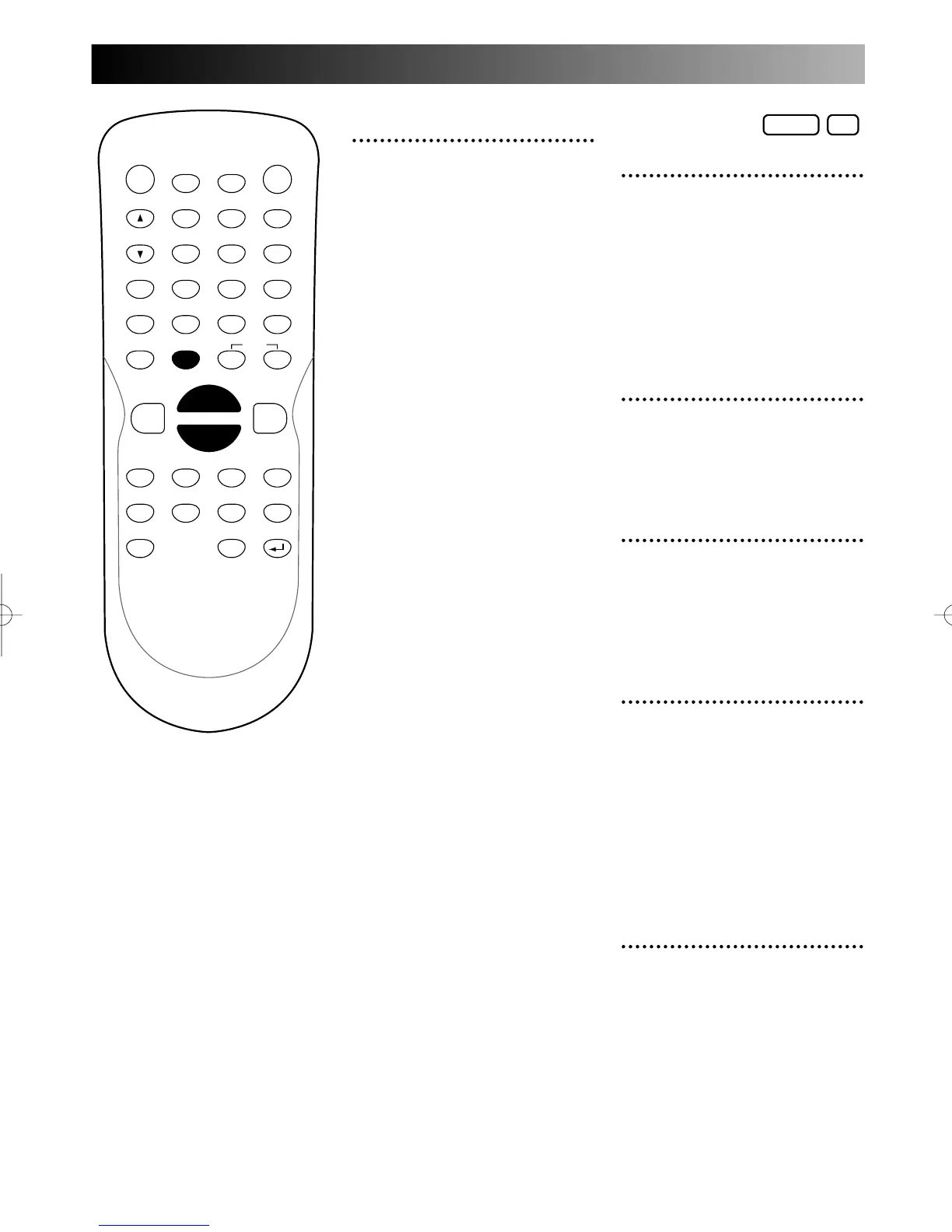
Press POWER button on the
remote control or the front
panel of the DVD recorder.
When you are playing a DVD,
turn the TV on and be sure to
select the input to which the
DVD recorder is connected.
2
Press OPEN/CLOSE A but-
ton to open the disc tray.
The disc tray will open.
3
Place the disc onto the disc
tray with its label facing up
and make sure to align the
disc to the disc tray guide.
4
Press PLAY B button to
start playing.
Playing will start.
If you are playing a DVD-Video
disc, a menu may appear.
Refer to page XX for details
about a disc menu.
5
Press STOP C button to stop
playing.
6
Press STOP C button to stop
play.
Note:
You can resume play from where
you stopped playing the disc.
(Resume play)
Refer to page XX for details
about resume play.
To eject the disc, press
OPEN/CLOSE A button to open
the disc tray, then remove the
disc before turn the DVD
recorder off.
PROG.



 To Next Page