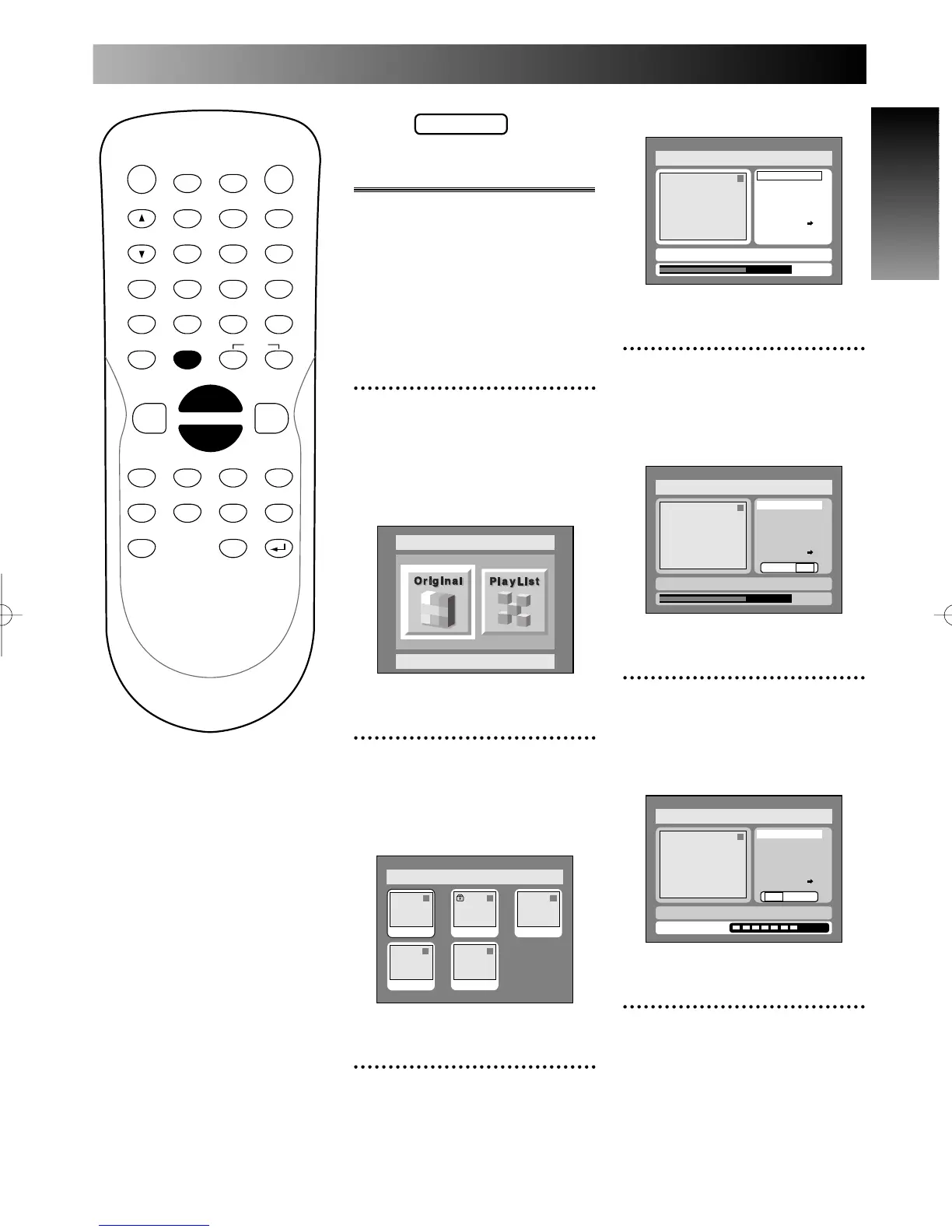
PROG.
Original
Deleting titles
When a title is deleted from an
original list in VR mode, the disc
space to record will be increased.
Be sure to know that the titles
once deleted cannot be brought
back to the disc.
1
Select “Edit” from DISC
menu using K / L buttons,
then press ENTER button.
DISC menu will appear.
Screen:
2
Select “Original” using { / B
buttons, then press ENTER
button.
Original list will appear.
3
Select a desired title using K
/ L / { / B buttons, then
press ENTER button.
Original menu will appear.
4
Select “Title Delete” using K
/ L buttons, then press
ENTER button.
Option window will appear.
5
Select “Yes” using { / B
buttons, then press ENTER
button.
Title will be deleted.
6
Press SETUP button to exit
DISC menu.



 To Next Page