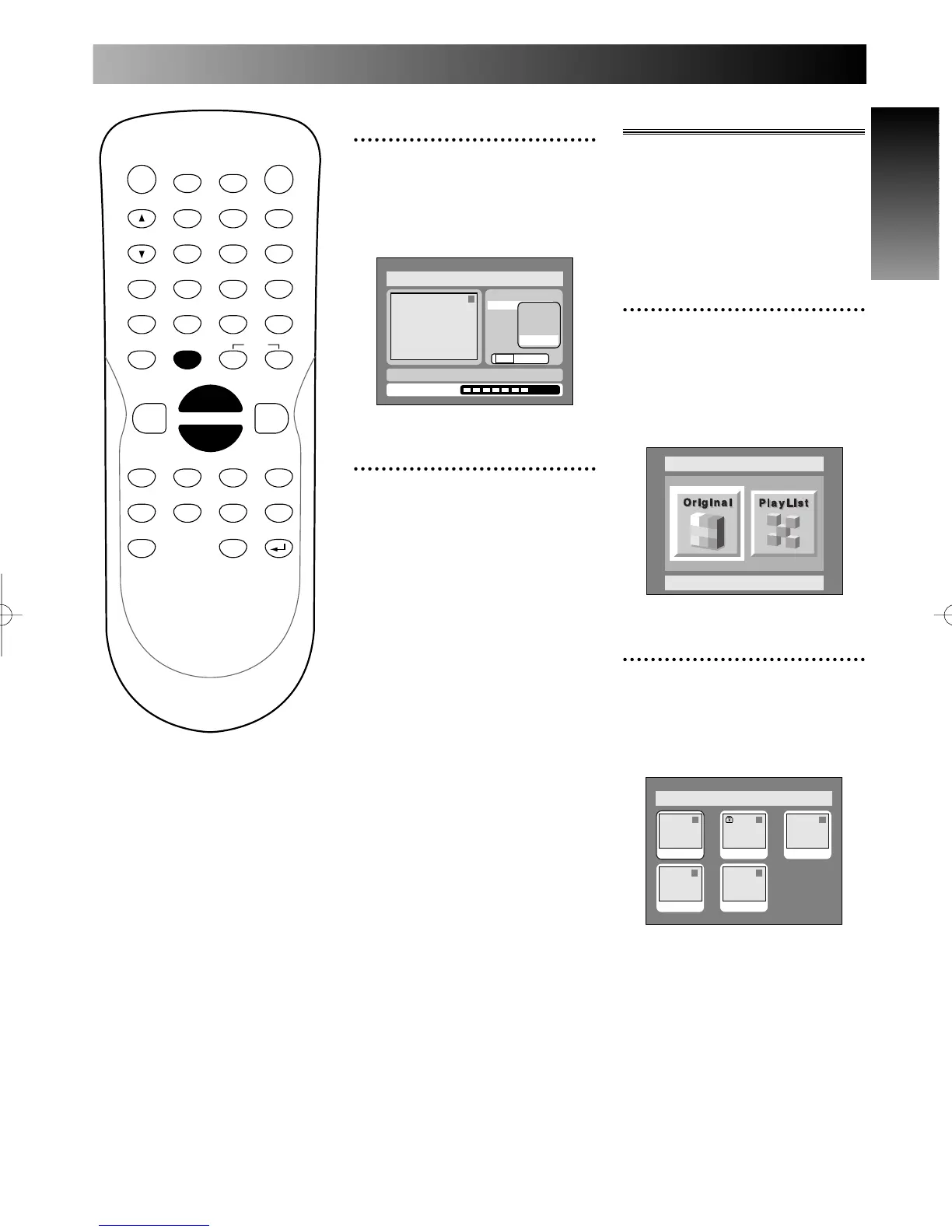
PROG.
7
Select “Yes” using { / B
buttons, then press ENTER
button.
Part of a title will be deleted.
8
Press SETUP button to exit
DISC menu.
Putting names on titles
You can put title names on the
titles and change the names from
this menu.
The names you put on the titles
will be displayed on a titlelist.
1
Select “Edit” from DISC
menu using K / L buttons,
then press ENTER button.
Disc menu will appear.
Screen:
2
Select “Original” using { / B
buttons, then press ENTER
button.
Original list will appear.



 To Next Page