Editing
82
6
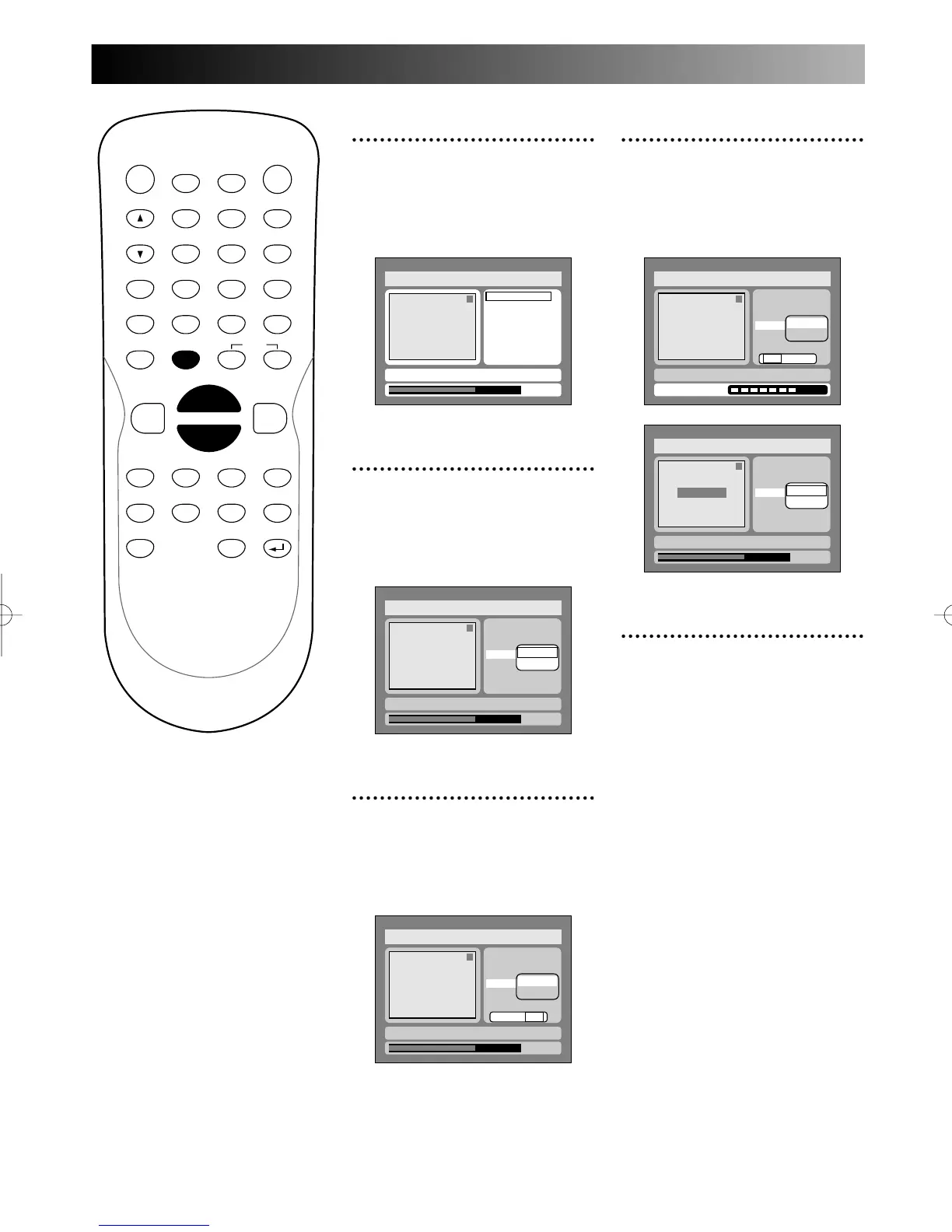
Select “Yes” using { / B
buttons, then press ENTER
button.
A chapter marker will be added.
7
Press SETUP button to exit
DISC menu.
PROG.
3
Select a desired title using K
/ L / { / B buttons, then
press ENTER button.
Playlist menu will appear.
4
Select “Chapter Mark” using
K / L buttons, then press
ENTER button.
Option window will appear.
5
Select “Add” using K / L
buttons, then press ENTER
button.
Option window will appear.



 To Next Page