4. FUEL SYSTEM
4-14
Float Chamber
Disassembly
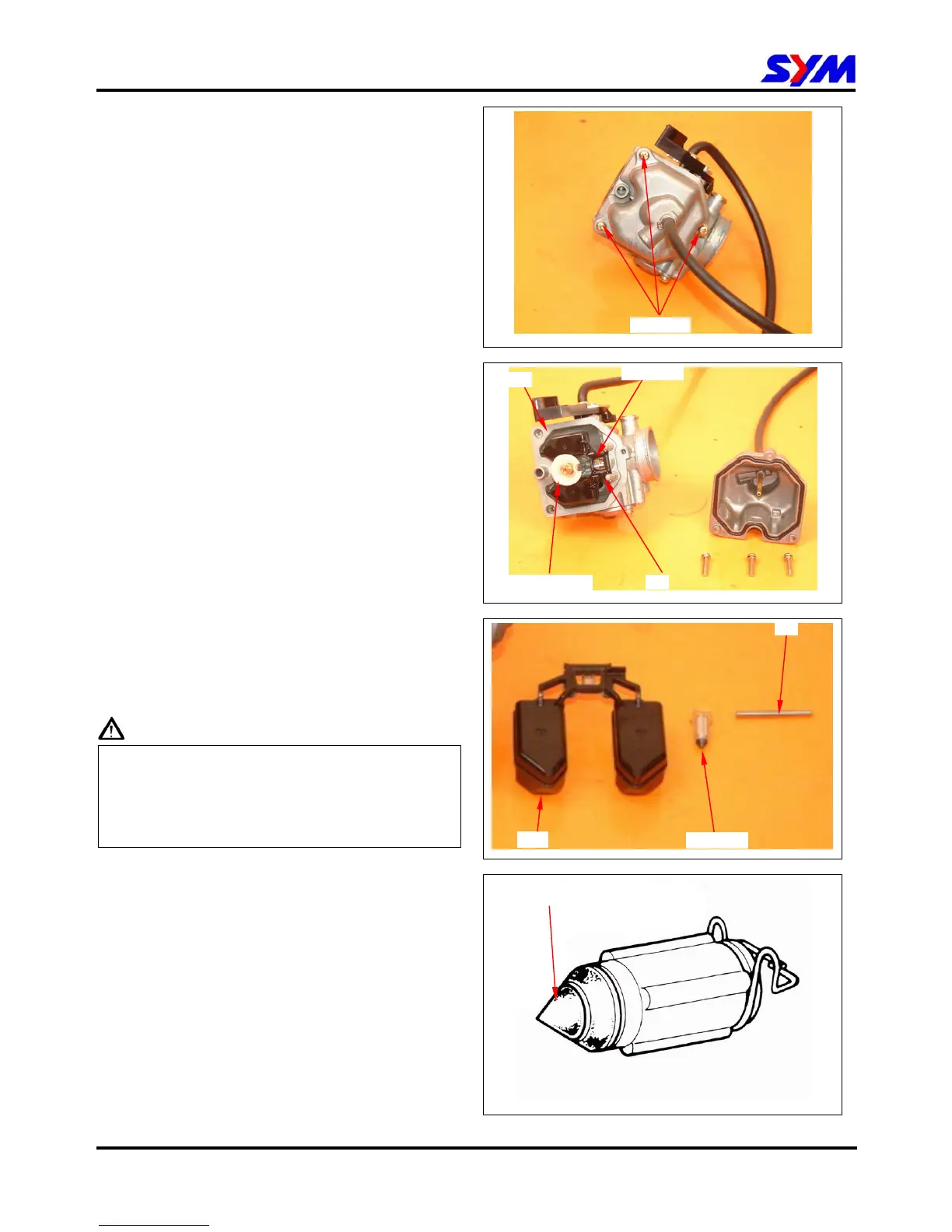
Remove 3 mounting screws and remove float
chamber cover.
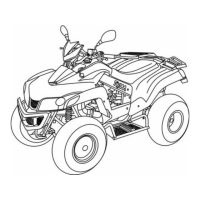
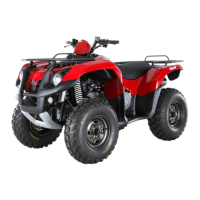
Remove the fuel level plate, float pin, float and
float valve.
Inspection
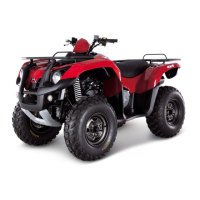
Check float valve and valve seat for damage,
blocking.
Check float valve for wearing, and check valve
seat face for wear, dirt.
Caution
In case of worn out or dirt, the float valve and
valve seat will not tightly close causing fuel level
to increase and as a result, fuel flooding. A worn
out or dirty float valve must be replaced with a
new a new one.
3 Screws
Float
Float valve
Fuel level plate Pin
Float
Pin
Float valve
Check for wear or damage



 To Next Page