51
5
SYSTEMA EOLO RT rev. 09ENIT04052021
FUNZIONAMENTO
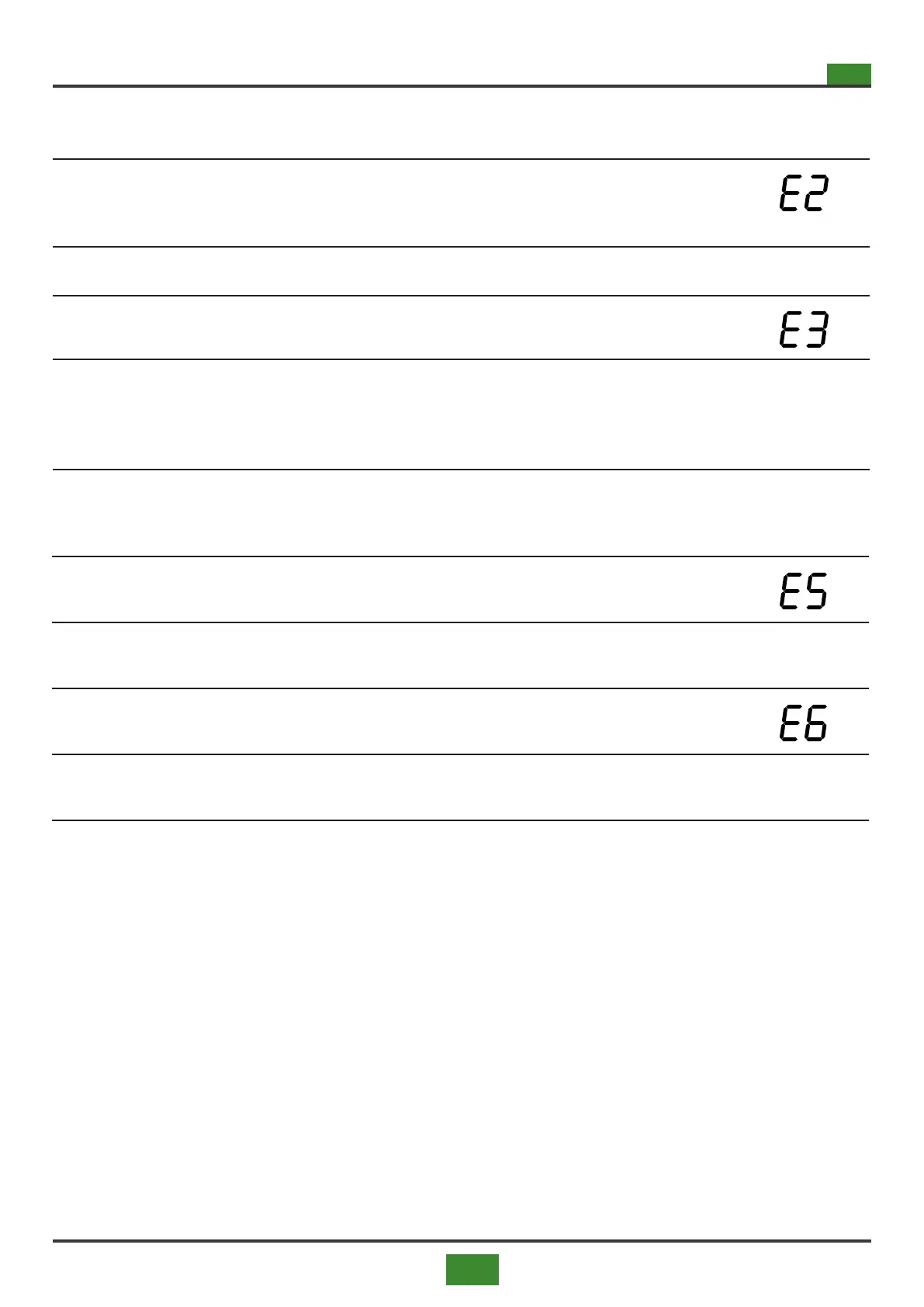
5.2.3 Burner shutdown due to opening of a safety contact
Tab 5.7 Fault sequence - safety devices intervention
1)
The opening of one or both of the contacts connected to the temporary safety
terminal J7B (minimum pressure switch Pg-, relay C3 for triggering the thermal
protections if present) causes the burner to switch o and the message appears
on the display:
1.1) The burner resumes normal operation when the open safeties are closed.
2)
The opening of one or both contacts connected to the safety hold terminal J7C
(Ts, Pg+ if present, lter pressure swich ) causes the burner to switch o and the
display shows the message:
3)
The burner remains locked as long as the serious alarm signal is active, the seri-
ous alarm event is saved in the memory and persists even in the event of a power
failure. To cancel the serious alarm event and restart the burner close contact J7C
and reset the board, reset contact RT (connector J9B) via push button Sr.
5.2.5 Burner reset / mainbord reset
To reset the mainbord press the Sr button for at least 5 seconds or send the signal to SCP674V131MB board
from terminal or close the reset contact RT (connector J9B).
for at least 2 seconds.
The ame controller device is a manual type. To reset the burner controller press the Sr button for at least 2
seconds or send the signal to SCP674V131MB board from terminal or close the reset contact RT (connector
J9B).
.
5.2.4 Burner switch-o due to gas blower overrun
1)
If the alarm for fan rpm below the minimum value occurs, the burner locks and the
message appears on the display:
1.1)
To restart the burner, reset the board (remove and re-energise the SCP674V130A1
motherboard).
2)
If the alarm occurs that the fan rpm exceeds the maximum value, the burner locks
and the display shows the message:
2.1)
To restart the burner, reset the board (remove and re-energise the SCP674V130A1
motherboard).


 To Next Page