Installation
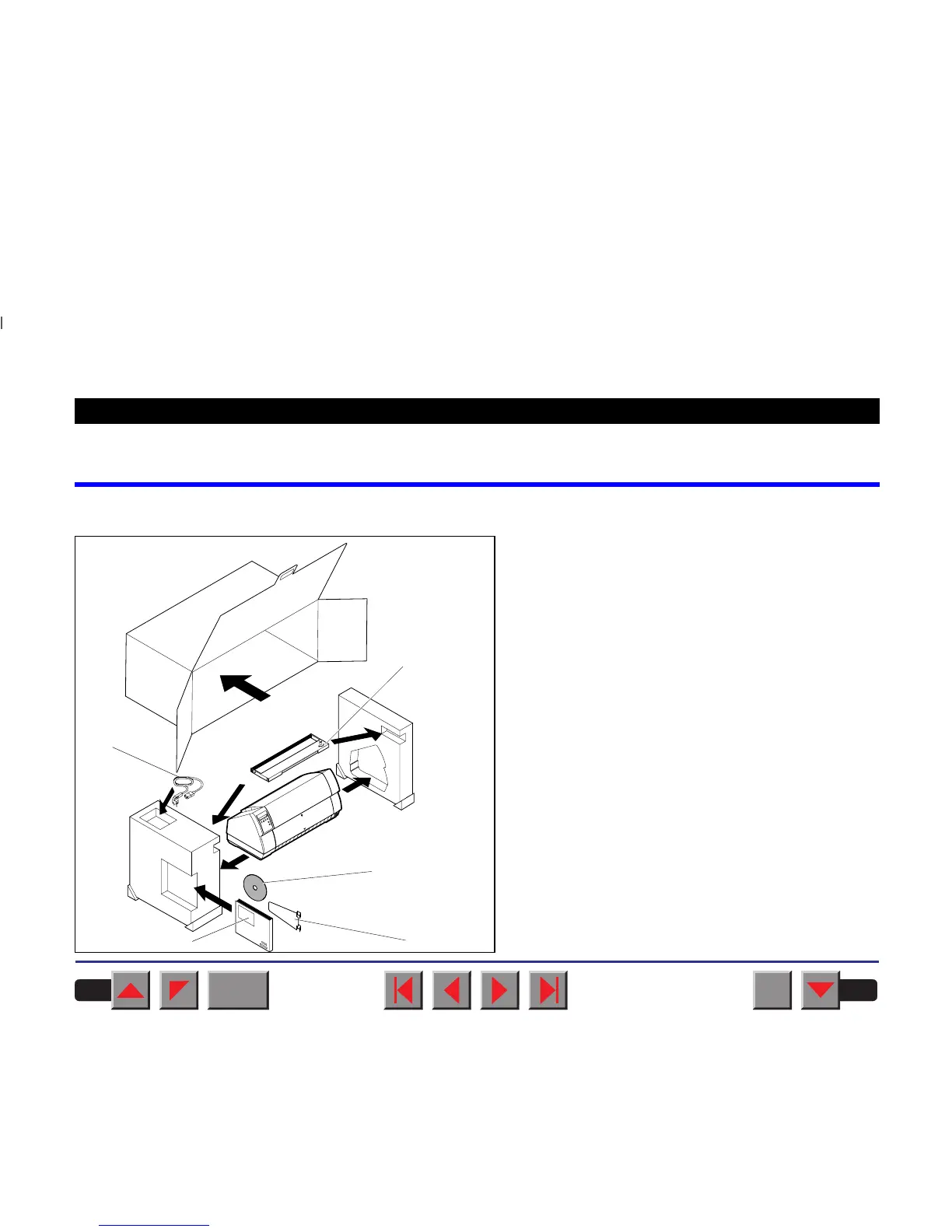
➤ Unpacking the printer
Place your printer on a solid base (see
Placing your
printer
).
Make sure that the “Up” symbols point to the correct
direction.
Open the packaging and take out the ribbon casset-
te. Pull the printer out of the cardboard box towards
you and remove the remaining packaging material.
Check the printer for any visible transport damage
and completeness. Apart from this CD-ROM (➀), the
Operator’s Manual (➁), the power cable (➂), the rib-
bon (➃) and the paper support (➄) must be included.
If you find any transport damage or if any accesso-
ries are missing, please contact your dealer.
➀
➁
➂
➃
➄
BACK
QUIT
?
PRINT
Reference manual Installation
4














 To Next Page