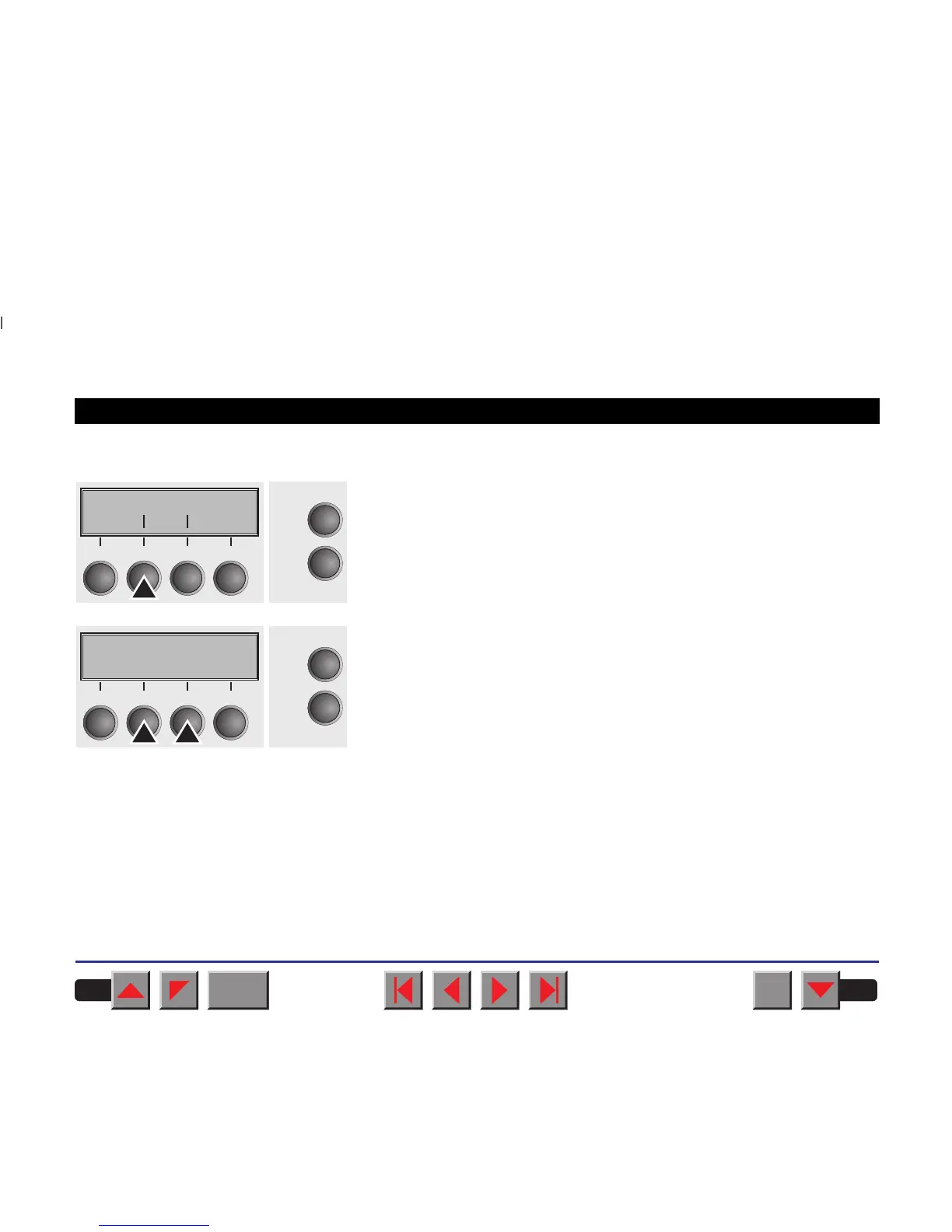
➤Left-hand area (Leftzon)
Select the Leftzon menu (2).
Setting options: On/Off
Default setting: Off
If the parameter is On, the printhead moves out of the perforation zone
(area) on the left as long as the paper is being transported. The
Pagewid setting has no influence (see above).
Confirm your settings with the key Set
(1).
Leftzon Rightzo
Online
Setup
Back Next
21
3
4
Leftzon=Off *
Online
Setup
Set < > Exit
21
3
4
BACK
QUIT
?
PRINT
Reference manual Mechanical adjustments to the printer
84














 To Next Page