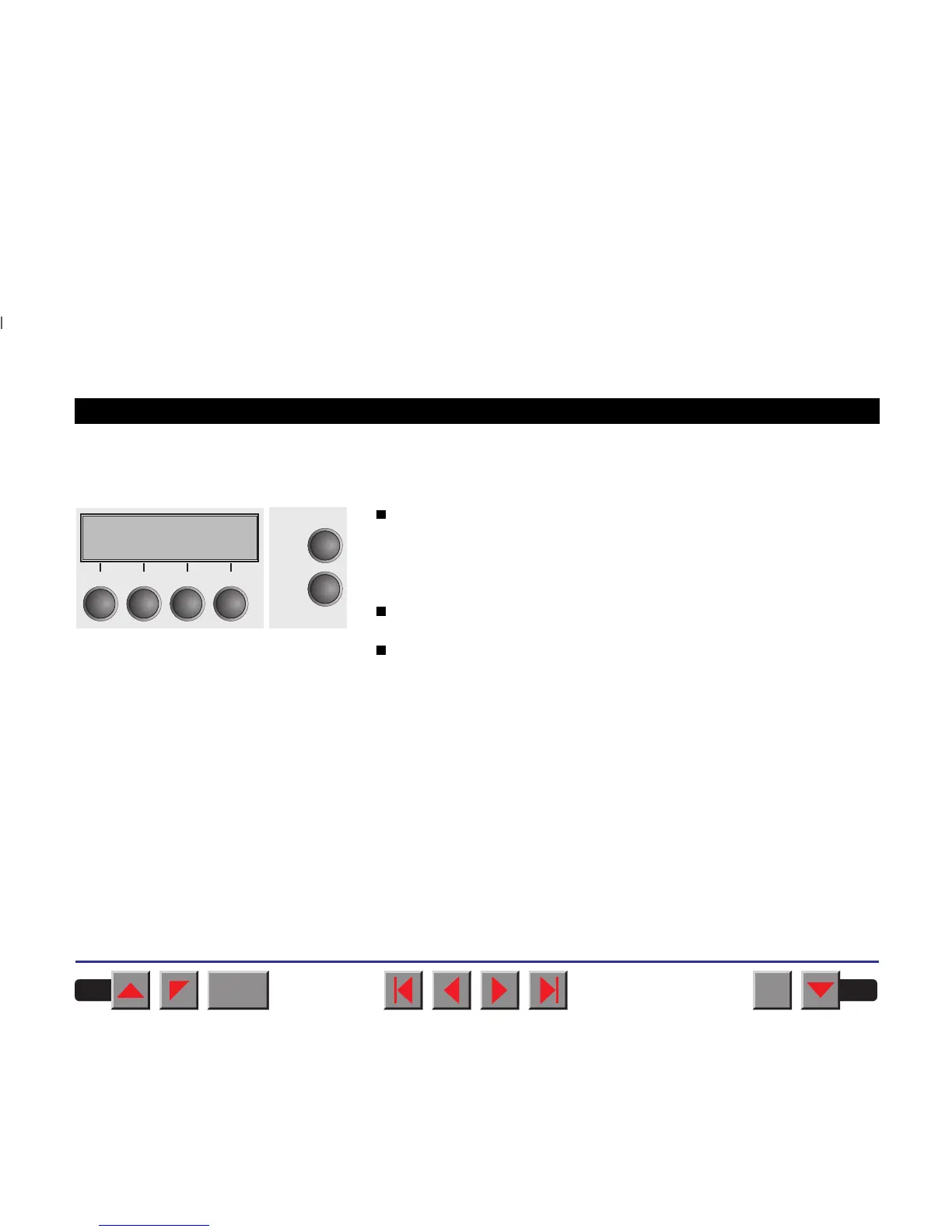
➤ Online mode After switching on, the printer is automatically set to online mode. Only in
this mode it can receive data from the computer.
Tear key (4):
Activates the tear function when fanfold paper is loaded
(see
Moving the paper to the tear position
).
If Load is displayed above this key, no paper is loaded in the printer;
press the key to feed paper to the printing position.
Setup key:
Sets the printer to setup mode.
Online key:
Sets the printer to offline mode.
Online Tractor1
Tear
Online
Setup
21
3
4
BACK
QUIT
?
PRINT
Reference manual The control panel
14














 To Next Page