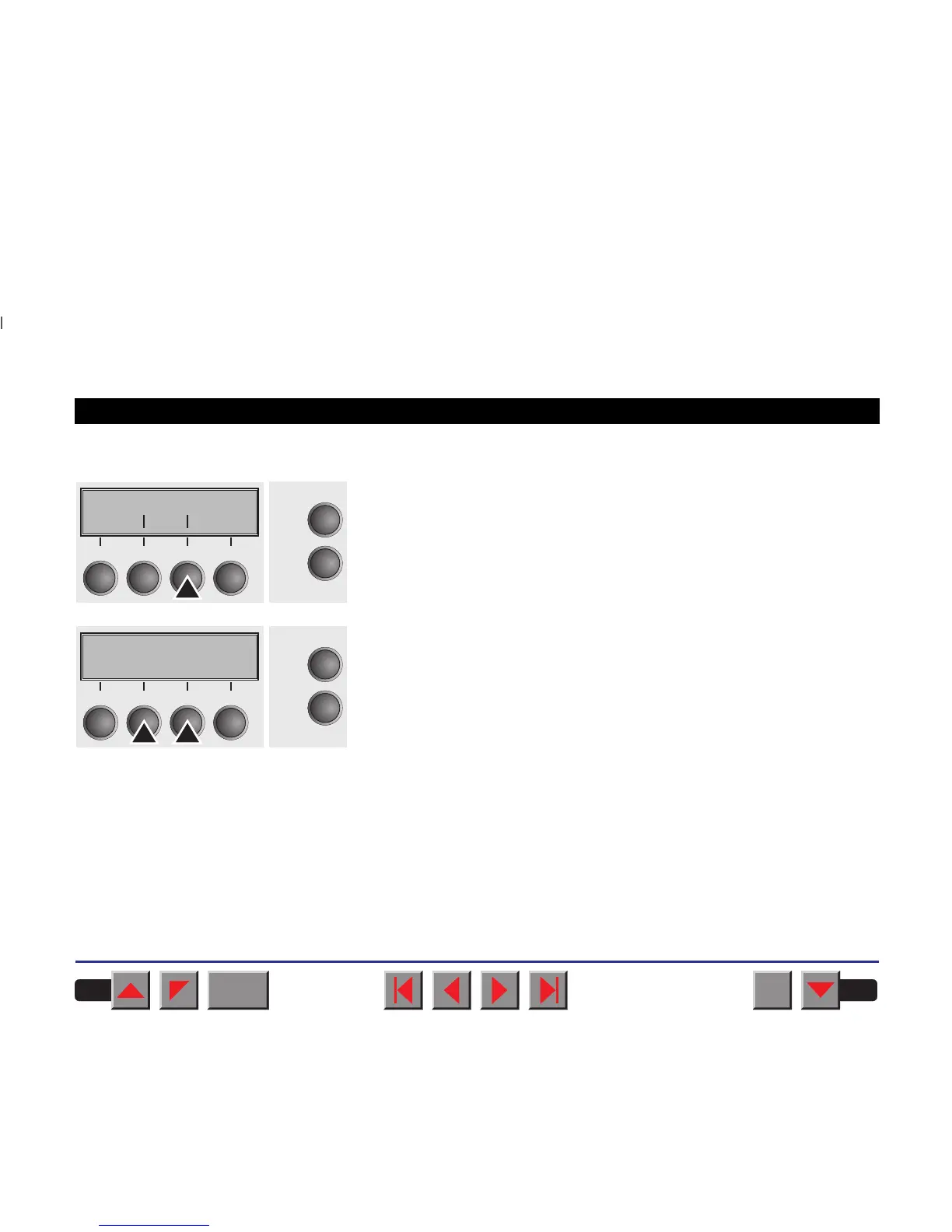
➤Bidirectional parallel interface (CX-bid)
Select the CX-bid menu (3).
Setting options: On/Off
Default setting: On
CX-bid = ON sets the parallel interface of the printer to bidirectional
mode (IEEE 1284). CX-bid = OFF sets the interface to compatibility
mode in order to ensure reliable operation with special external boxes.
Confirm your settings by pressing the key Set (1). Change to the next
parameter group with the key Next
(4).
Paphand CX-bid
Online
Setup
Back Next
21
3
4
CX-bid=On *
Online
Setup
Set < > Exit
21
3
4
BACK
QUIT
?
PRINT
Reference manual Mechanical adjustments to the printer
87














 To Next Page