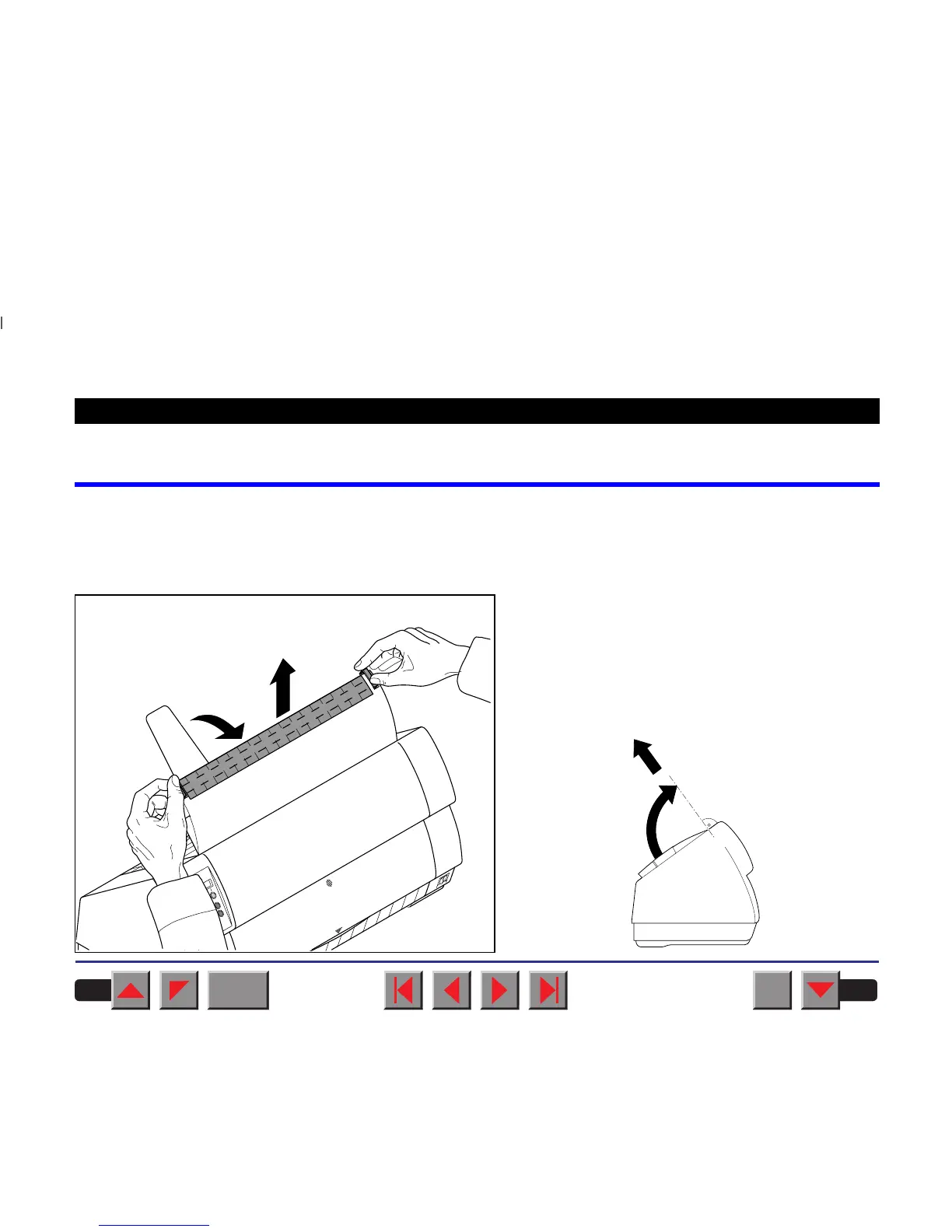
Changing the ribbon cassette
The ribbon consists of a dense synthetic fabric saturated with ink. When
printing, the needles hit the ribbon and transfer the ink particles on to the
paper. After printing several million characters, the ink is consumed and
the fabric worn out.
Remove all the paper from the printer and make
sure that the printer is switched off before opening
the cover.
Press the two slide latches, raise the top cover to an
angle of 90 degrees relative to the top cover of the
printer and remove it.
BACK
QUIT
?
PRINT
Reference manual Changing the ribbon cassette
19














 To Next Page