Settings (II)
This section describes how to set the print head gap, the tear position
and the first printing line.
➤ Setting the print head gap The printer features automatic print head gap adjustment to the thick-
ness of the paper used (called AGA function in the following). In setup
mode, you can enter a correction value to modify the head gap deter-
mined automatically. This correction is useful for modifying the
appearance of the type face and the impact force for multi-layer paper.
The AGA (automatic gap adjustment) function must be set to
“always” or “once”. For more details, refer to the section
Mechanical adjustments to the
printer
.
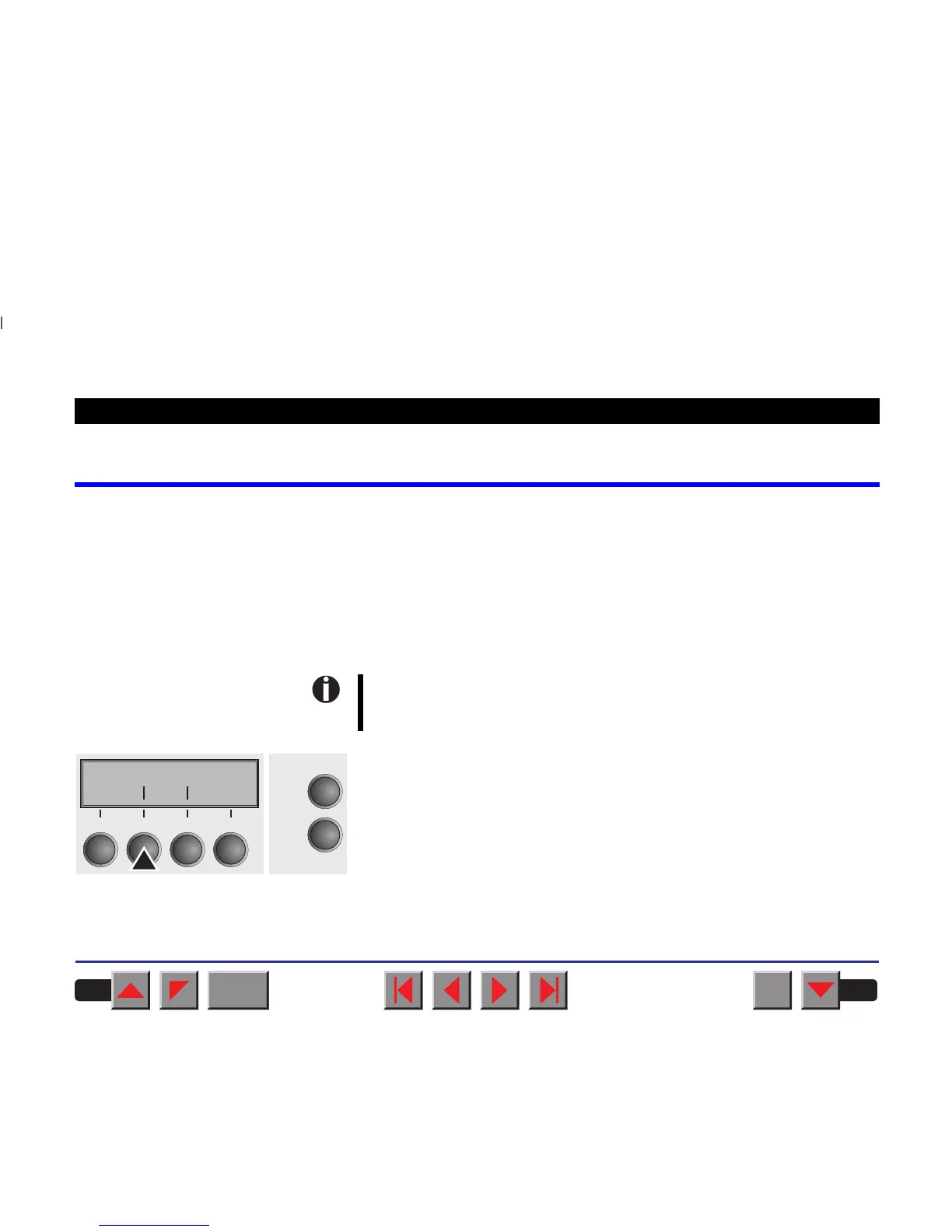
Press the Setup key. The printer changes to setup mode.
Press the Adjust key.
Adjust Paperway
Menu Char
Online
Setup
21
3
4
BACK
QUIT
?
PRINT
Reference manual Settings (II)
39














 To Next Page